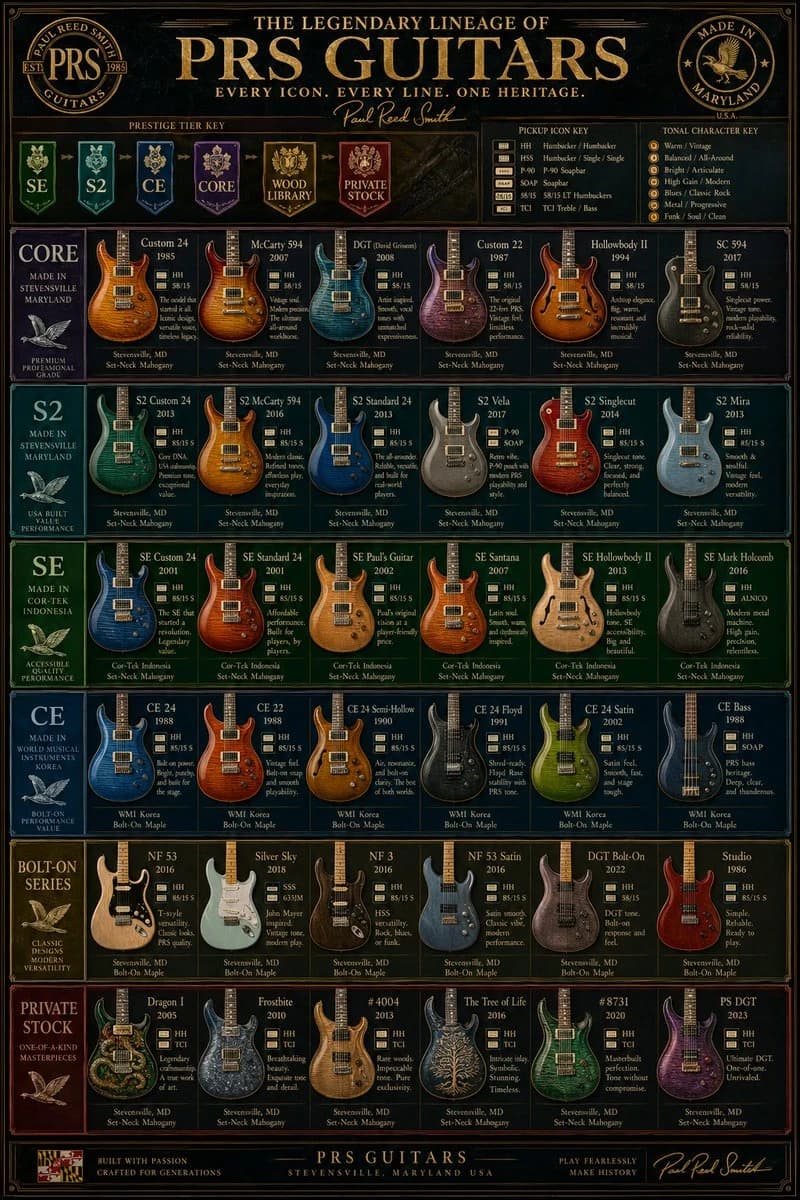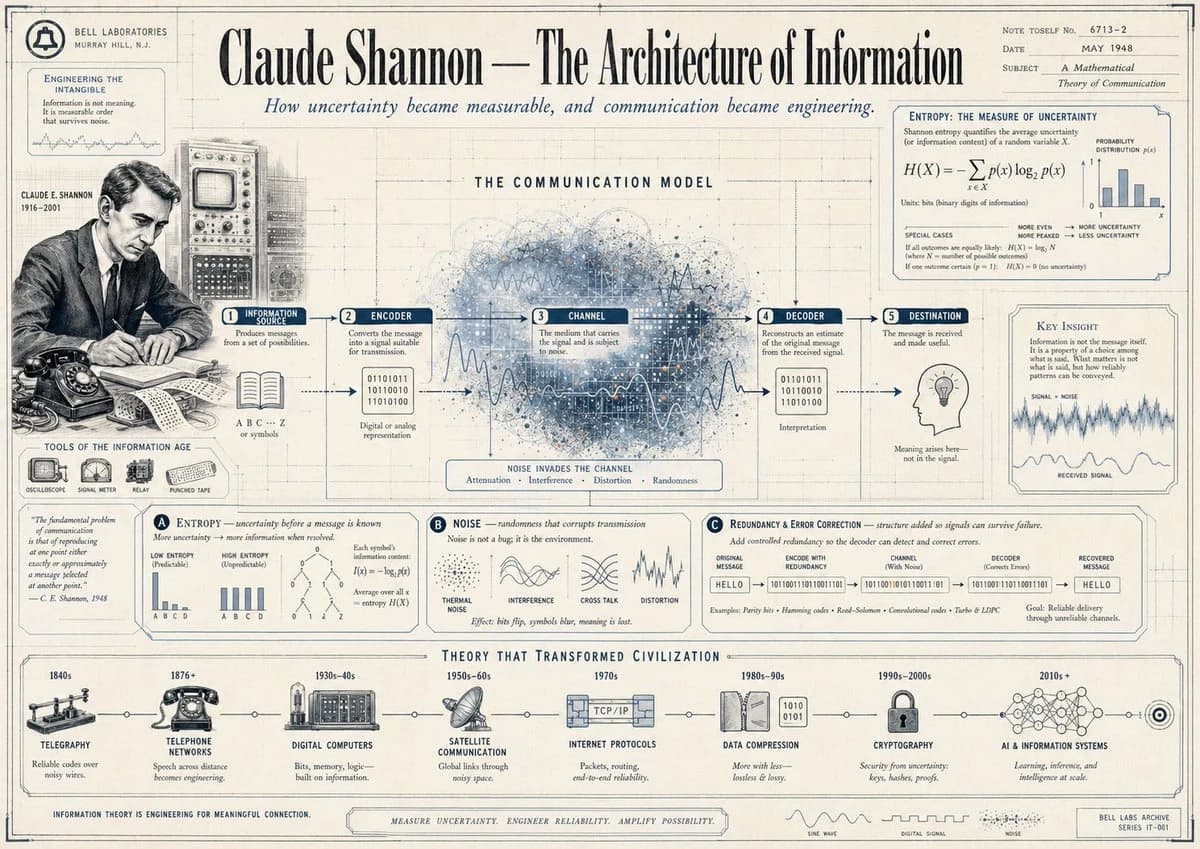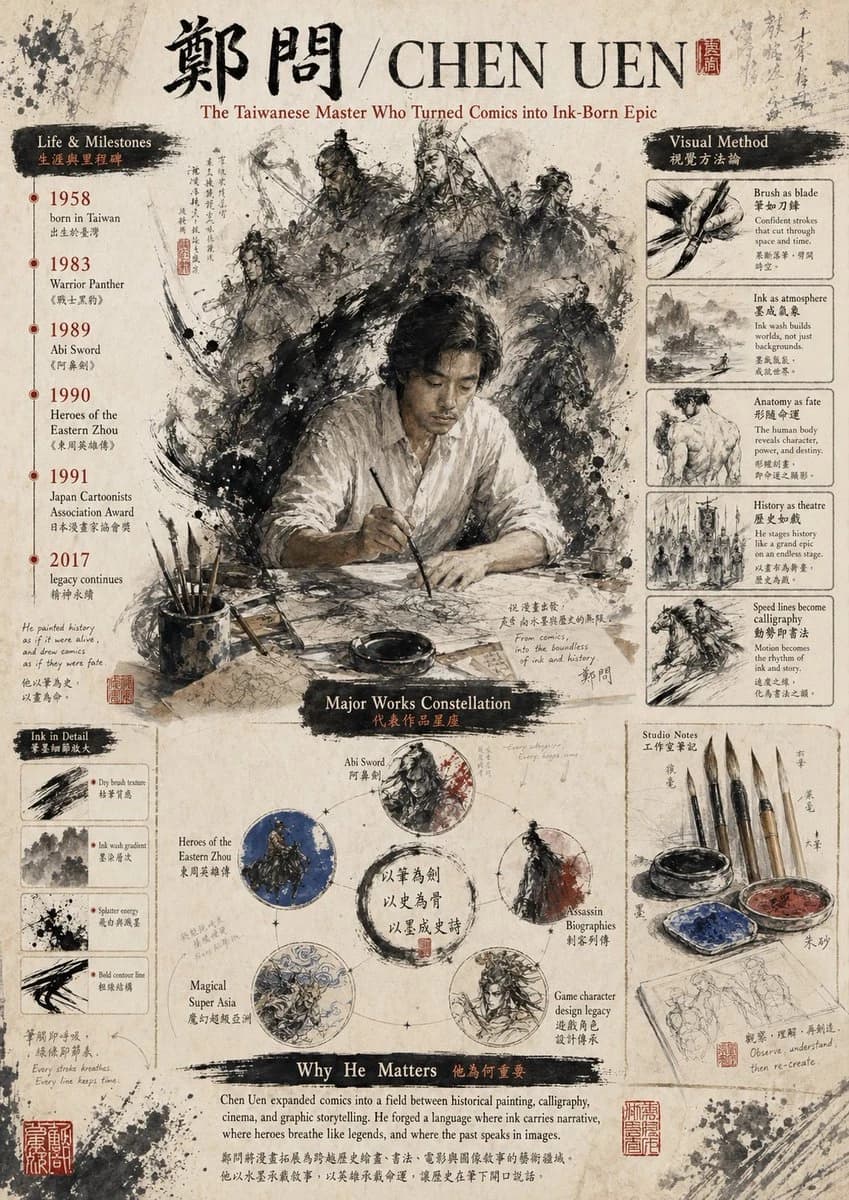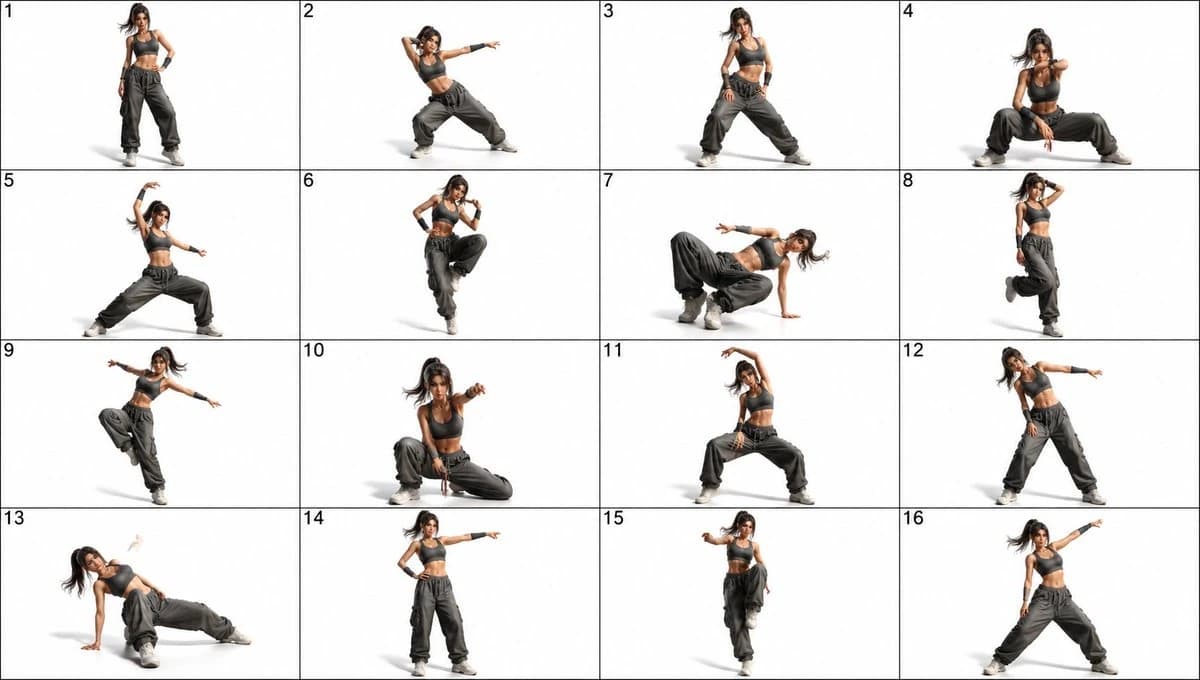
プロンプト
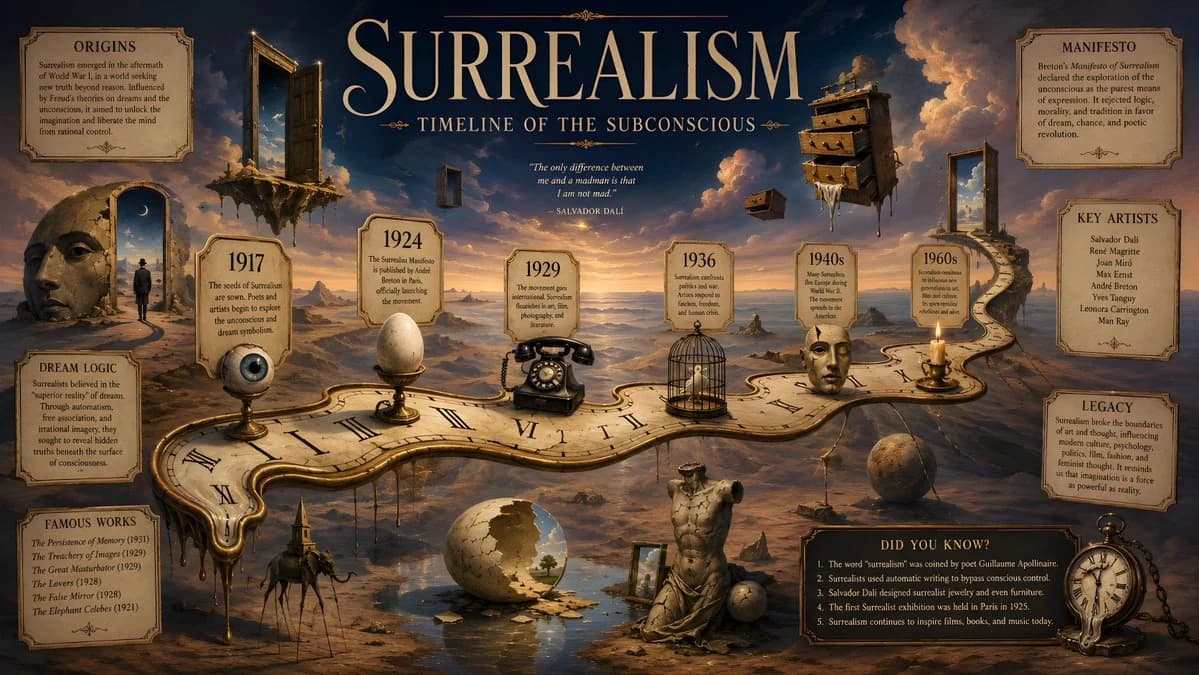
1364 語A surrealist historical timeline infographic poster in 16:9 horizontal format inspired by Salvador Dalí, featuring a dreamlike desert landscape where a long melting clock transforms into a winding historical timeline path across the composition, with floating doors, stretched shadows, levitating drawers, cracked stone statues, and impossible reflections merging into one symbolic world; the timeline should run diagonally from left to right like a dream corridor, with key surrealism dates placed inside small elegant labels, including 1917, 1924, 1929, 1936, 1940s and 1960s, each date connected to a strange symbolic object such as an eye, an egg, a telephone, a bird cage, a face, or a candle, all drawn with refined illusionistic detail; the background should be a warm twilight gradient blending sand beige, pale gold, faded blue and shadowy violet, with clouds that look like painted smoke and a horizon that bends unnaturally; the title should be placed at the top center in large dramatic serif typography reading SURREALISM, with the subtitle TIMELINE OF THE SUBCONSCIOUS beneath it in smaller elegant text; fact panels should be placed asymmetrically around the dreamscape, each one framed like a museum label but slightly distorted, with short sections labeled ORIGINS, MANIFESTO, KEY ARTISTS, DREAM LOGIC, FAMOUS WORKS, and LEGACY, plus a small DID YOU KNOW? box near the lower right with five original facts; the entire image should feel uncanny, poetic, intellectually rich, visually luxurious, and unmistakably surrealist, with no copied artwork, no logos, no modern UI, 16:9 horizontal ratio
このプロンプトについて
シュルレアリスム史タイムライン は Image 2 で GPT Image 2 にそのまま使えるポスタープロンプトです。下の 1364 語をコピーして作成フォームに貼り付けると、上のプレビューに近い結果を生成できます。 インフォグラフィック, ポスター, ストーリーボード タグを調整すると、別の方向性にも展開できます。
出発点として使い、被写体、ライティング、構図を変えながら仕上げてください。そのまま使ってもリミックスしても、生成コストは同じです。
用途
ポスター制作の起点に使いやすいプロンプト
シュルレアリスム史タイムライン に近い ポスター の画像を作りたいときは、この GPT Image 2 プロンプトから始めるとスムーズです。画面の方向性と構成はすでに整っているので、被写体、商品、色、シーンの細部だけを自分の内容に差し替えられます。
まず調整しやすいところ
- 被写体 人物、商品、場所、オブジェクトを自分の内容に差し替え、構図はそのまま活かします。
- 雰囲気 ライティング、配色、カメラ角度、質感をブランドや用途に合わせます。
- 仕上がり 生成前にアスペクト比、背景、文字、レイアウト指定を整えます。
近いテーマのプロンプトを探す
スタイル、用途、テーマが近い GPT Image 2 プロンプトを続けて確認できます。
使い方
- ステップ 1
プロンプトをコピー
上のコピー ボタンで全文を取得します。
- ステップ 2
Image 2 Create を開く
作成フォームに移動して貼り付けます。
- ステップ 3
生成する
Generate を押すと、数秒であなたのバージョンが完成します。
自分用に調整
ワンクリックで作成フォームに読み込み、すぐに調整を始められます。