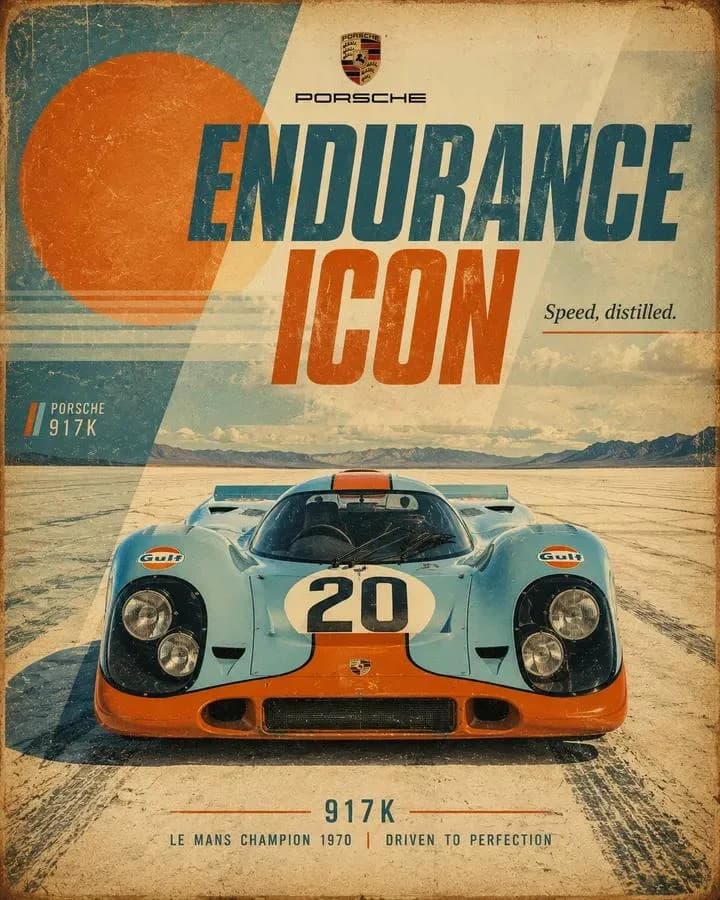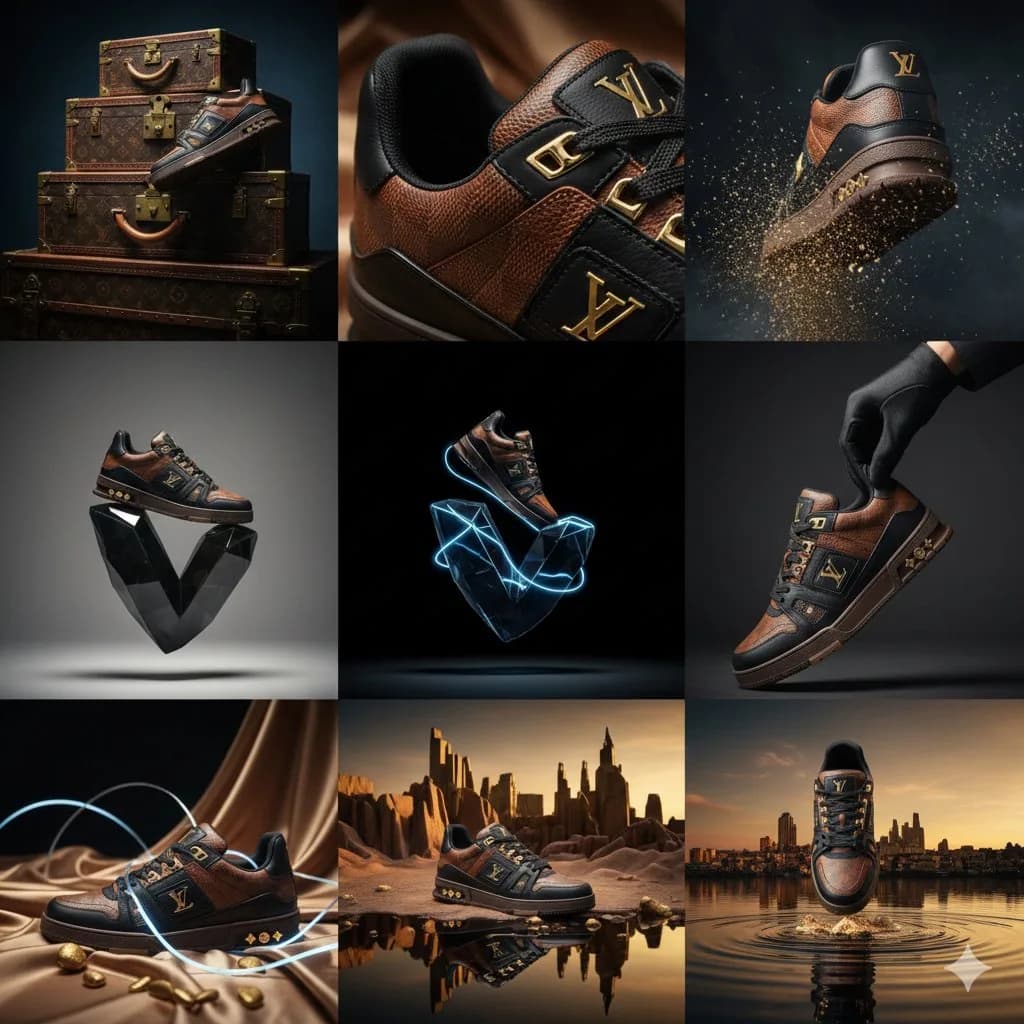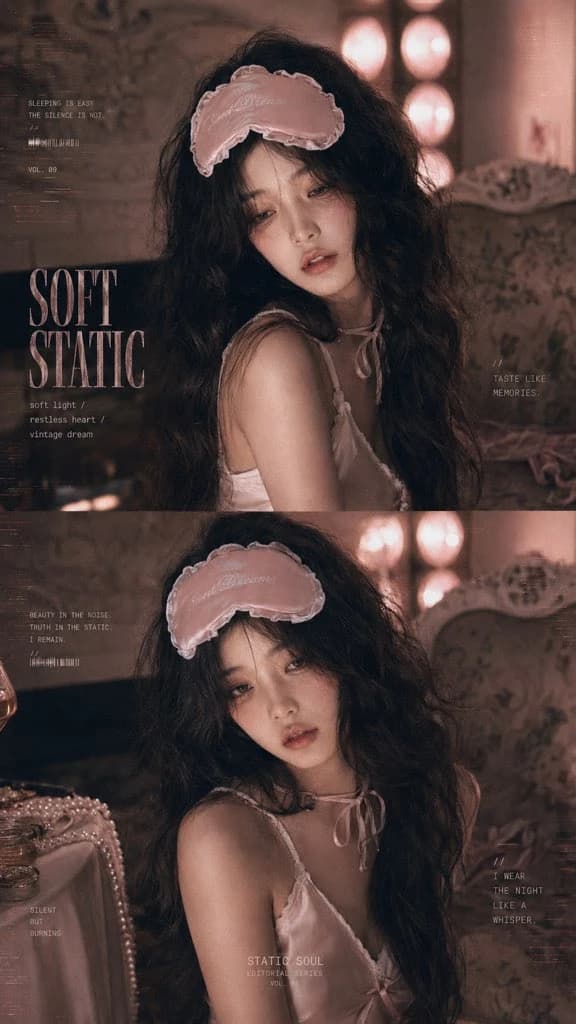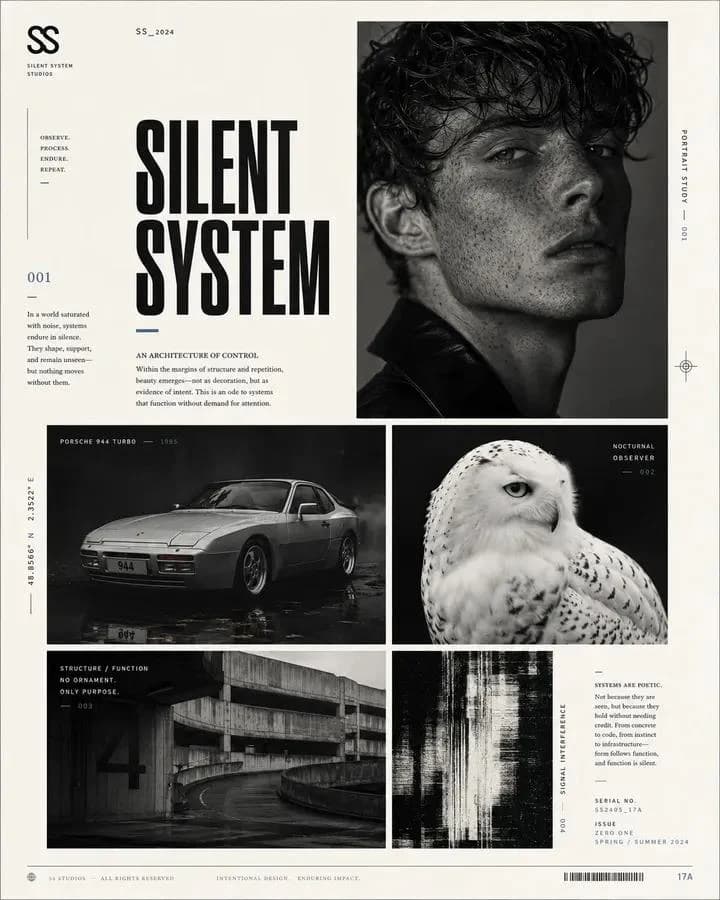
プロンプト
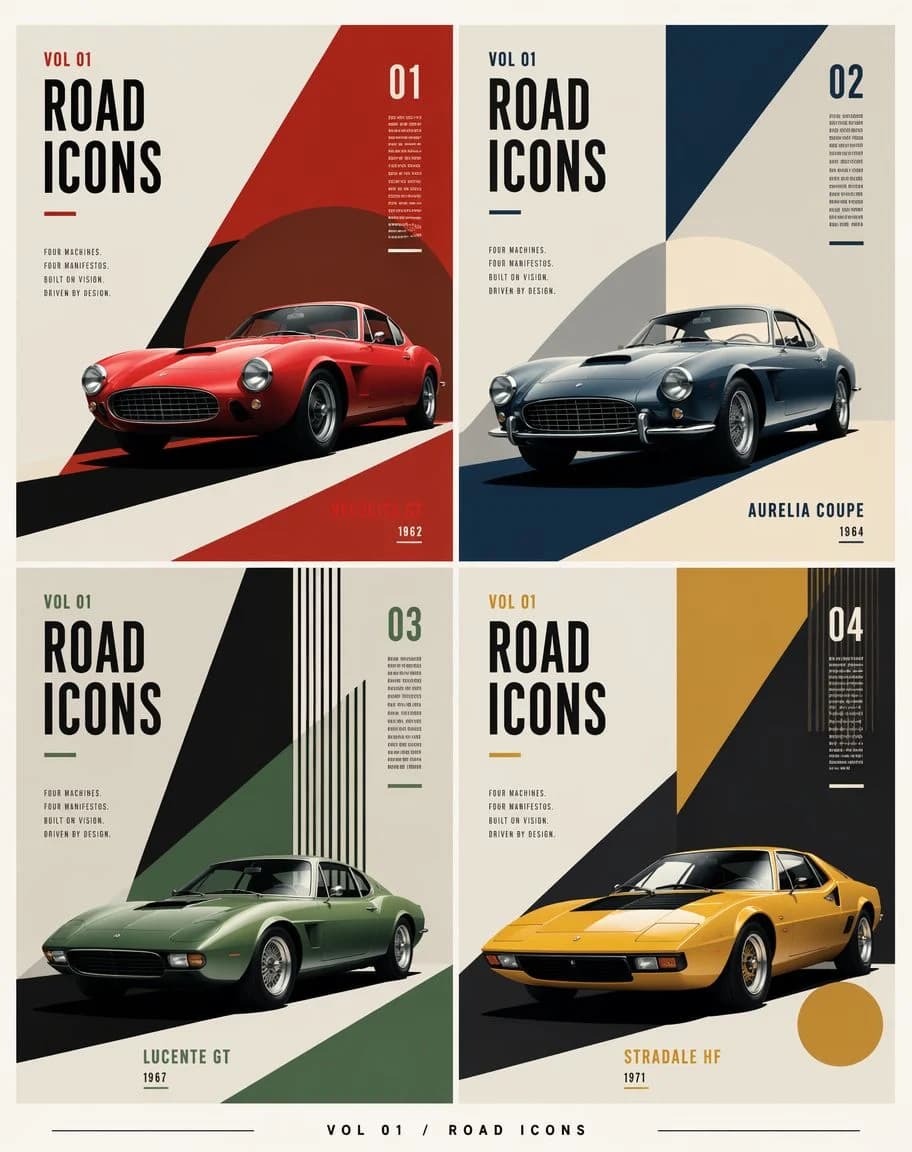
1843 文字目的:{argument name="series title" default="ROAD ICONS"}のための構成主義的なエディトリアルポスターグリッドを作成し、架空のクラシックスポーツカーを正確に4台、コレクション用の雑誌表紙パネルとして見せてください。
キャンバス:縦長ポスター、アスペクト比4:5、温かみのあるオフホワイトの紙の背景、ほのかな印刷のざらつき、くっきりとした高解像度のエディトリアルデザイン。構図全体の周りに細いクリーム色の余白をとり、パネル間には細いガターを設ける。
レイアウト:同じ大きさの長方形パネルを正確に4枚、2×2のグリッドに配置する。各パネルは同じタイポグラフィ体系を使いながら、アクセントカラーと幾何学的な構成が異なる独立した表紙デザインにする。グリッドの下中央に「VOL 01 / ROAD ICONS」と書かれた小さなフッターを置き、左右に細い横罫を伸ばす。
共通のタイポグラフィ:背の高いコンデンスド太字サンセリフの見出し、黒の大文字。各パネルには、左上付近の「VOL 01」、巨大な2段組みの「ROAD / ICONS」の見出し、「FOUR MACHINES. FOUR MANIFESTOS. BUILT BY VISION. DRIVEN BY DESIGN.」と書かれた小さなマニフェストのブロック、右上の大きな号数、号数の近くの小さな縦書きのマイクロテキスト、そしてパネルの色に合わせた短い下線のアクセントを入れる。すべての文字をシャープに整列させ、ポスターらしく保つ。
パネル1(左上):号数「01」。アクセントカラーは深い赤。やや左前を向いた、艶やかな赤の1960年代のグランドツーリング・クーペを見せる。低い車高、丸型ヘッドライト、楕円のグリル、クロームのディテール、リアルなスタジオライティング。大胆な斜めの構成主義的な形を使う:右側の大きな赤い三角形の面、車の後ろの暗いマルーンの円、黒い斜めの路面の影。右下のラベル:{argument name="car one label" default="VELOCITÀ GT"}と年式「1962」。
パネル2(右上):号数「02」。アクセントカラーはダークネイビー。やや左前を向いたシルバーブルーのクラシッククーペを見せる。丸型ヘッドランプ、クロームバンパー、ワイヤーホイール、リアルな艶のある映り込み。背景は右上からのネイビーの斜めのくさび形と、車の後ろの淡いクリーム色の円形の太陽の形、濃紺の足元の影。右下のラベル:{argument name="car two label" default="AURELIA COUPE"}と年式「1964」。
パネル3(左下):号数「03」。アクセントカラーは落ち着いたフォレストグリーン。左前を向いたマットグリーンのヴィンテージ・スポーツクーペを見せる。長いボンネット、低いルーフ、控えめなクロームホイール、リアルなライティング。背景は上からの鋭い黒い三角形のくさび、緑の斜めの面、右上の細い黒と緑の縦ストライプの組み合わせ。下中央のラベル:{argument name="car three label" default="LUCENTE GT"}と年式「1967」。
パネル4(右下):号数「04」。アクセントカラーはマスタードイエロー。左前を向いた、黄色いくさび形の1970年代スポーツカーを見せる。リトラクタブルヘッドライトのシルエット、黒いガラスのキャノピー、低く角ばったボディ、リアルな塗装の輝き。背景は大きな黒い斜めのくさび、上部のマスタードイエローの長方形の面、右上の縦ストライプの集まり、右下近くのマスタードの円。下中央のラベル:{argument name="car four label" default="STRADALE HF"}と年式「1971」。
ビジュアルスタイル:ミッドセンチュリーの構成主義とラグジュアリーな自動車エディトリアルの融合、幾何学的なカラーブロッキング、ドラマチックな斜めの影、正確なスイス式グリッドの整列、フラットなグラフィックポスターのレイアウトに溶け込んだフォトリアルな車。パレット:クリーム、黒、赤、ネイビー、グリーン、マスタードに、ほのかな古紙の質感。
制約:車は正確に4台、番号付きパネルは正確に4枚にする。すべての車は架空だが、歴史的にありそうなデザインにする。人物、ロゴ、透かし、QRコード、追加のパネルは入れない。すっきりしたガターと力強いポスター構図を保つ。このプロンプトについて
構成主義クラシックカー編集グリッド は、Image 2でGPT Image 2にそのまま使える広告クリエイティブプロンプトです。下の1843文字をコピーして作成フォームに貼り付けると、上のプレビューに近い画像を生成できます。 商品広告, 広告クリエイティブ, ポスター タグを調整すると、別の方向性にも展開できます。
出発点として使い、被写体、ライティング、構図を変えながら仕上げてください。そのまま使ってもリミックスしても、生成コストは同じです。
用途
広告クリエイティブ制作の起点に使いやすいプロンプト
構成主義クラシックカー編集グリッド に近い 広告クリエイティブ の画像を作りたいときは、この GPT Image 2 プロンプトから始めるとスムーズです。画面の方向性と構成はすでに整っているので、被写体、商品、色、シーンの細部だけを自分の内容に差し替えられます。
まず調整しやすいところ
- 被写体 人物、商品、場所、オブジェクトを自分の内容に差し替え、構図はそのまま活かします。
- 雰囲気 ライティング、配色、カメラ角度、質感をブランドや用途に合わせます。
- 仕上がり 生成前にアスペクト比、背景、文字、レイアウト指定を整えます。
近いテーマのプロンプトを探す
スタイル、用途、テーマが近い GPT Image 2 プロンプトを続けて確認できます。
使い方
- ステップ 1
プロンプトをコピー
上のコピー ボタンで全文を取得します。
- ステップ 2
Image 2 Create を開く
作成フォームに移動して貼り付けます。
- ステップ 3
生成する
Generate を押すと、数秒であなたのバージョンが完成します。
自分用に調整
ワンクリックで作成フォームに読み込み、すぐに調整を始められます。