プロンプト
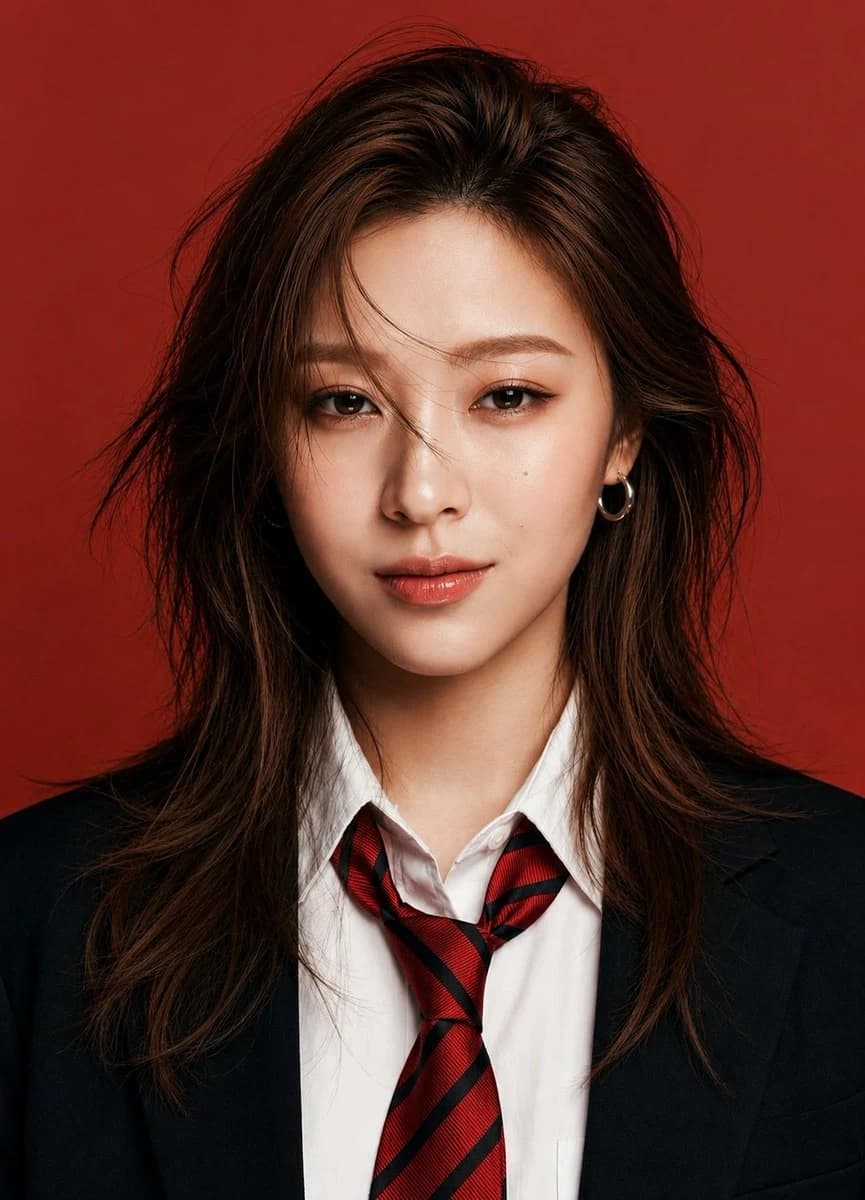
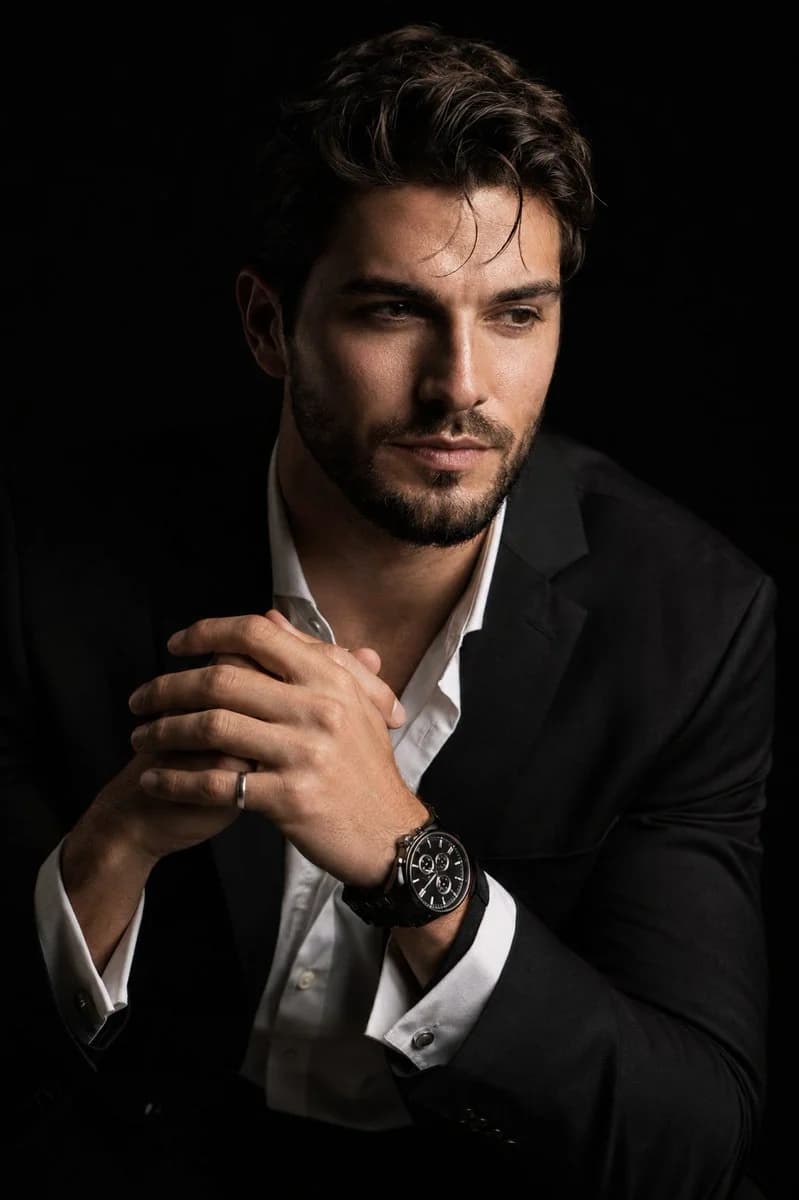
627 文字アップロードした人物を、ドラマチックなキアロスクーロ(明暗法)スタイルで描いた、超リアルな8Kのシネマティックポートレートを作成してください。被写体は斜め45度の角度で座り、わずかに前傾した、リラックスしつつも威厳のある姿勢をとっている。顔はカメラからやや背け、レンズは見ていない。顔の片側がくっきりと照らされ、反対側は深くベルベットのような黒い影へと溶け込んでいる。 表情は物思いにふけっている。 両手は胸の近くで自然かつ正確なポーズをとり、指はそっと正しく組まれている。片方の手首には、精巧なメタルリンクブレスレットの高級な黒いクロノグラフウォッチがはっきりと見え、片手には控えめなシルバーリングをはめている。白いドレスシャツの上にシャープな黒いスーツジャケットを着て、シャツの上のボタンは開けており、上質な生地の質感と自然なしわが見える。 背景は継ぎ目のない単色の黒。強い指向性のスタジオライティングで、豊かなコントラスト、きれいな影のフォールオフ、リアルな肌の質感を表現する。髪の毛の一本一本、ひげ、瞳の潤い、顔の質感、時計の文字盤、メタルブレスレットの反射、シルバーリングといった細部を際立たせる。85mmのポートレートレンズで撮ったような描写、浅い被写界深度、プレミアムな商業写真、極めてシャープなピント、なめらかで自然な肌のグラデーション、シネマティックなコントラスト。人工的なプラスチックのような肌、余分な指、ゆがんだ手、崩れた人体構造はなし。
このプロンプトについて
キアロスクーロの超写実ポートレート は、Image 2でGPT Image 2にそのまま使えるポートレートプロンプトです。下の627文字をコピーして作成フォームに貼り付けると、上のプレビューに近い画像を生成できます。 商品広告, ポートレート, ファッション タグを調整すると、別の方向性にも展開できます。
出発点として使い、被写体、ライティング、構図を変えながら仕上げてください。そのまま使ってもリミックスしても、生成コストは同じです。
用途
ポートレート制作の起点に使いやすいプロンプト
キアロスクーロの超写実ポートレート に近い ポートレート の画像を作りたいときは、この GPT Image 2 プロンプトから始めるとスムーズです。画面の方向性と構成はすでに整っているので、被写体、商品、色、シーンの細部だけを自分の内容に差し替えられます。
まず調整しやすいところ
- 被写体 人物、商品、場所、オブジェクトを自分の内容に差し替え、構図はそのまま活かします。
- 雰囲気 ライティング、配色、カメラ角度、質感をブランドや用途に合わせます。
- 仕上がり 生成前にアスペクト比、背景、文字、レイアウト指定を整えます。
近いテーマのプロンプトを探す
スタイル、用途、テーマが近い GPT Image 2 プロンプトを続けて確認できます。
使い方
- ステップ 1
プロンプトをコピー
上のコピー ボタンで全文を取得します。
- ステップ 2
Image 2 Create を開く
作成フォームに移動して貼り付けます。
- ステップ 3
生成する
Generate を押すと、数秒であなたのバージョンが完成します。
自分用に調整
ワンクリックで作成フォームに読み込み、すぐに調整を始められます。