提示詞
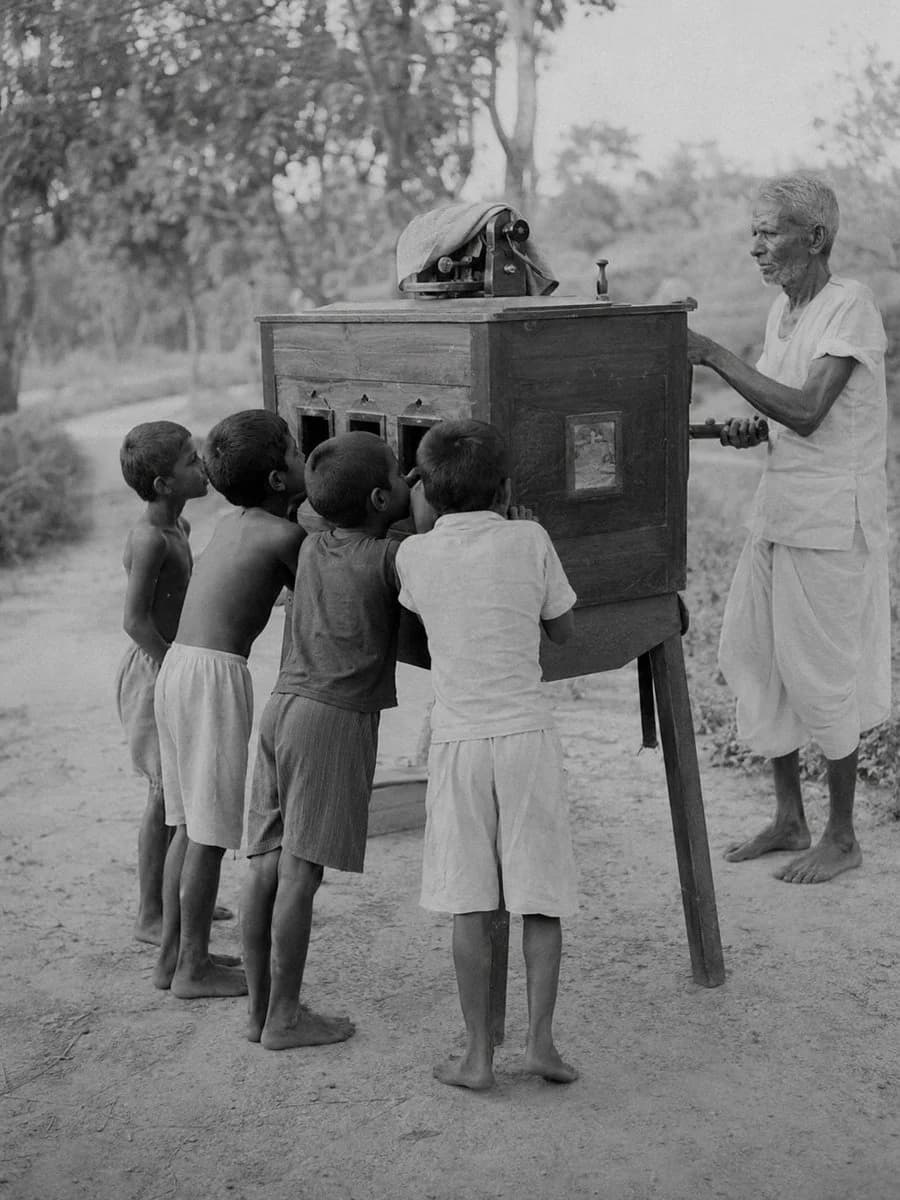
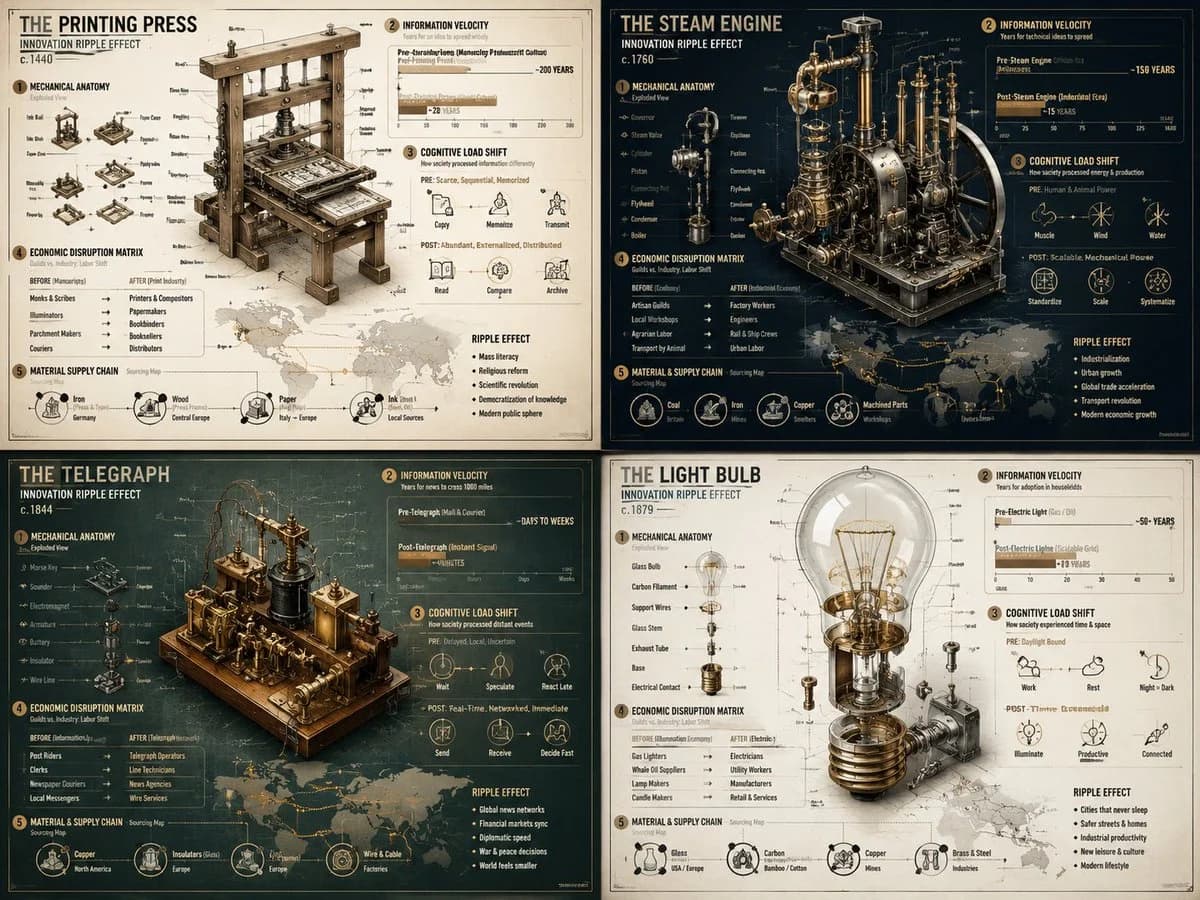
575 個字innovation_ripple_effect_for_{argument name="invention" default="[historical_invention]"} = ( mechanical_anatomy_exploded_view_of_{argument name="invention" default="[historical_invention]"} * 1.8 ) + ( information_velocity_graph_years_to_spread_idea_pre_vs_post_invention * 2.0 ) + ( cognitive_load_shift_diagram_how_society_processed_information_differently * 1.6 ) + ( economic_disruption_matrix_guilds_vs_industry_labor_shift * 1.4 ) + ( material_supply_chain_sourcing_map_for_the_invention * 1.3 ) - ( dusty_museum_artifact_photos / 3.0 ) - ( inventor_as_lone_genius_trope / 3.8 ) - ( boring_patent_office_drawings / 3.5 )關於這個提示詞
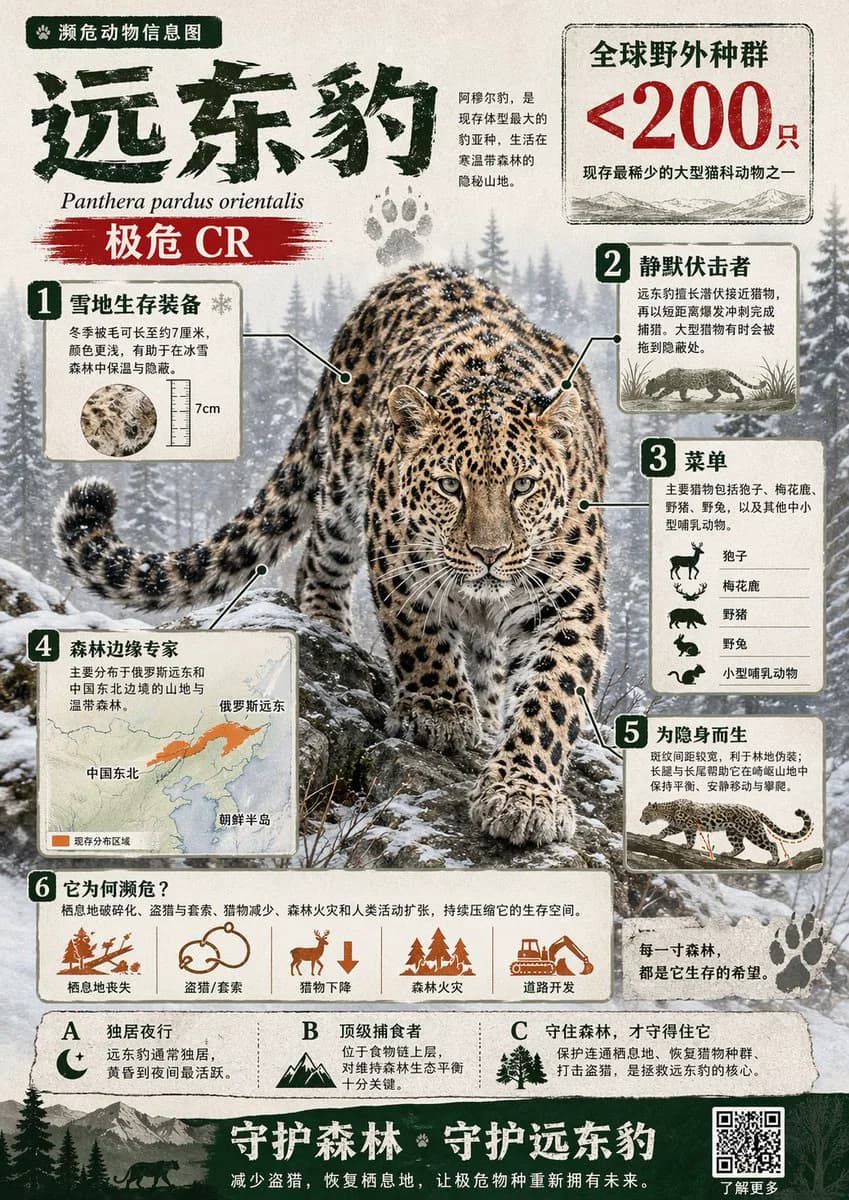
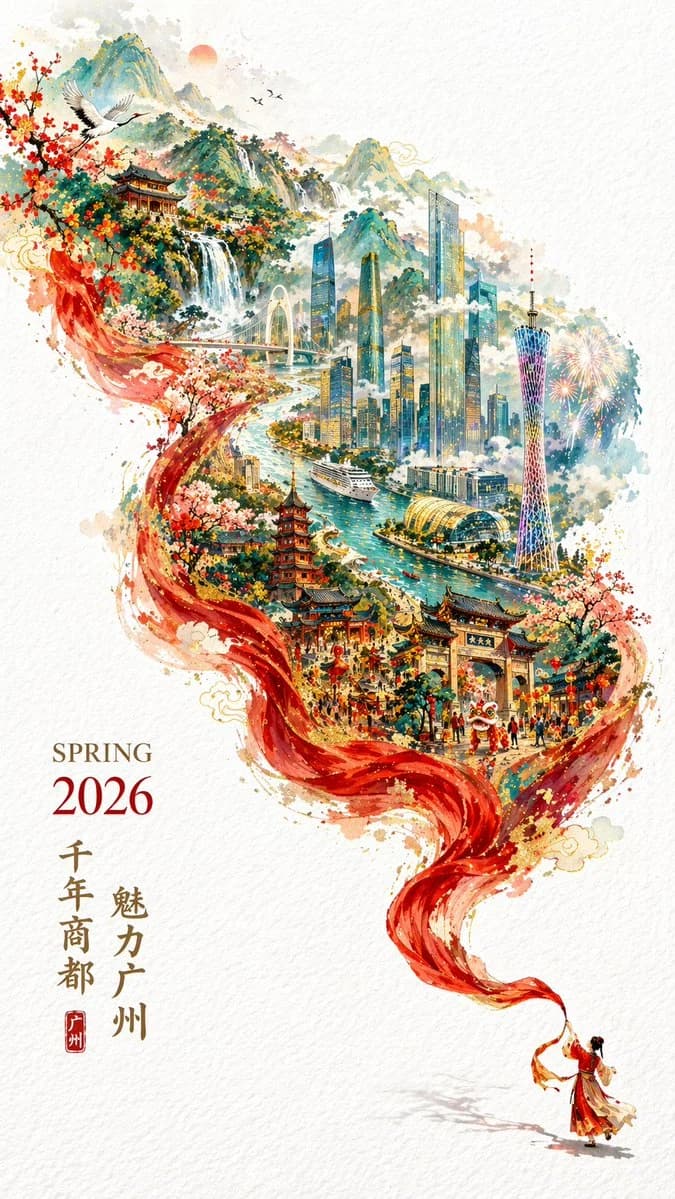
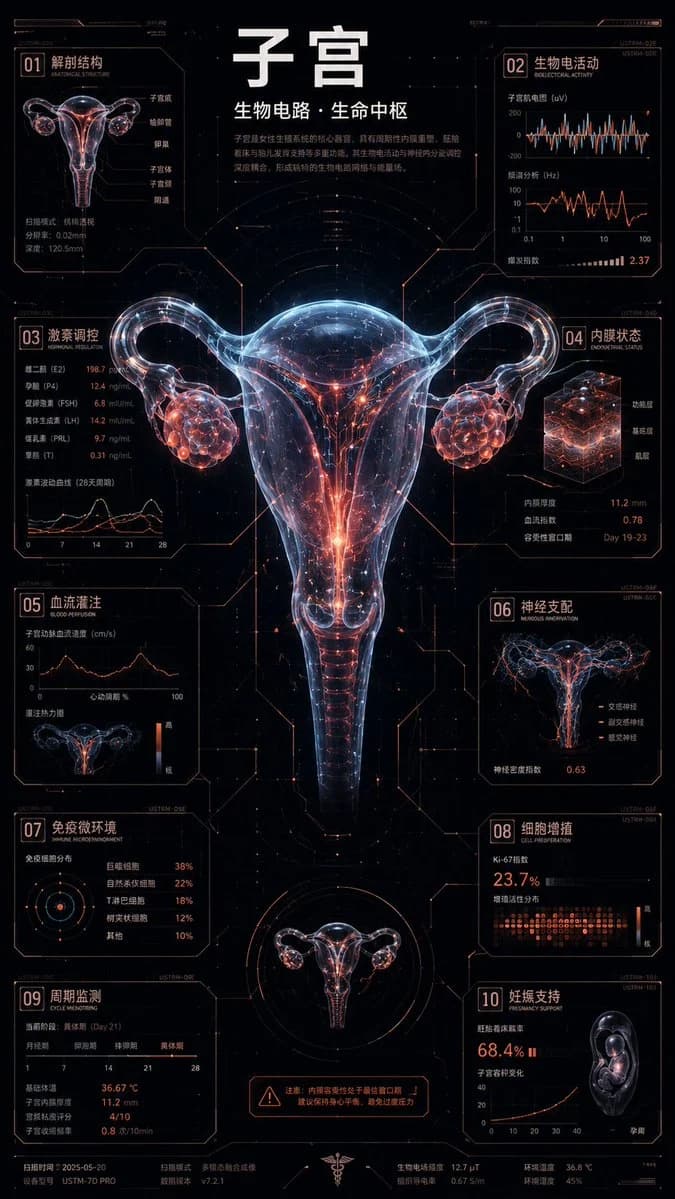
歷史發明視覺化公式 是一則可直接使用的 GPT Image 2 資訊圖提示詞。複製下方 575 個字,貼到創作表單,即可生成接近預覽圖的效果。 你也可以調整 資訊圖, 海報 標籤,讓結果走向新的風格。
可以先用它生成初稿,再依需求調整主體、光線或構圖。直接使用或自行改寫,生成消耗都相同。
適用場景
適合作為資訊圖創作起點
想生成接近 歷史發明視覺化公式 的資訊圖畫面時,可以直接從這則 GPT Image 2 提示詞開始。它已經設定好構圖和風格,只需替換主體、產品、顏色或場景細節。
最適合先改的地方
- 主體 把人物、產品、地點或物體換成自己的內容,整體構圖先保留。
- 畫面氛圍 按品牌或用途調整光線、配色、鏡頭角度和材質細節。
- 輸出形式 生成前先定好比例、背景、文字和版型要求。
如何使用
- 第 1 步
複製提示詞
點選上方複製按鈕,取得完整提示詞。
- 第 2 步
開啟 Image 2 建立頁
進入建立表單,並把提示詞貼上。
- 第 3 步
生成圖像
點選生成,幾秒後即可得到你的版本。
改成你的版本
一鍵把提示詞載入建立表單,然後開始調整。