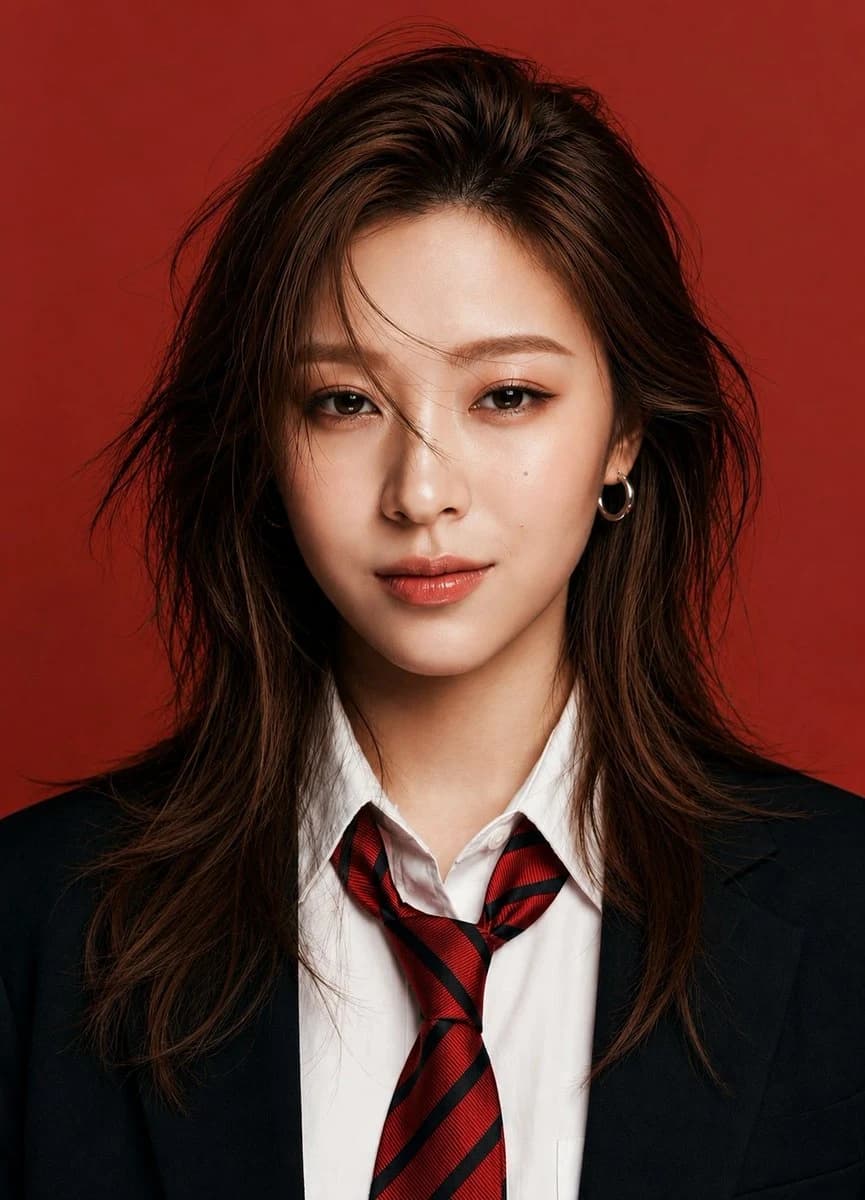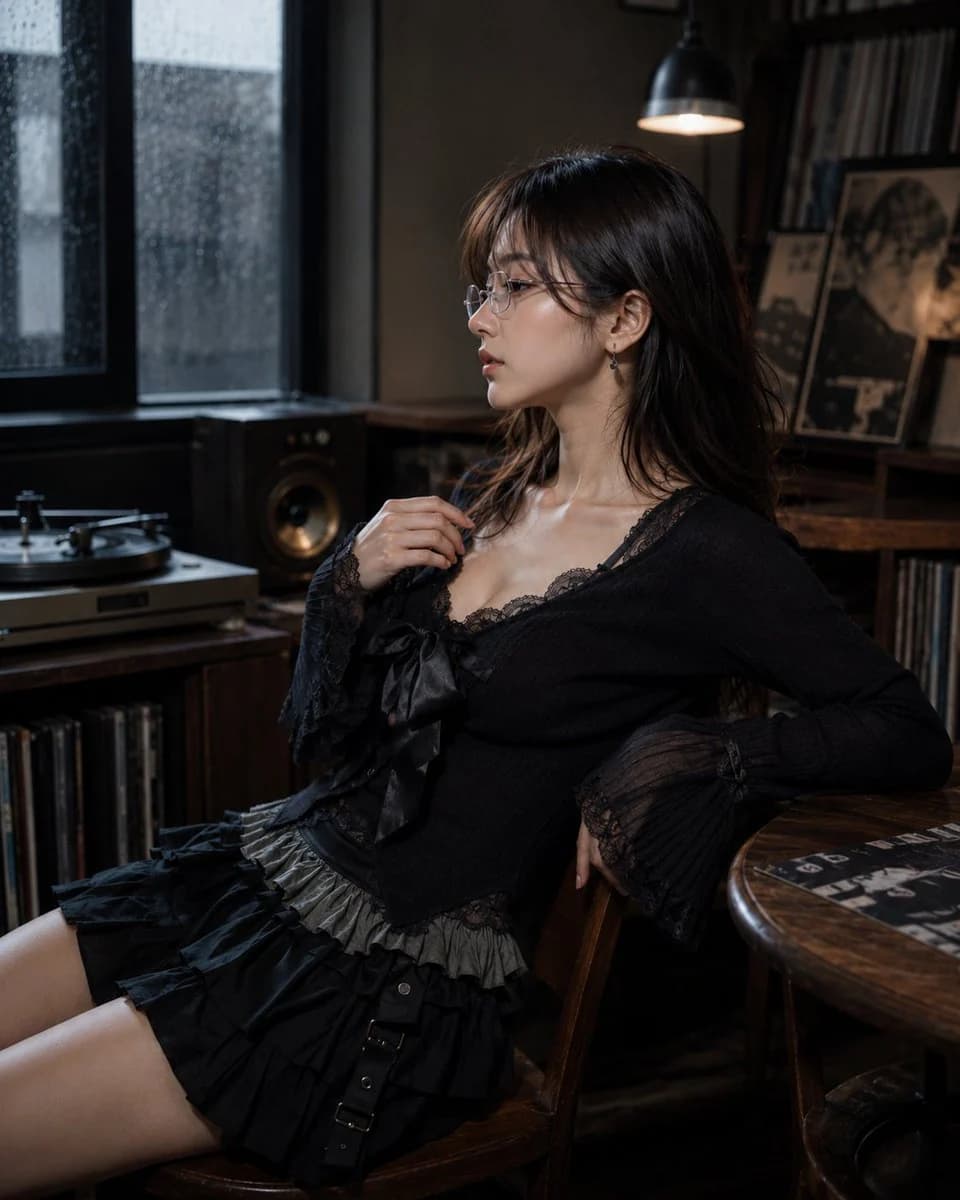
プロンプト
1037 文字Create a photorealistic editorial portrait of one 20-year-old Japanese or Korean female portrait subject with white frame, thin-frame glasses, worn normally on the face, lenses aligned over the eyes and small teardrop gemstone earring detail, delicate understated sparkle, natural basic body, about 160-165 cm visual height, balanced torso-to-leg ratio around 4:6, young seductive alluring beauty face, magnetic feminine facial balance, defined eyes and lips, collarbone-length layered hair, airy natural volume, soft face-framing movement, soft black-tea brown hair, muted brown-black salon tone. She is sitting on a chair that naturally fits the current scene. The setting is British record listening corner, turntable setup, stacked vinyl sleeves, bookshelf speakers, aged wood cabinet, lamp fixture, small side table, indoor rainy-day daylight environment, dim grey window brightness. She wears gothic casual knit-and-ruffle outfit, fitted knit top, lace camisole layer, large ribbon bow, high-waist layered ruffle mini skirt. Inspired by Leslie Kee, polished commercial portrait image language. Camera positioned on the subject's left side, 90-degree left profile view, ultra shallow depth of field.
このプロンプトについて
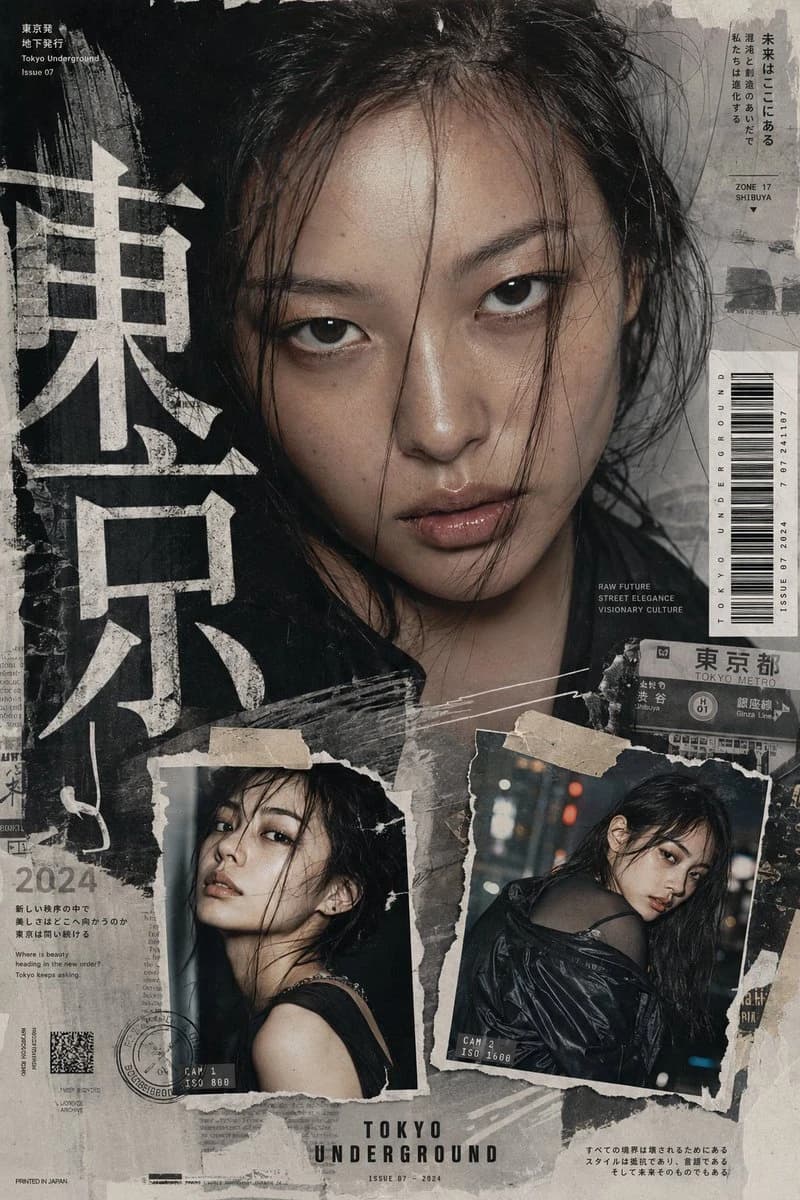
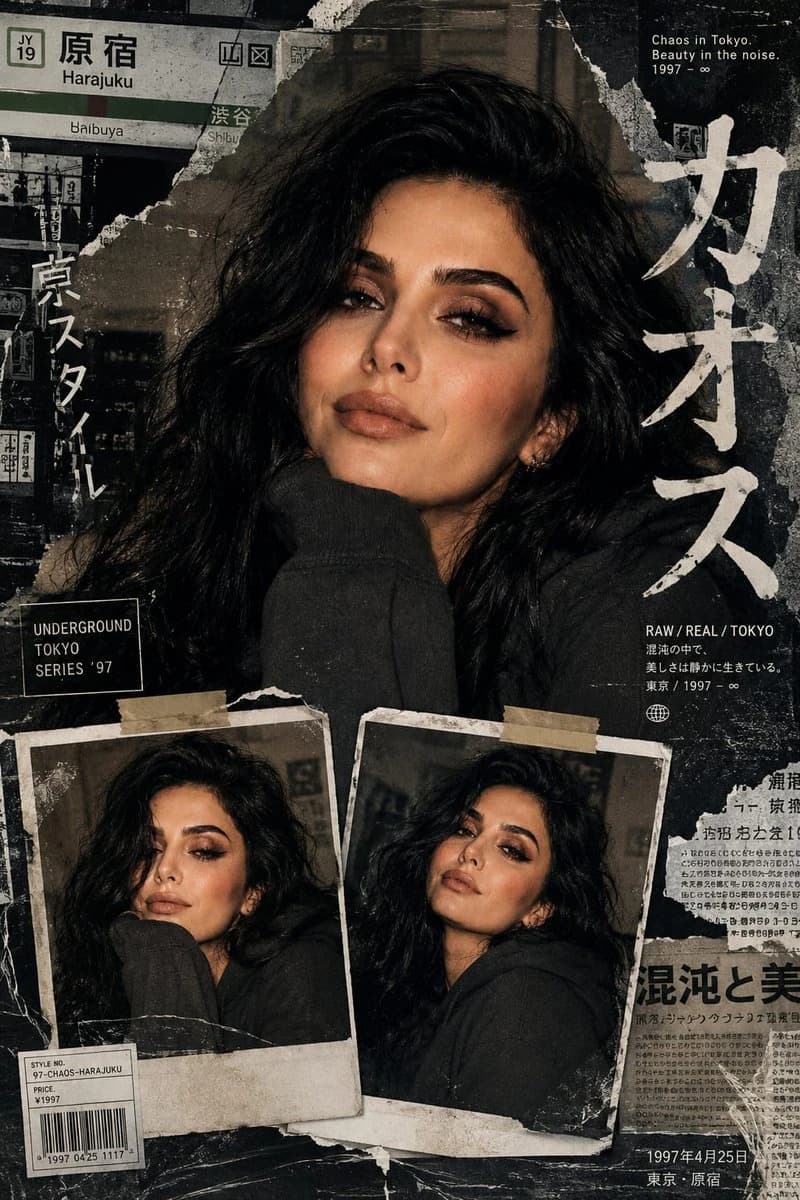
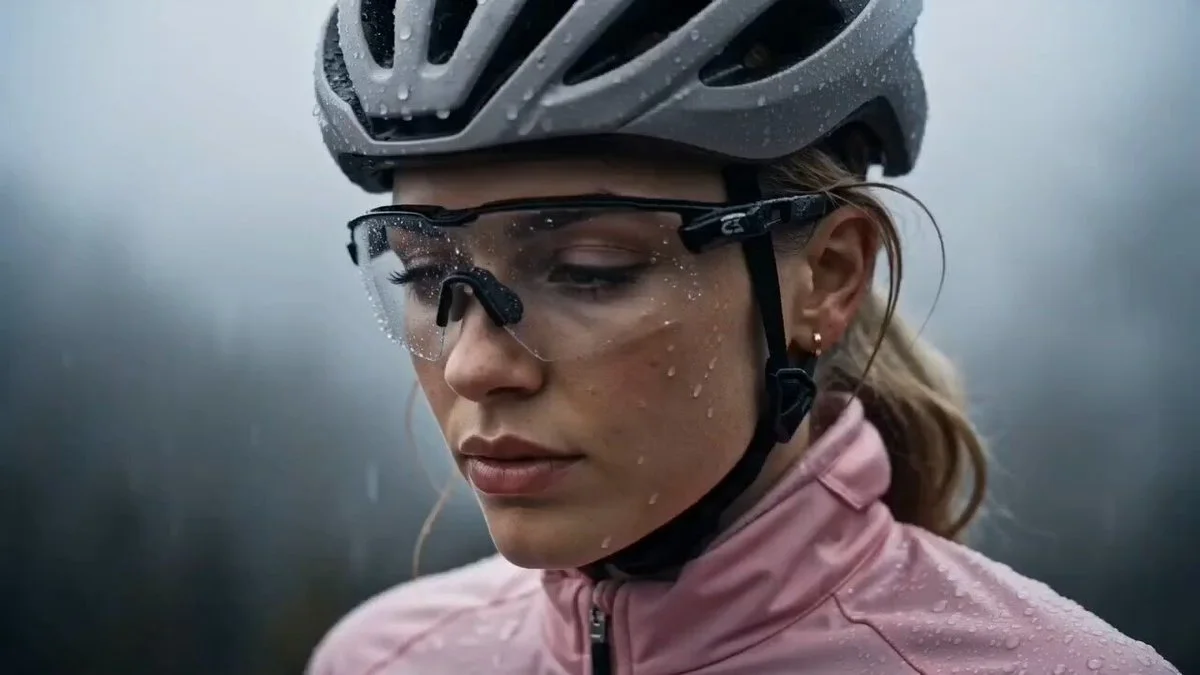
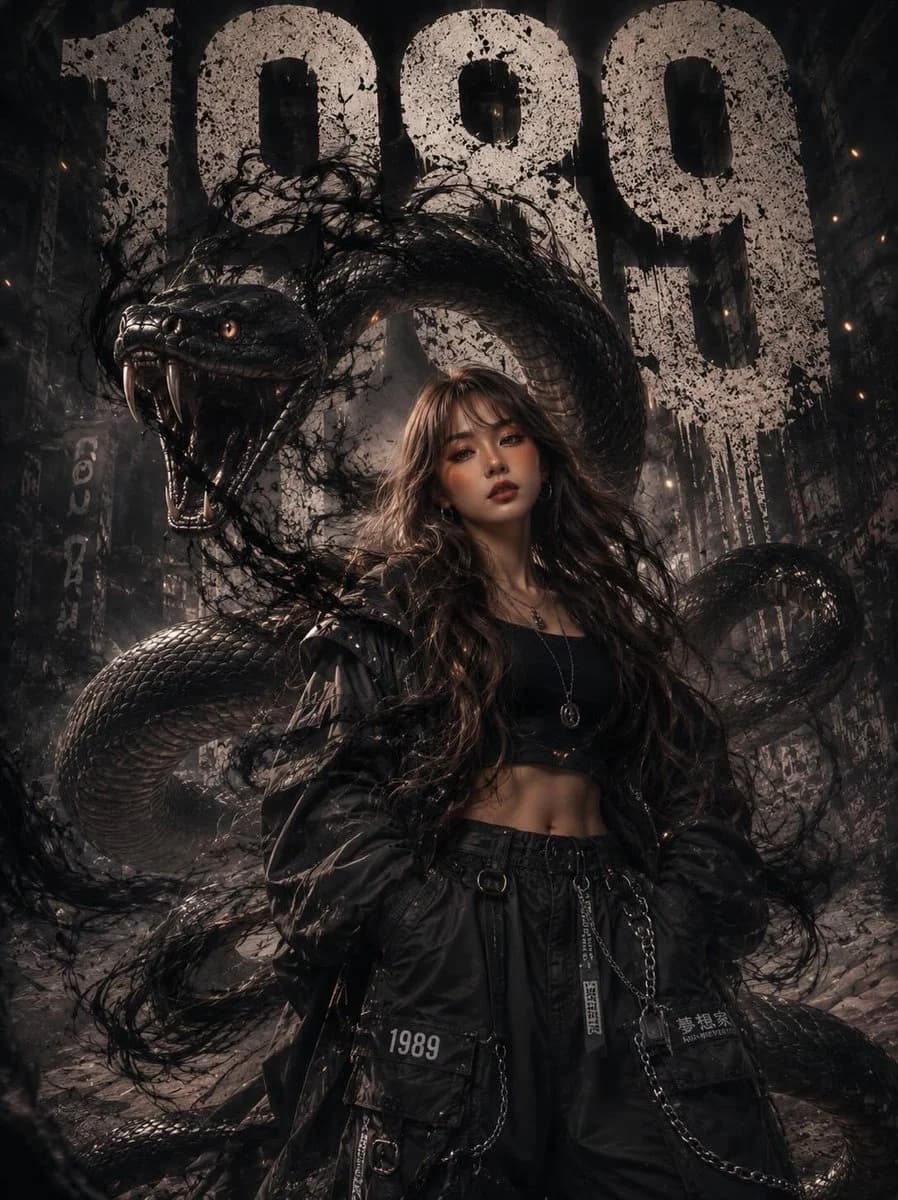
かわいいキャラクター横顔ポートレート は、Image 2でGPT Image 2にそのまま使えるポートレートプロンプトです。下の1037文字をコピーして作成フォームに貼り付けると、上のプレビューに近い画像を生成できます。 商品広告, ポートレート, キャラクターデザイン タグを調整すると、別の方向性にも展開できます。
出発点として使い、被写体、ライティング、構図を変えながら仕上げてください。そのまま使ってもリミックスしても、生成コストは同じです。
用途
ポートレート制作の起点に使いやすいプロンプト
かわいいキャラクター横顔ポートレート に近い ポートレート の画像を作りたいときは、この GPT Image 2 プロンプトから始めるとスムーズです。画面の方向性と構成はすでに整っているので、被写体、商品、色、シーンの細部だけを自分の内容に差し替えられます。
まず調整しやすいところ
- 被写体 人物、商品、場所、オブジェクトを自分の内容に差し替え、構図はそのまま活かします。
- 雰囲気 ライティング、配色、カメラ角度、質感をブランドや用途に合わせます。
- 仕上がり 生成前にアスペクト比、背景、文字、レイアウト指定を整えます。
近いテーマのプロンプトを探す
スタイル、用途、テーマが近い GPT Image 2 プロンプトを続けて確認できます。
使い方
- ステップ 1
プロンプトをコピー
上のコピー ボタンで全文を取得します。
- ステップ 2
Image 2 Create を開く
作成フォームに移動して貼り付けます。
- ステップ 3
生成する
Generate を押すと、数秒であなたのバージョンが完成します。
自分用に調整
ワンクリックで作成フォームに読み込み、すぐに調整を始められます。