프롬프트
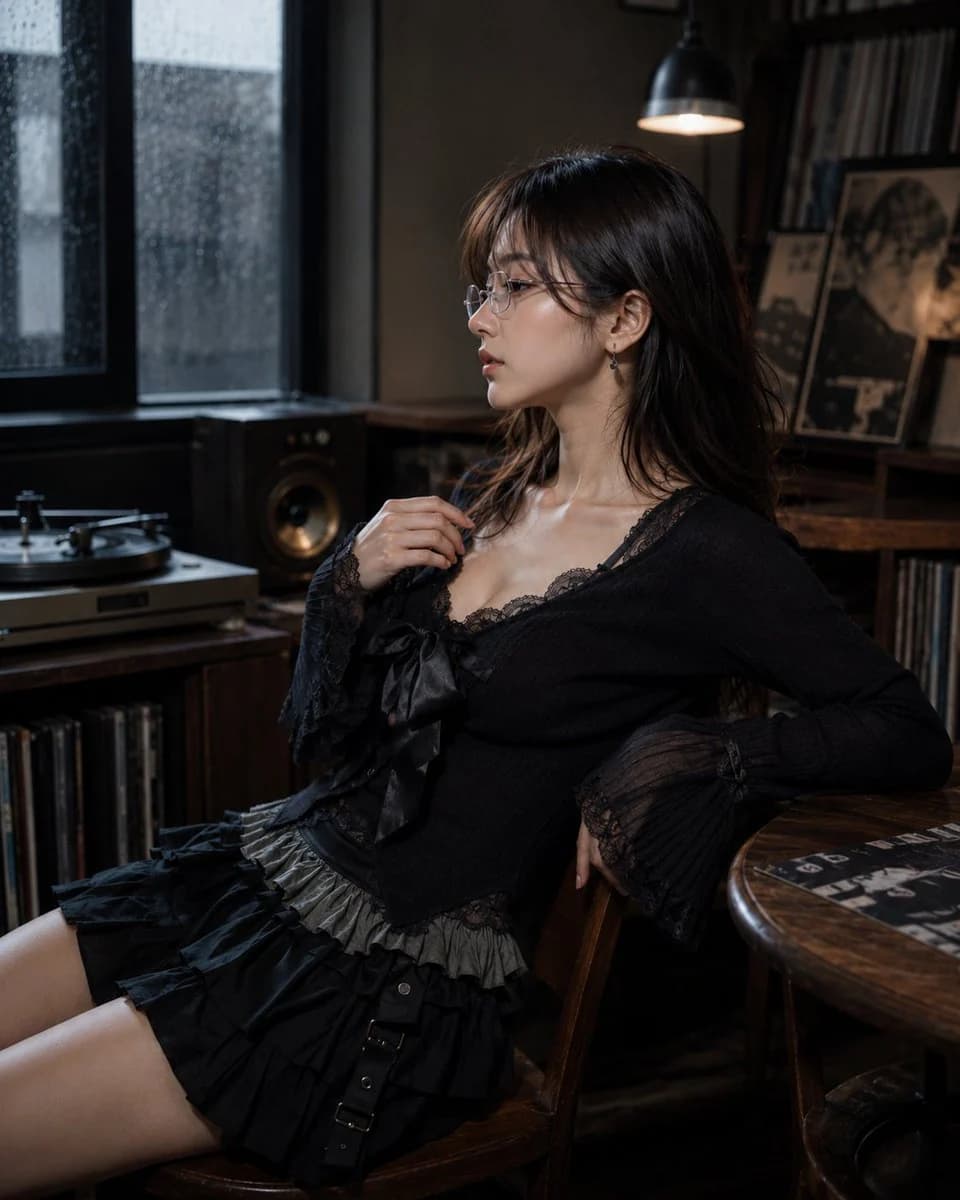
1037자Create a photorealistic editorial portrait of one 20-year-old Japanese or Korean female portrait subject with white frame, thin-frame glasses, worn normally on the face, lenses aligned over the eyes and small teardrop gemstone earring detail, delicate understated sparkle, natural basic body, about 160-165 cm visual height, balanced torso-to-leg ratio around 4:6, young seductive alluring beauty face, magnetic feminine facial balance, defined eyes and lips, collarbone-length layered hair, airy natural volume, soft face-framing movement, soft black-tea brown hair, muted brown-black salon tone. She is sitting on a chair that naturally fits the current scene. The setting is British record listening corner, turntable setup, stacked vinyl sleeves, bookshelf speakers, aged wood cabinet, lamp fixture, small side table, indoor rainy-day daylight environment, dim grey window brightness. She wears gothic casual knit-and-ruffle outfit, fitted knit top, lace camisole layer, large ribbon bow, high-waist layered ruffle mini skirt. Inspired by Leslie Kee, polished commercial portrait image language. Camera positioned on the subject's left side, 90-degree left profile view, ultra shallow depth of field.
이 프롬프트 소개
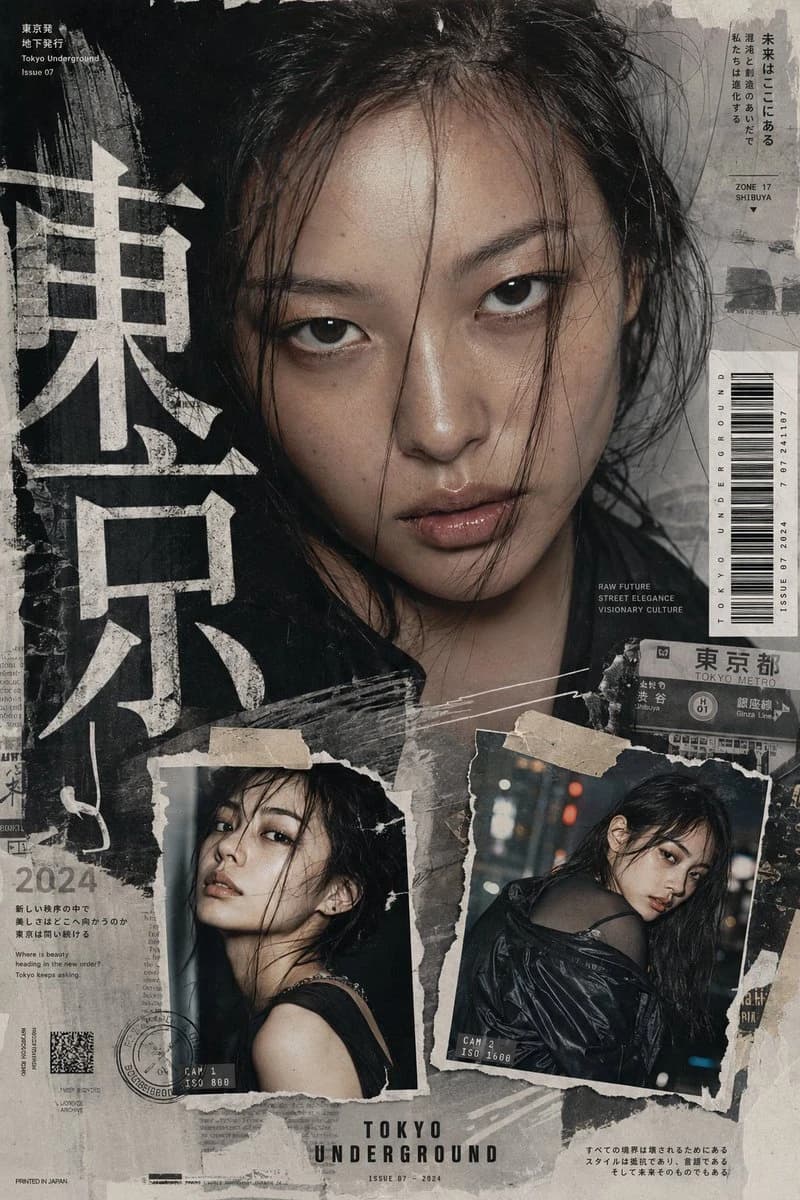
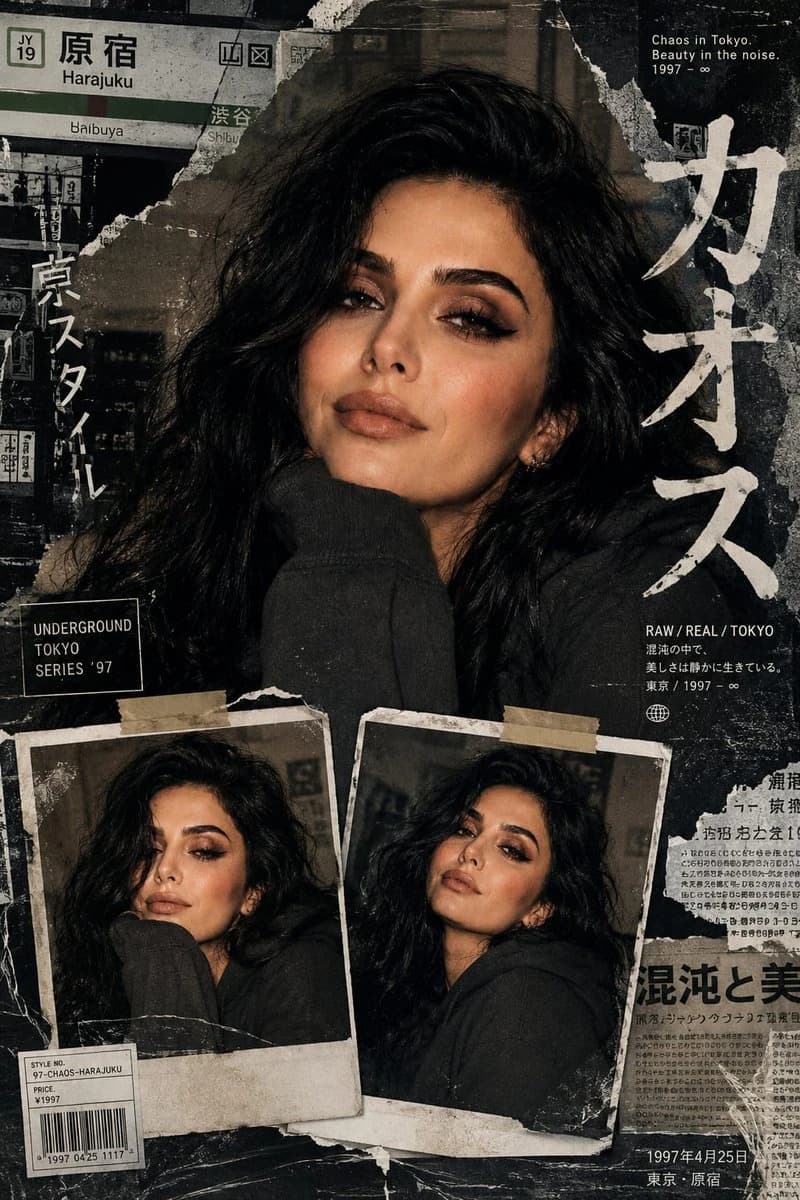
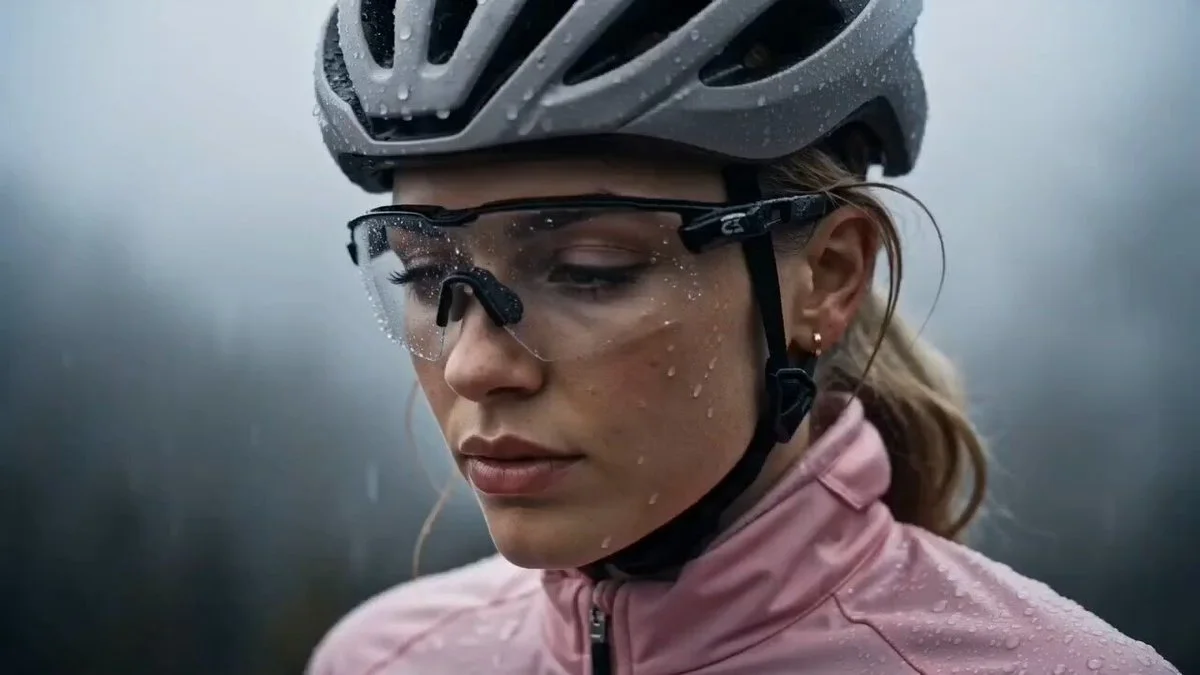
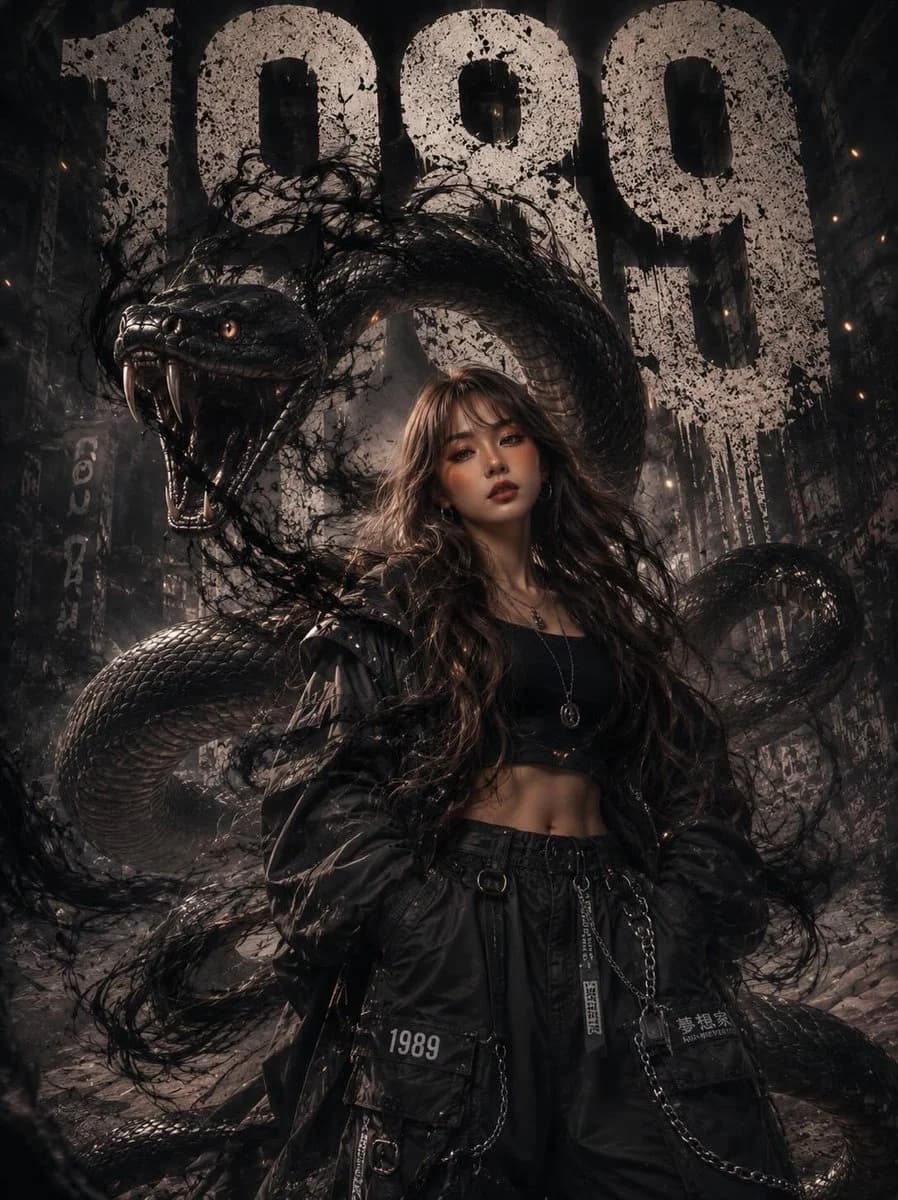
Image 2에서 GPT Image 2에 바로 사용할 수 있는 인물 프롬프트 ‘귀여운 캐릭터 측면 포트레이트’입니다. 아래 1037자를 복사해 Create 폼에 붙여 넣으면 위 미리보기와 비슷한 이미지를 만들 수 있습니다. 제품 광고, 인물, 캐릭터 디자인 태그를 조정하면 새로운 방향으로 확장할 수 있습니다.
먼저 그대로 사용해 본 뒤 피사체, 조명, 구도를 작업에 맞게 조정해 보세요. 원문을 그대로 쓰거나 수정해도 생성 비용은 같습니다.
사용 사례
인물 작업의 좋은 출발점
‘귀여운 캐릭터 측면 포트레이트’처럼 표현한 인물 이미지를 만들고 싶다면 이 GPT Image 2 프롬프트로 시작해 보세요. 스타일과 구도는 이미 잡혀 있으므로 인물, 제품, 색상, 장면 요소만 작업에 맞게 바꾸면 됩니다.
먼저 손보기 좋은 부분
- 피사체 인물, 제품, 장소, 오브젝트를 내 내용으로 바꾸고 전체 구도는 유지합니다.
- 분위기 조명, 색감, 카메라 각도, 소재 디테일을 브랜드나 용도에 맞춥니다.
- 결과 형식 생성 전에 비율, 배경, 텍스트, 레이아웃 지시를 정리합니다.
비슷한 프롬프트 더 보기
스타일, 용도, 피사체가 가까운 GPT Image 2 프롬프트를 이어서 확인해 보세요.
사용 방법
- 1단계
프롬프트 복사
위의 복사 버튼을 눌러 전체 텍스트를 가져옵니다.
- 2단계
Image 2 Create 열기
Create 폼으로 이동해 붙여 넣습니다.
- 3단계
생성
Generate를 누르면 몇 초 안에 내 버전이 완성됩니다.
내 버전으로 만들기
한 번의 클릭으로 Create 폼에 불러오고 바로 조정하세요.