Nano Banana Results
Nano Banana
Make images by typing. Edit them by talking.
Made with Nano Banana.
Every image below started as a single prompt. Hover to read the words.
Capable for production. Light for daily drafts.
Built for the everyday loop — write, edit, iterate. Without ever leaving the conversation.
Edit in natural language
Blur the background. Remove the cup. Make the sky dramatic. Talk to it the way you'd talk to a designer — no menus, no presets, no tutorials.
Blend up to 10 images
Composite product shots into new scenes, mix style references, or merge layouts into one coherent frame — visual logic stays consistent across every blend.
Keep the same character
Place the same face in different lighting, the same product across angles, or the same brand mark across formats — without fine-tuning or extra training.
Reads sketches and instructions
Hand-drawn diagrams, multi-step instructions, real-world logic — Nano Banana interprets visual context the way a human collaborator would.
Built for the work you actually do.
Six everyday workflows where a sentence is faster than a brief.
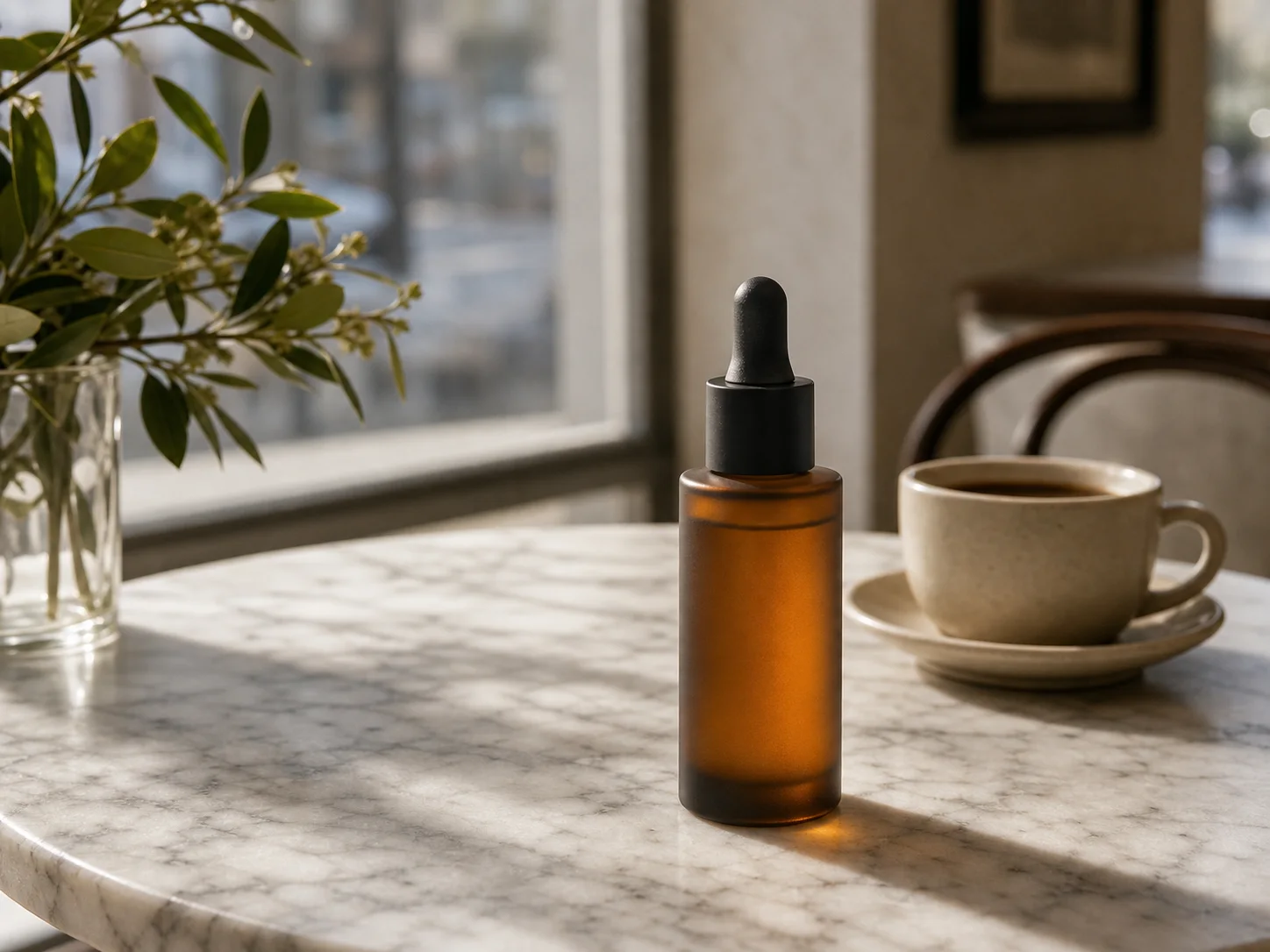
Product in any scene
Drop a product shot into café tables, marble counters, or open kitchens. Lighting and shadow follow the new context.
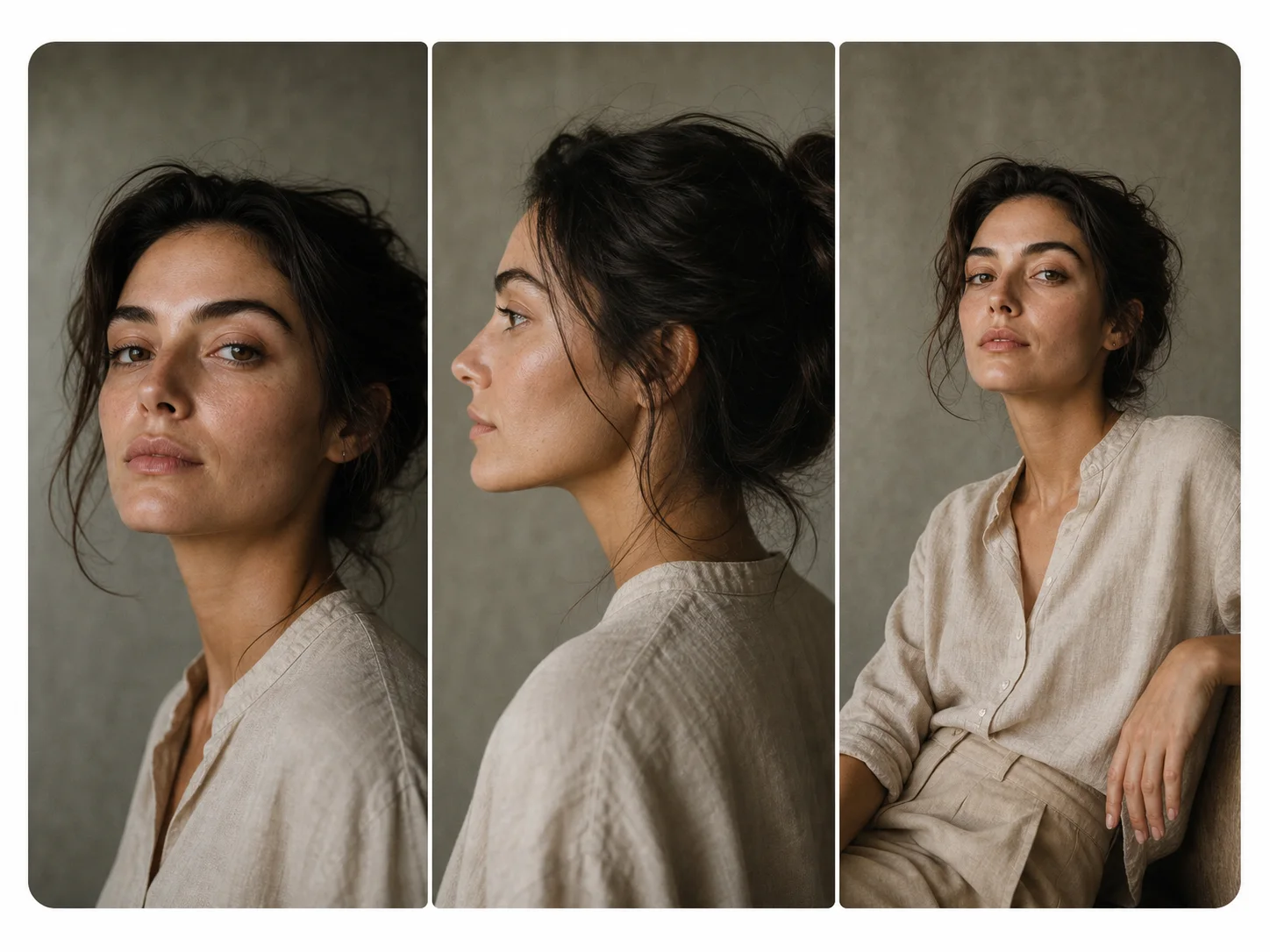
Same face, many shots
Headshots, profile crops, group scenes — keep the identity stable across the entire set without retouching.
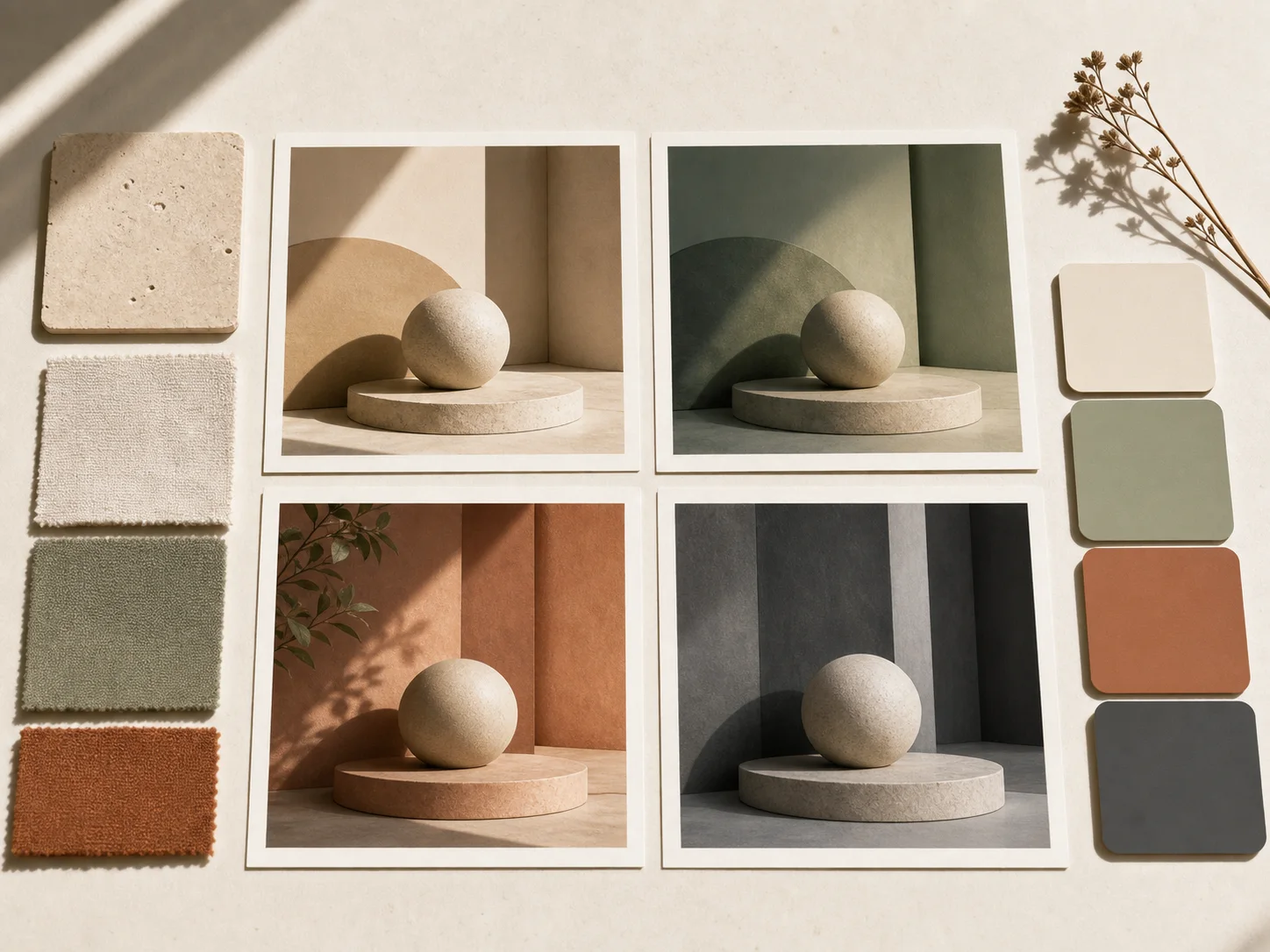
Iterate before you commit
Quick variations on a moodboard reference — different palettes, framings, and styles in seconds, not hours.
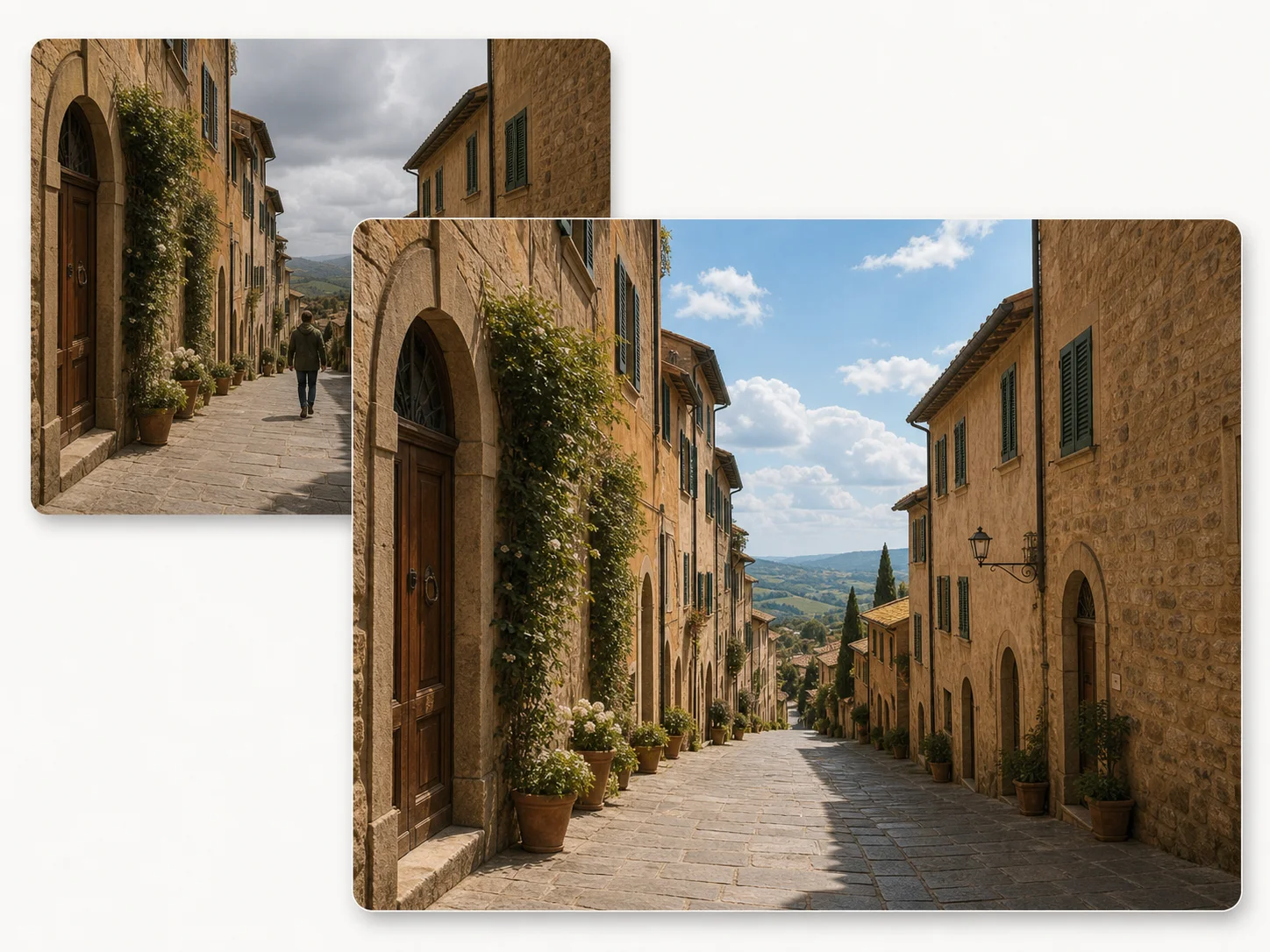
Retouch by speaking
Remove a passerby. Replace the sky. Add colour to a vintage photograph. All by typing what you want changed.
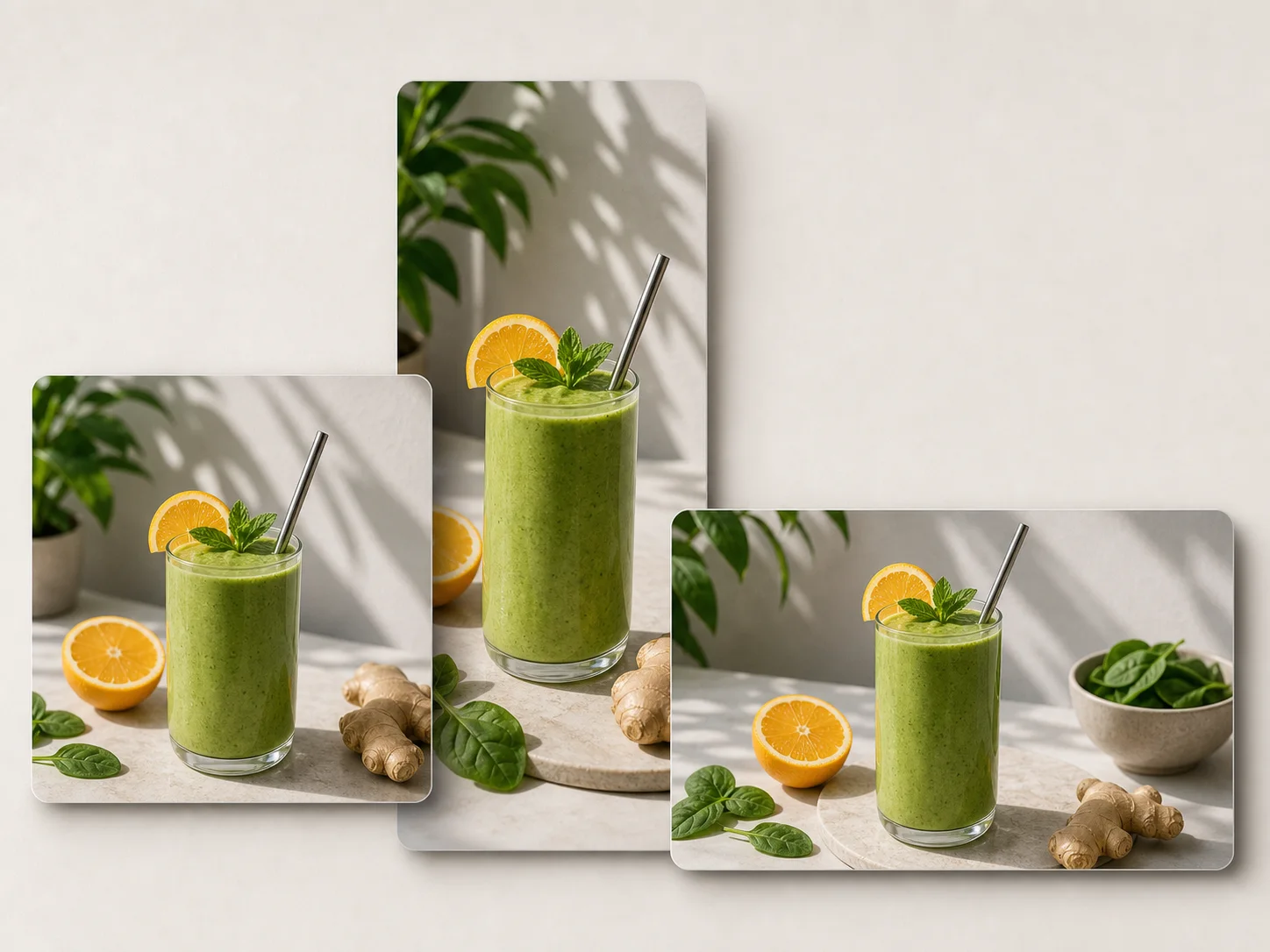
Ready-to-post formats
Convert a single source into square, vertical, and wide variants — crop-aware, framed, and ready for any feed.
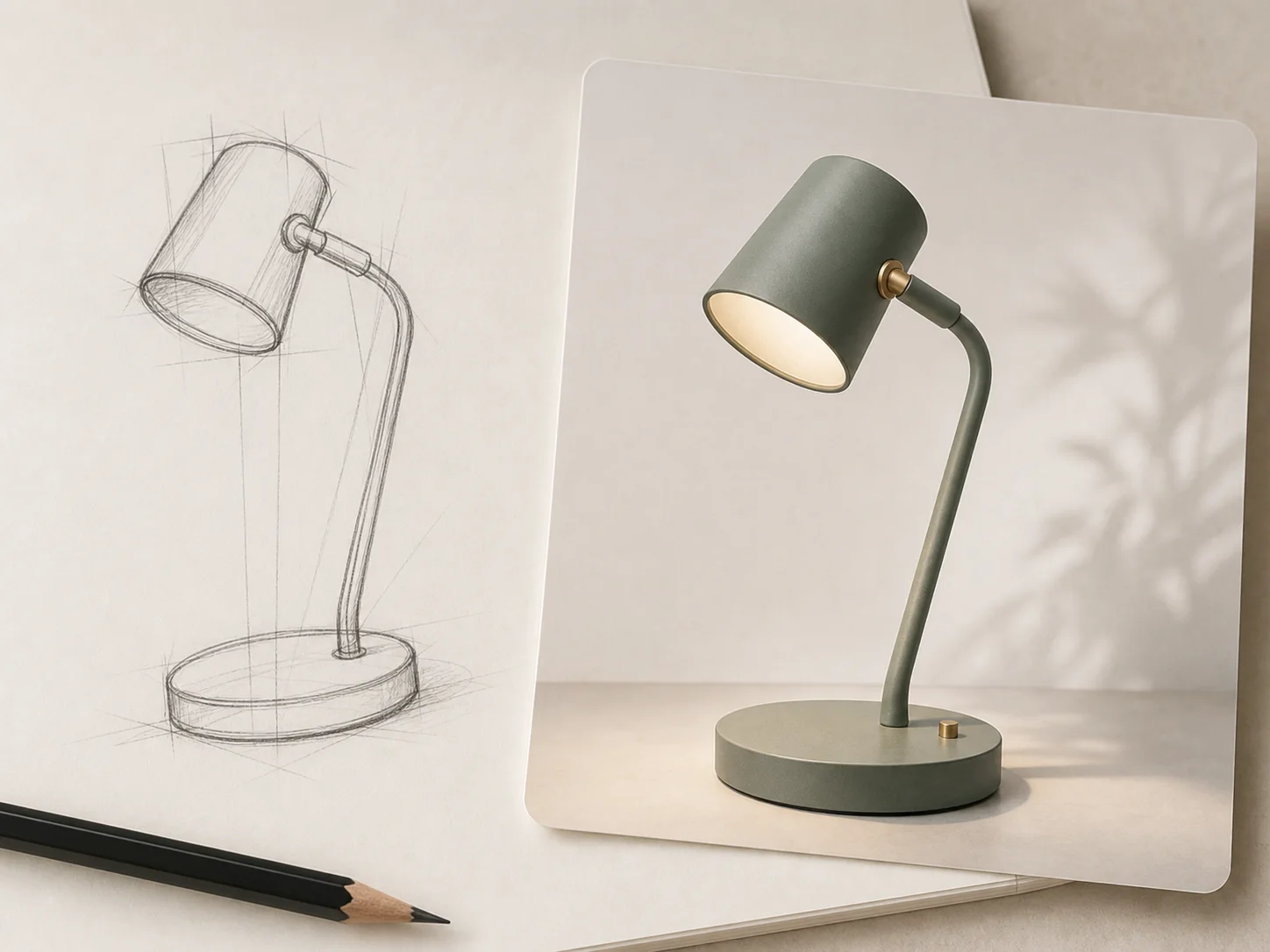
Line art to finished render
Hand-drawn diagrams become product visuals. Storyboards become finished frames. The model fills in the polish.
Steal a starting point.
Copy any prompt, then change one word at a time.
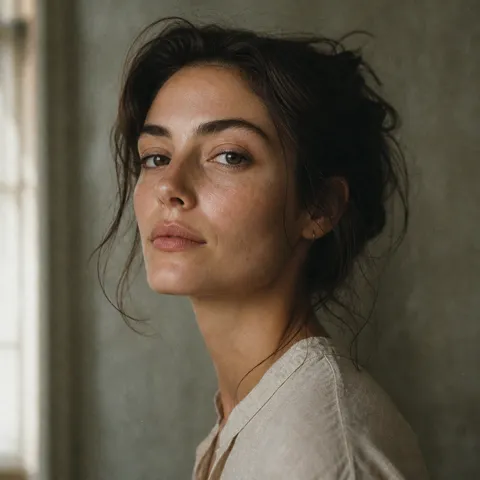
Editorial close-up
Editorial close-up portrait of a woman, soft window light from the left, 35mm film grain, muted earth tones, shallow depth of field, shot on Leica M6
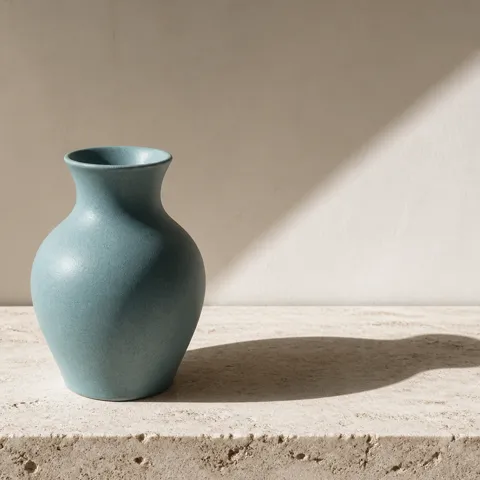
Object on marble
Single ceramic perfume bottle on white travertine slab, hard morning sunlight from upper-right, sharp directional shadow, minimal composition, advertising still life
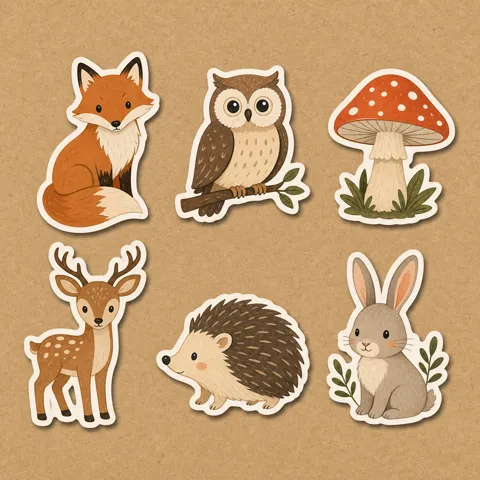
Sticker pack
Sticker pack of six woodland creatures — fox, owl, mushroom, deer, hedgehog, bunny — flat illustration, thick white border, kraft paper background, die-cut feel
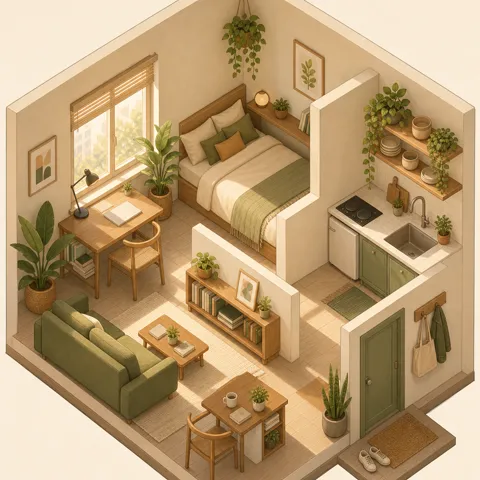
Isometric room
Isometric illustration of a small studio apartment with plants and warm afternoon light, soft pastel palette, clean linework, charming and detailed
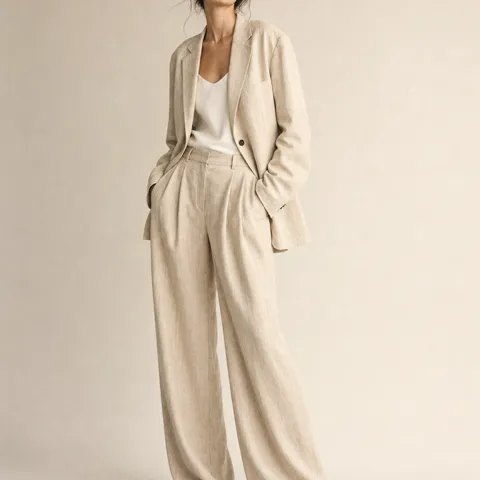
Studio fashion
Studio fashion shot, model in oversized linen blazer and wide trousers, beige seamless backdrop, soft diffused key light, full body, neutral palette
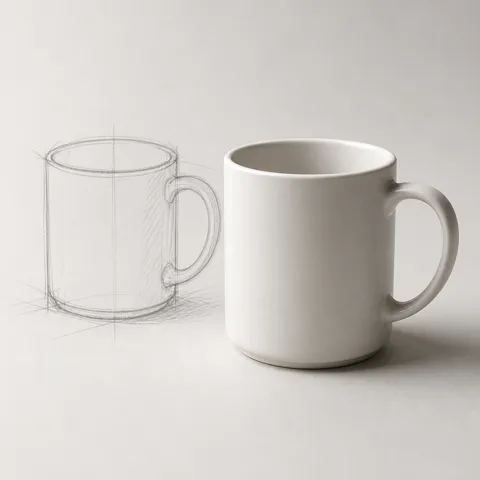
From line to finish
Turn this hand-drawn sketch of a coffee mug into a finished product render — minimalist white ceramic, soft shadow on light grey paper, studio photography
How to use Nano Banana.
No tutorials. No presets. Just a sentence and a button.
Write what you see in your head
Type a single sentence in any language. Nano Banana parses scene, subject, and tone — no special syntax required.
Drop in references (optional)
Add up to 10 reference images. The model blends composition, character, and style cues without losing your direction.
Refine by talking, not clicking
Don't like the lighting? Say so. Want a different angle? Ask. Nano Banana edits the same image conversationally.
Common Questions & Answers
Find out all the essential details about Nano Banana
Still have questions? Contact us at [email protected]
Start with a sentence.End with an image.
No setup. No learning curve. Just type.