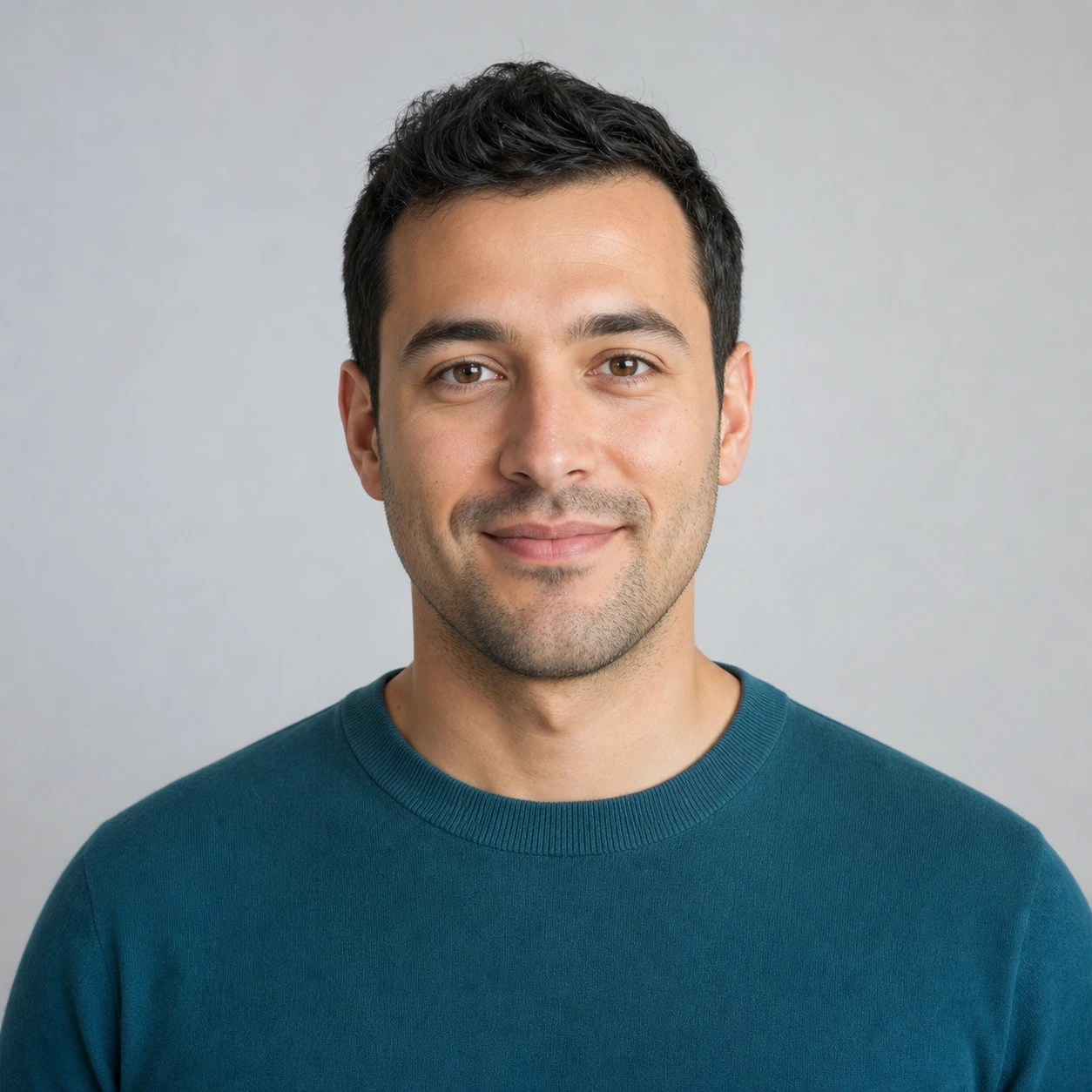
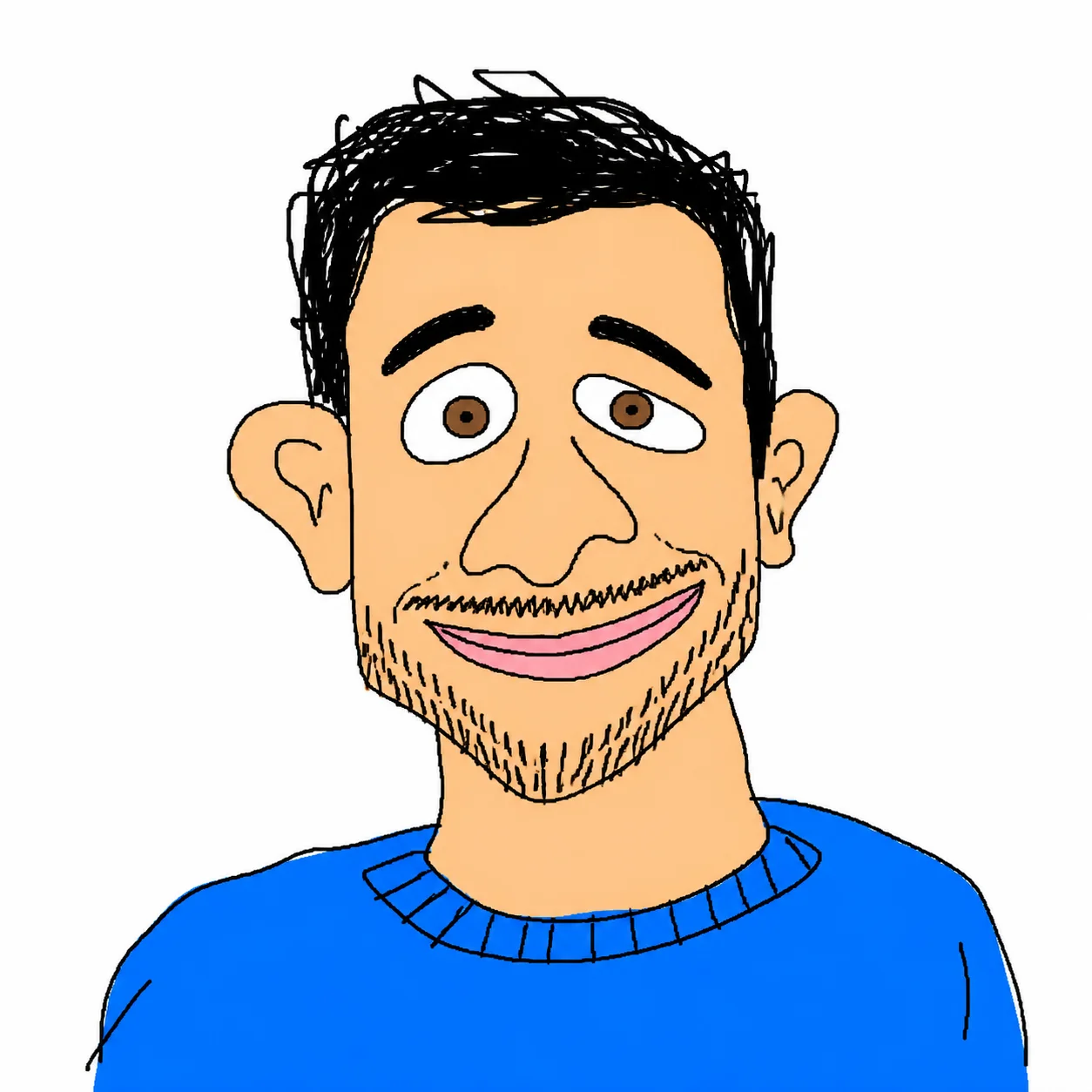
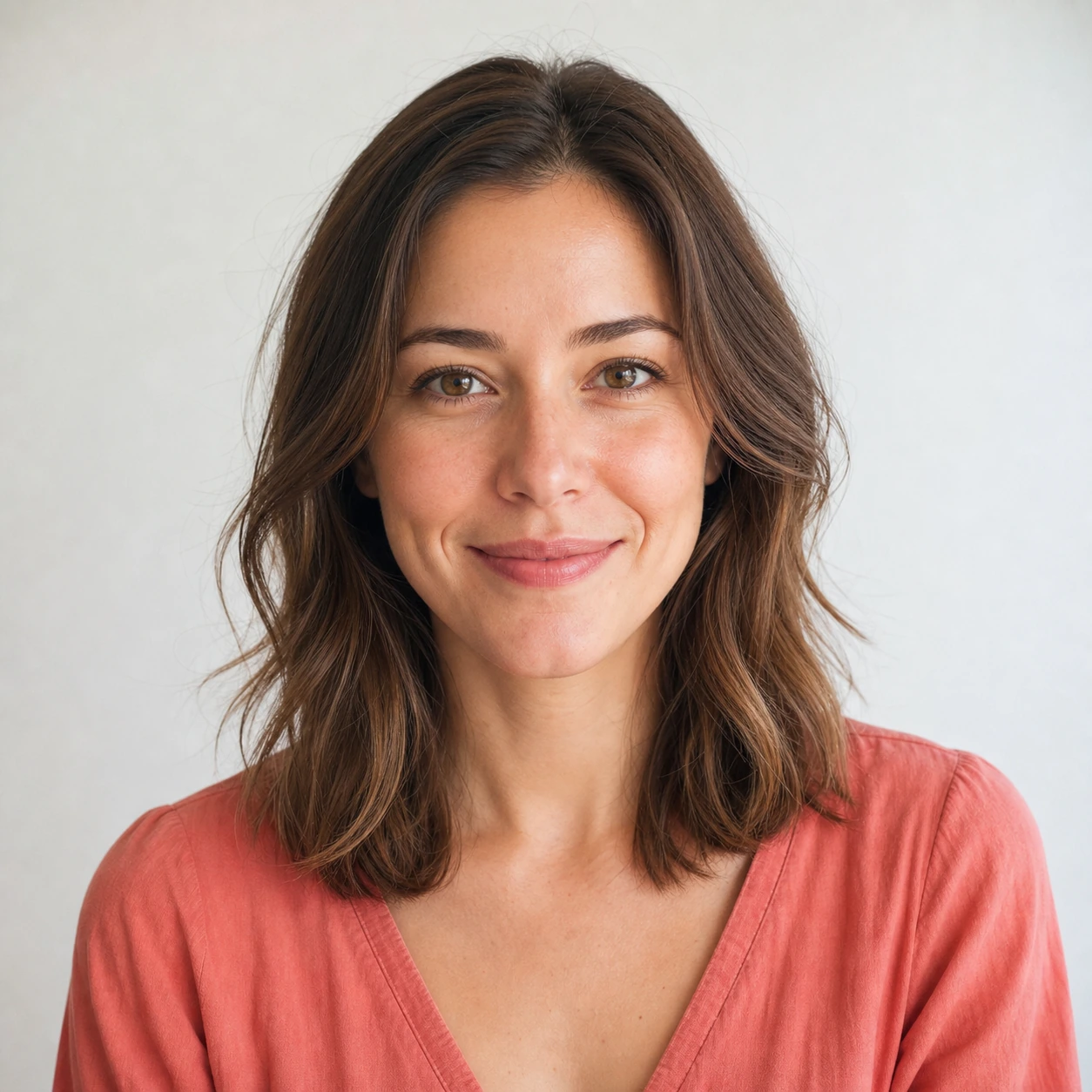
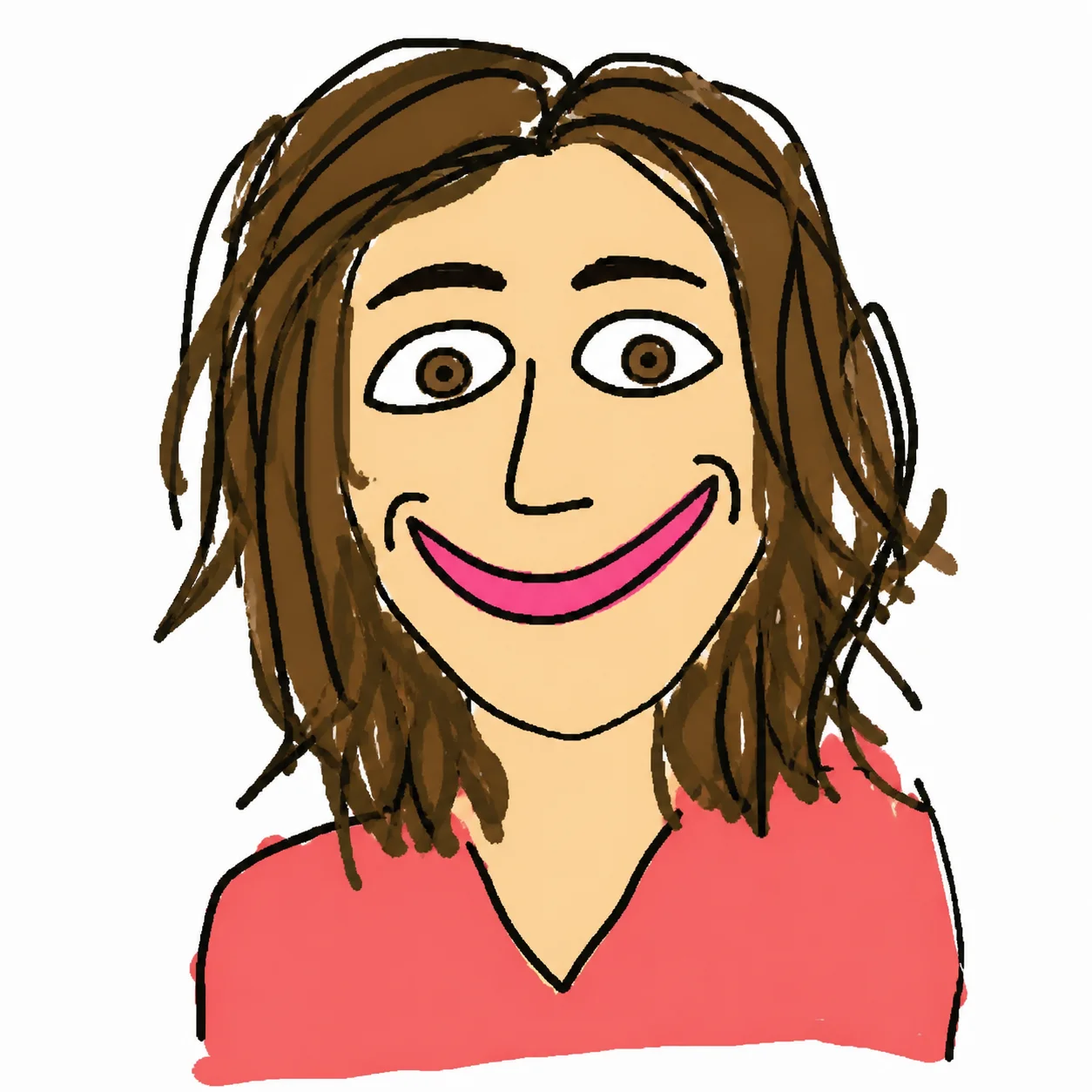
01변환 예시
셀카를 못 그린 아이콘으로
선명한 얼굴 사진을 마우스로 대충 그린 듯한 MS Paint 프로필 이미지로 바꿉니다.
얼굴 사진을 업로드하면 일부러 못 그린 듯한 MS Paint 낙서로 바꿉니다. 사람은 알아볼 수 있게 남기고, 삐뚤삐뚤한 선과 단순한 색, 어색한 비율로 재미있는 Bad Drawing AI 느낌을 만듭니다.
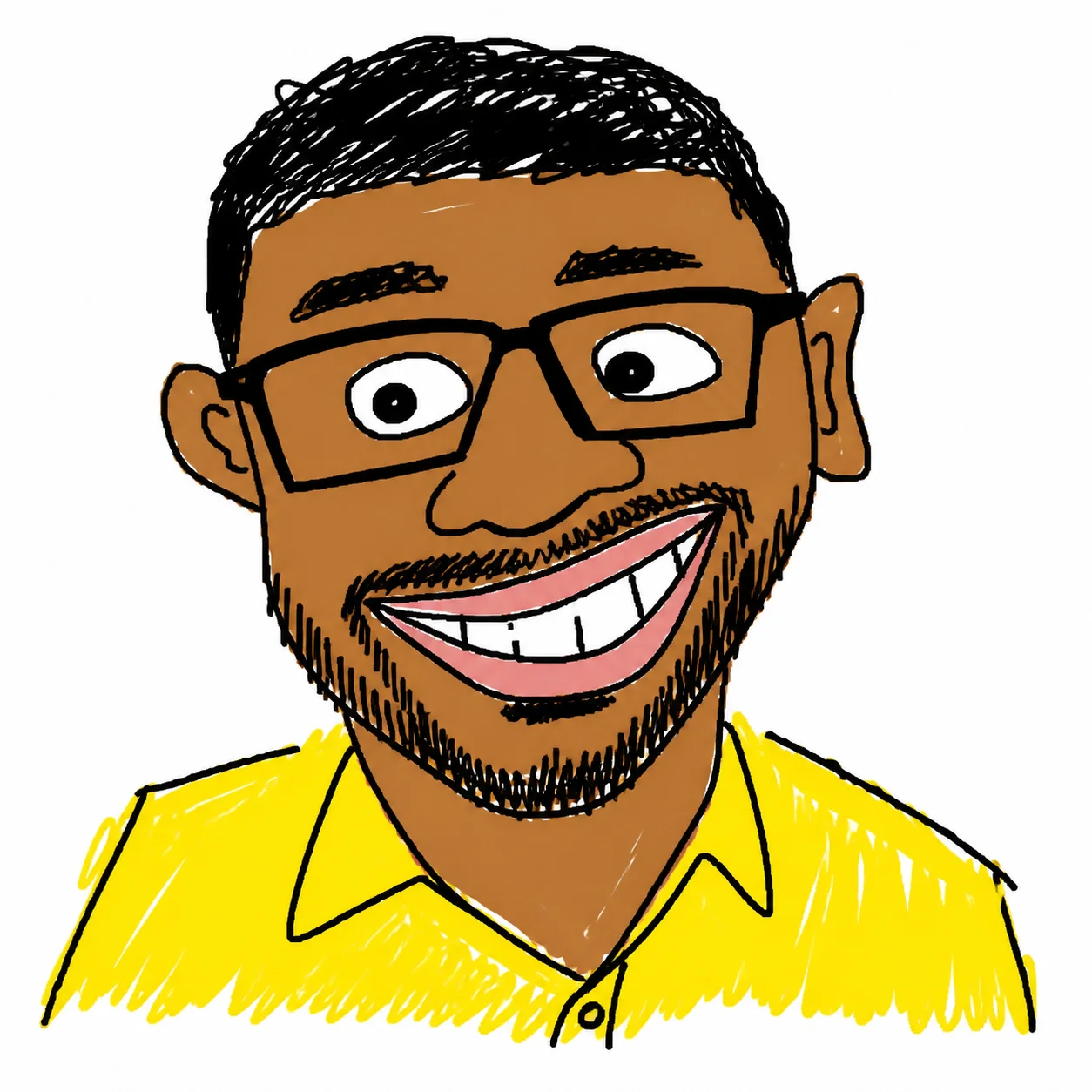
얼굴 사진을 업로드하면 일부러 못 그린 듯한 MS Paint 낙서로 바꿉니다.
선명한 얼굴 사진을 마우스로 대충 그린 듯한 MS Paint 프로필 이미지로 바꿉니다.
누구인지 알아볼 수 있게 유지하면서 눈, 입, 얼굴 비율을 일부러 어색하게 만듭니다.
랜덤한 밝은 색, 굵은 선, 흰 배경으로 SNS용 Bad Drawing AI 느낌을 살립니다.
프로필, 리액션 밈, 스티커, 초간단 스케치용으로 바로 복사해 손볼 수 있는 4가지 예시입니다.
Use the uploaded photo as the only reference. Create a square profile avatar of the same person, preserving facial identity, face shape, hairline, glasses/facial hair if present, and the main expression. Redraw everything as a deliberately crude MS Paint doodle: thick uneven mouse-drawn black outlines, simplified facial features, flat bucket-fill colors, no gradients, no realistic shadows, no texture. Keep a clean white background, centered head-and-shoulders composition, low-skill but recognizable and meme-ready. Negative prompt: photorealistic, high detail, smooth shading, realistic lighting, beauty retouching, extra people, watermark, text.
Transform the uploaded portrait into a funny bad drawing AI reaction image. Keep the same person recognizable, but exaggerate the facial expression into a silly surprised or awkward smile: uneven eyes, crooked mouth, oversized eyebrows, slightly messy face proportions. Use crude MS Paint brush lines, bright random flat colors, intentionally clumsy shapes, simple white background, 2D low-detail illustration. Make it look hand-drawn with a mouse by someone with very low drawing skill, not polished cartoon art. Negative prompt: photorealism, anime, clean vector art, professional illustration, gradients, smooth lighting, watermark, text artifacts.
Create a standalone ugly doodle sticker portrait from the uploaded photo. Preserve the person’s key identity cues: hairstyle, face outline, eye spacing, nose/mouth placement, accessories, and clothing color. Convert the portrait into a deliberately bad MS Paint sticker: chunky uneven outline, flat primary colors, scribbled hair, lopsided facial details, awkward neck/shoulders, funny low-skill proportions. White background only, no border text, no logo, no realistic detail. Output should feel like a viral ugly drawing generator result that is still clearly the same person.
Redraw the uploaded person as an extremely simple low-skill MS Paint sketch while keeping them identifiable. Use only a few crude lines and flat color blocks: oval head, uneven dot eyes, bent line nose, simple mouth, rough hair shape, basic shirt shape. Preserve identity through the most important visual cues such as hair color/style, glasses, facial hair, face shape, and clothing color. Composition: centered portrait on pure white background, intentionally awkward, childlike, low-detail, funny. Avoid polished cartoon style, realistic rendering, smooth shading, detailed skin, typography, watermark, and extra objects.
MS Paint AI Filter 사용에 대한 일반적인 질문
업로드한 인물 사진을 MS Paint로 대충 그린 듯한 거친 디지털 낙서로 바꾸는 필터입니다. 선은 삐뚤고 색은 단순하며, 일부러 저퀄 감성을 살린 결과가 나옵니다.
네. 얼굴 비율을 살짝 망가뜨리고, 선을 어설프게 만들고, 표정을 과장해서 일부러 못 그린 듯한 이미지를 만들 수 있습니다.
기본 프롬프트에는 same person과 preserve facial identity가 들어갑니다. 얼굴은 단순화되지만, 원본 인물임을 알아볼 수 있는 결과를 목표로 합니다.
얼굴이 잘 보이는 1인 셀카, 프로필 사진, 상반신 사진이 좋습니다. 얼굴을 가리는 요소가 적을수록 더 안정적으로 나옵니다.
가능합니다. 거친 선, 랜덤한 밝은 색, 낮은 디테일의 평면 스타일로 일부러 어색하고 웃긴 못 그린 그림 느낌을 만듭니다.
한 번 생성할 때 2/2/6 (1K/2K/4K) 크레딧이 사용됩니다. 신규 사용자는 가입 크레딧으로 먼저 체험할 수 있습니다.
네. MS Paint AI Filter는 1회 무료로 사용해볼 수 있습니다. 더 많이 생성하려면 사용량에 맞는 플랜이나 크레딧 패키지를 선택하면 됩니다.
더 궁금한 것이 있으신가요? 문의하기: [email protected]