

01Transformaciones
Selfie convertida en avatar torpe
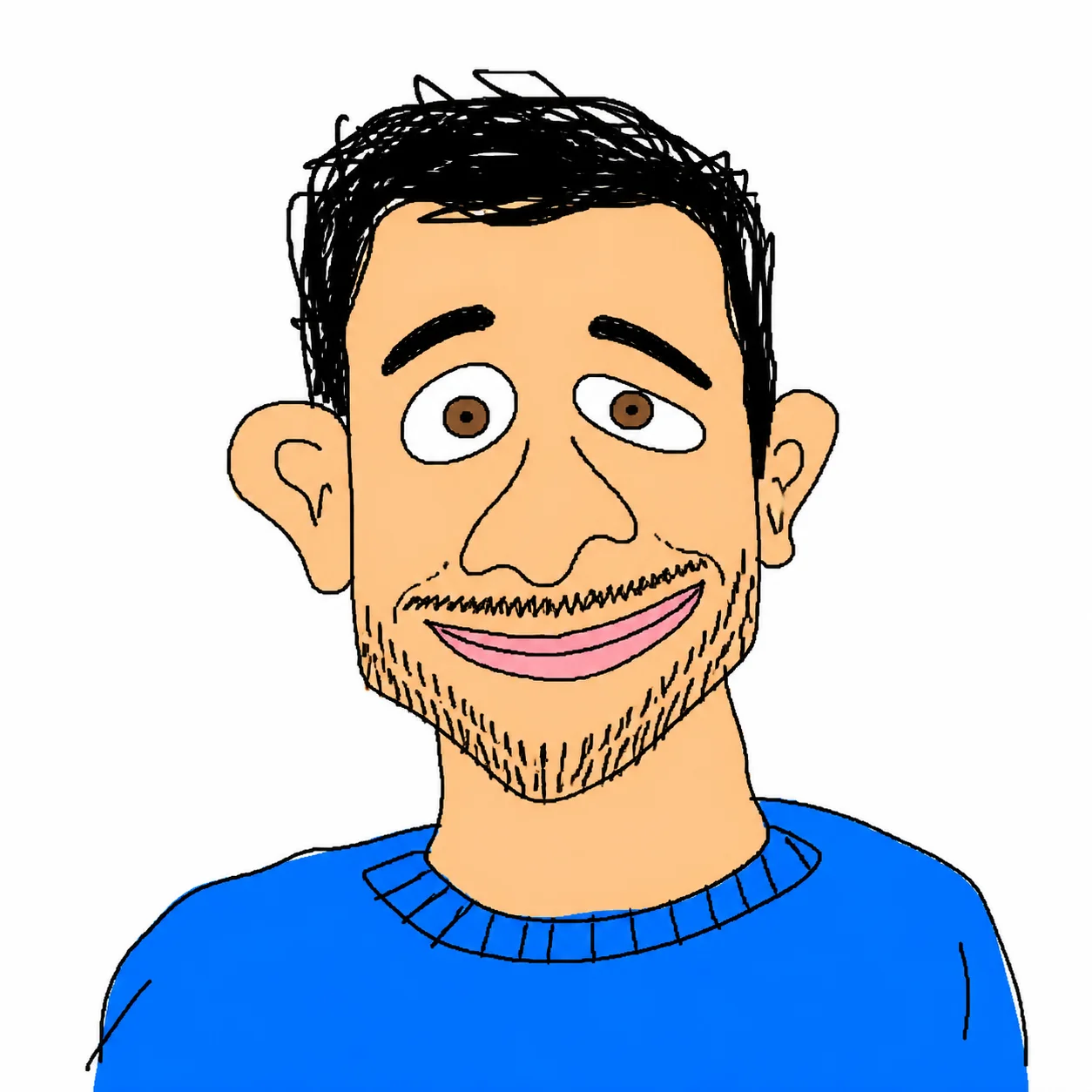
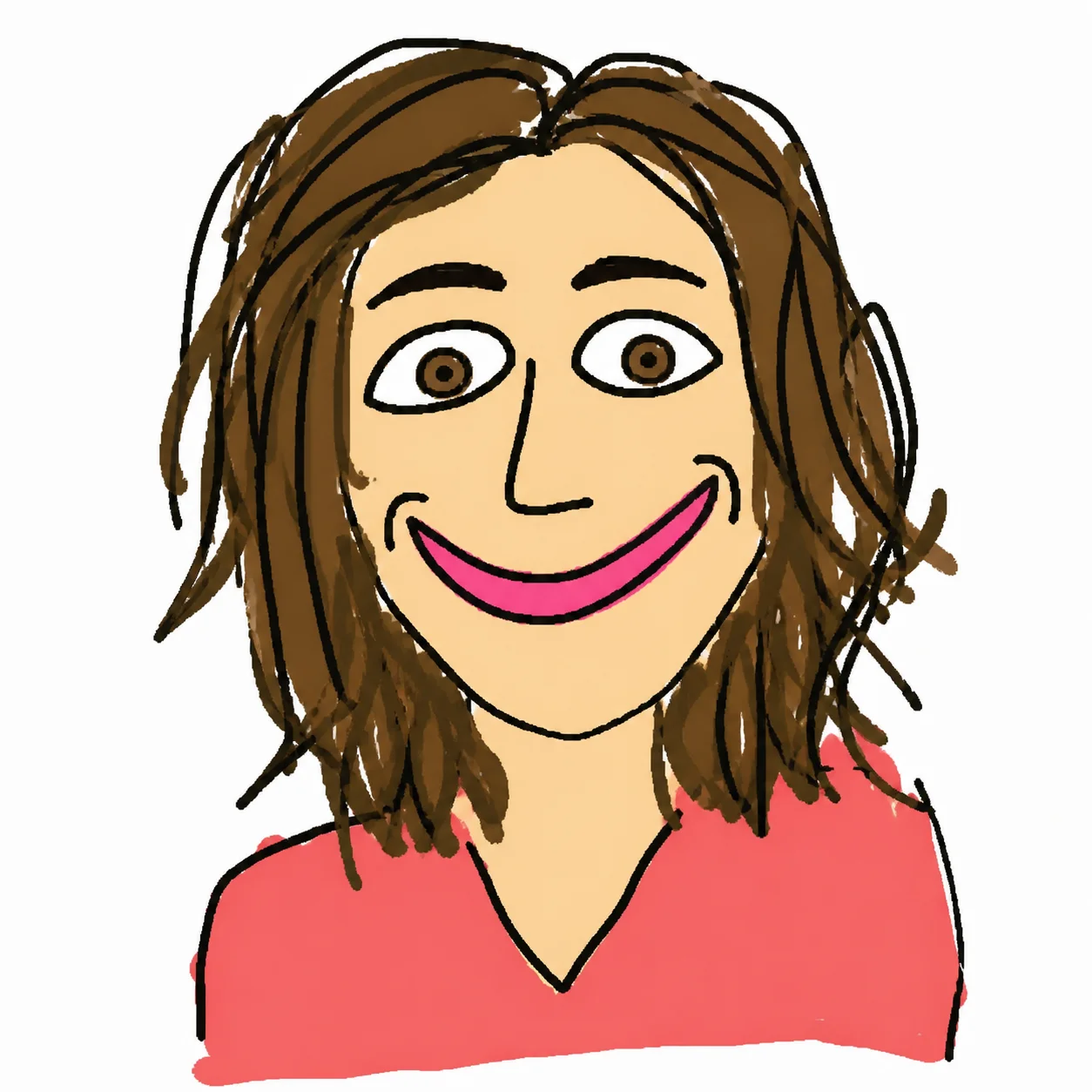
Un retrato limpio se vuelve un avatar estilo MS Paint, con líneas temblorosas pero todavía reconocible.
Sube un retrato y conviértelo en un dibujo estilo MS Paint hecho mal a propósito. La persona sigue siendo reconocible, pero el rostro se simplifica con líneas torcidas, colores planos y proporciones graciosamente raras.
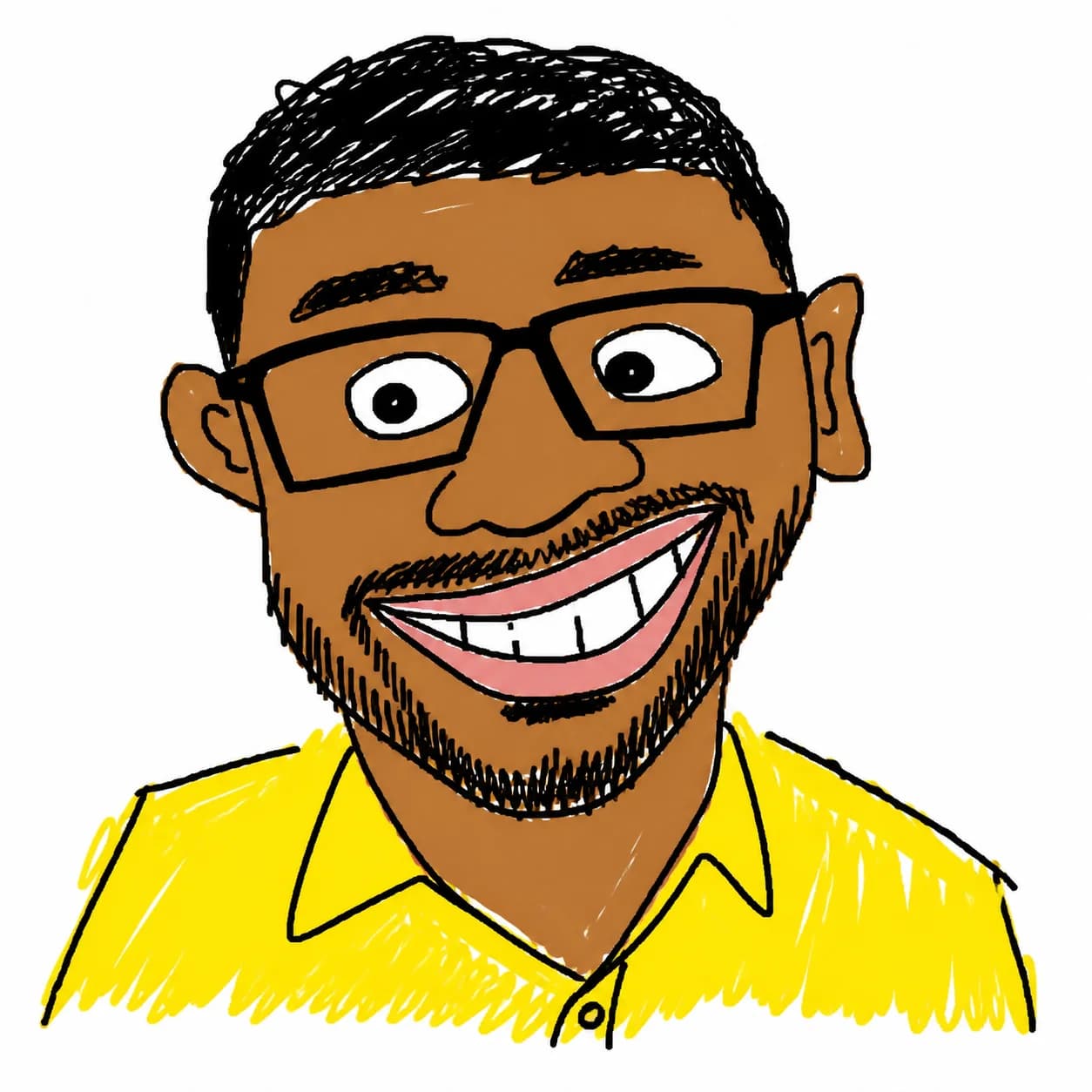
Sube un retrato y conviértelo en un dibujo estilo MS Paint hecho mal a propósito.
Un retrato limpio se vuelve un avatar estilo MS Paint, con líneas temblorosas pero todavía reconocible.
Mantiene los rasgos clave, pero exagera ojos, boca y proporciones para un resultado más divertido.
Colores vivos, trazos gruesos y fondo blanco para un efecto Bad Drawing AI listo para redes.
Cuatro usos distintos listos para copiar y ajustar: avatar, meme de reacción, sticker y boceto mínimo.
Use the uploaded photo as the only reference. Create a square profile avatar of the same person, preserving facial identity, face shape, hairline, glasses/facial hair if present, and the main expression. Redraw everything as a deliberately crude MS Paint doodle: thick uneven mouse-drawn black outlines, simplified facial features, flat bucket-fill colors, no gradients, no realistic shadows, no texture. Keep a clean white background, centered head-and-shoulders composition, low-skill but recognizable and meme-ready. Negative prompt: photorealistic, high detail, smooth shading, realistic lighting, beauty retouching, extra people, watermark, text.
Transform the uploaded portrait into a funny bad drawing AI reaction image. Keep the same person recognizable, but exaggerate the facial expression into a silly surprised or awkward smile: uneven eyes, crooked mouth, oversized eyebrows, slightly messy face proportions. Use crude MS Paint brush lines, bright random flat colors, intentionally clumsy shapes, simple white background, 2D low-detail illustration. Make it look hand-drawn with a mouse by someone with very low drawing skill, not polished cartoon art. Negative prompt: photorealism, anime, clean vector art, professional illustration, gradients, smooth lighting, watermark, text artifacts.
Create a standalone ugly doodle sticker portrait from the uploaded photo. Preserve the person’s key identity cues: hairstyle, face outline, eye spacing, nose/mouth placement, accessories, and clothing color. Convert the portrait into a deliberately bad MS Paint sticker: chunky uneven outline, flat primary colors, scribbled hair, lopsided facial details, awkward neck/shoulders, funny low-skill proportions. White background only, no border text, no logo, no realistic detail. Output should feel like a viral ugly drawing generator result that is still clearly the same person.
Redraw the uploaded person as an extremely simple low-skill MS Paint sketch while keeping them identifiable. Use only a few crude lines and flat color blocks: oval head, uneven dot eyes, bent line nose, simple mouth, rough hair shape, basic shirt shape. Preserve identity through the most important visual cues such as hair color/style, glasses, facial hair, face shape, and clothing color. Composition: centered portrait on pure white background, intentionally awkward, childlike, low-detail, funny. Avoid polished cartoon style, realistic rendering, smooth shading, detailed skin, typography, watermark, and extra objects.
Preguntas comunes sobre el uso de MS Paint AI Filter
¿Aún tienes preguntas? Contáctanos en: [email protected]