

01Transformações
Selfie virando avatar tosco
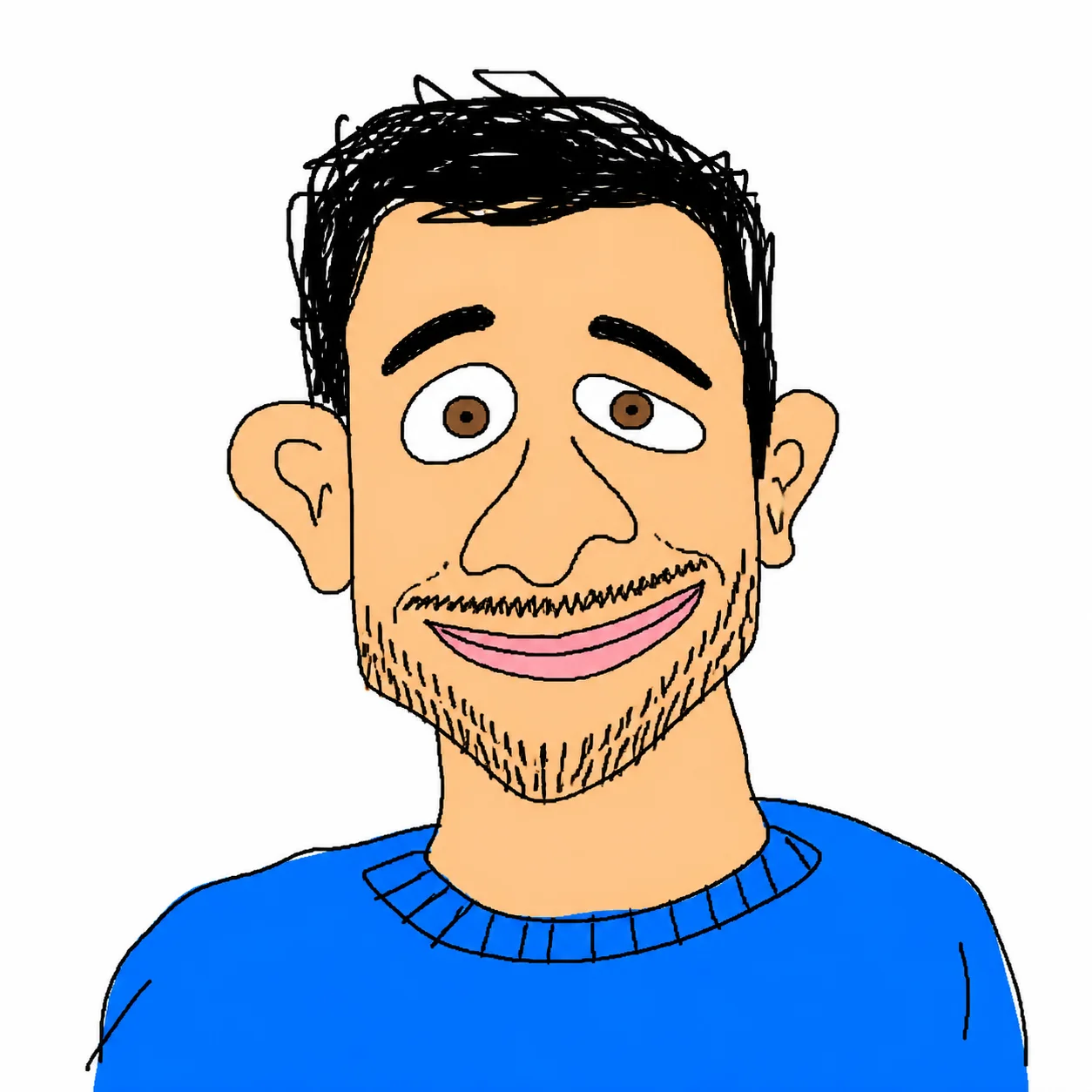
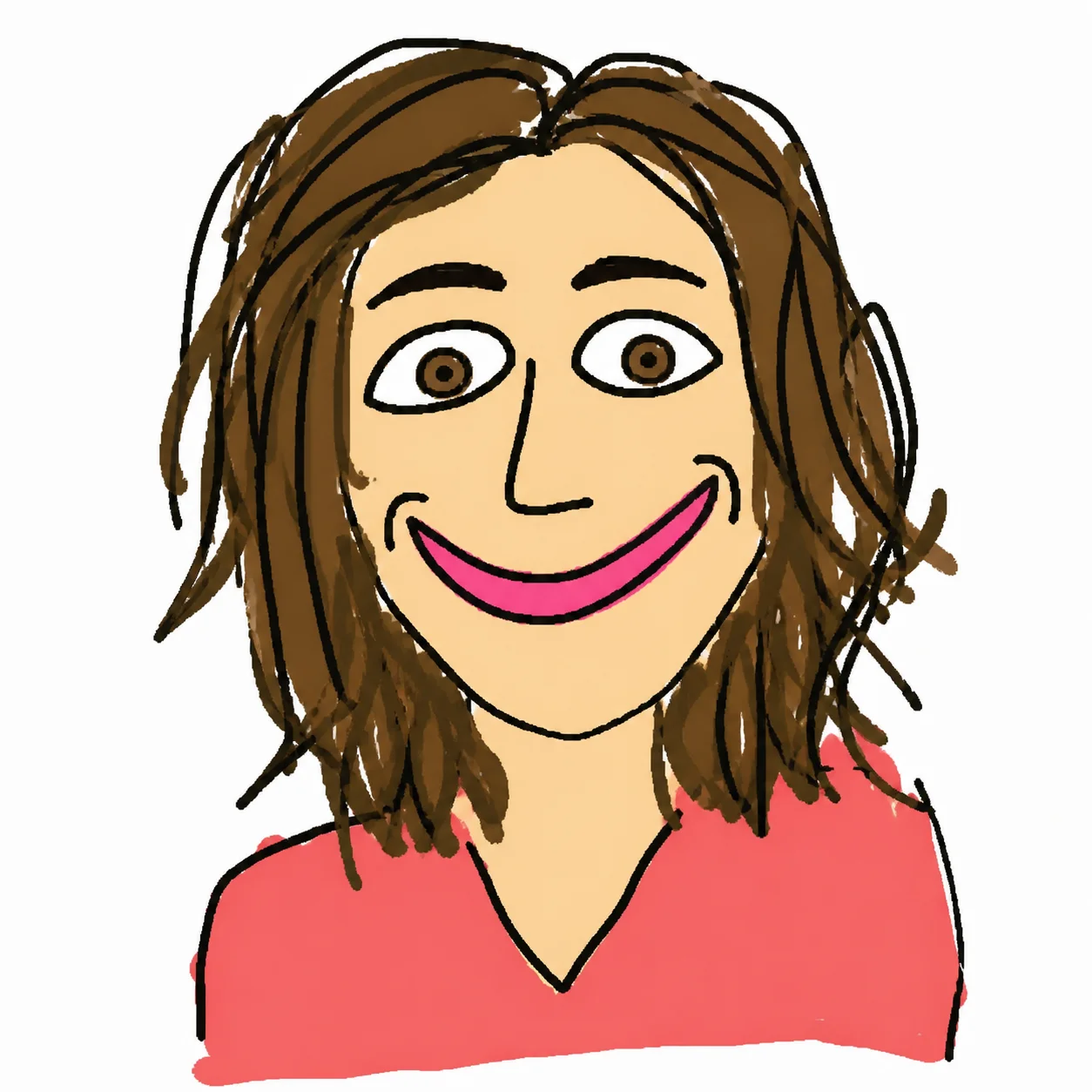
Um retrato limpo vira um avatar estilo MS Paint, com linhas tremidas, mas ainda reconhecível.
Envie um retrato e transforme-o em um desenho estilo MS Paint feito mal de propósito. A pessoa continua reconhecível, mas o rosto vira linhas tortas, cores chapadas e proporções engraçadamente estranhas.
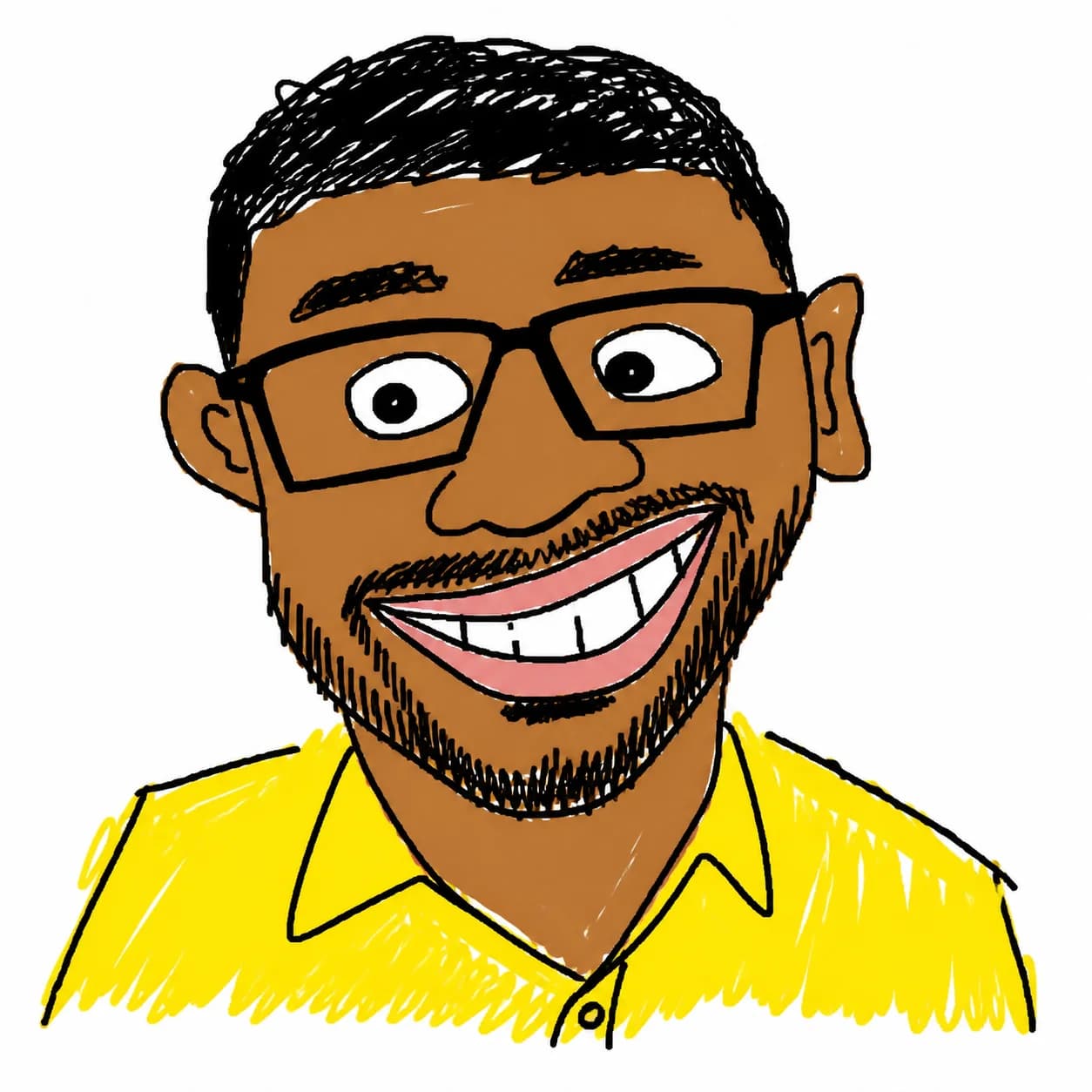
Envie um retrato e transforme-o em um desenho estilo MS Paint feito mal de propósito.
Um retrato limpo vira um avatar estilo MS Paint, com linhas tremidas, mas ainda reconhecível.
Mantém os traços principais, mas exagera olhos, boca e proporções para um resultado mais divertido.
Cores vivas, traços grossos e fundo branco criam um efeito Bad Drawing AI pronto para redes sociais.
Quatro usos diferentes prontos para copiar e ajustar: avatar, meme de reação, figurinha e esboço simples.
Use the uploaded photo as the only reference. Create a square profile avatar of the same person, preserving facial identity, face shape, hairline, glasses/facial hair if present, and the main expression. Redraw everything as a deliberately crude MS Paint doodle: thick uneven mouse-drawn black outlines, simplified facial features, flat bucket-fill colors, no gradients, no realistic shadows, no texture. Keep a clean white background, centered head-and-shoulders composition, low-skill but recognizable and meme-ready. Negative prompt: photorealistic, high detail, smooth shading, realistic lighting, beauty retouching, extra people, watermark, text.
Transform the uploaded portrait into a funny bad drawing AI reaction image. Keep the same person recognizable, but exaggerate the facial expression into a silly surprised or awkward smile: uneven eyes, crooked mouth, oversized eyebrows, slightly messy face proportions. Use crude MS Paint brush lines, bright random flat colors, intentionally clumsy shapes, simple white background, 2D low-detail illustration. Make it look hand-drawn with a mouse by someone with very low drawing skill, not polished cartoon art. Negative prompt: photorealism, anime, clean vector art, professional illustration, gradients, smooth lighting, watermark, text artifacts.
Create a standalone ugly doodle sticker portrait from the uploaded photo. Preserve the person’s key identity cues: hairstyle, face outline, eye spacing, nose/mouth placement, accessories, and clothing color. Convert the portrait into a deliberately bad MS Paint sticker: chunky uneven outline, flat primary colors, scribbled hair, lopsided facial details, awkward neck/shoulders, funny low-skill proportions. White background only, no border text, no logo, no realistic detail. Output should feel like a viral ugly drawing generator result that is still clearly the same person.
Redraw the uploaded person as an extremely simple low-skill MS Paint sketch while keeping them identifiable. Use only a few crude lines and flat color blocks: oval head, uneven dot eyes, bent line nose, simple mouth, rough hair shape, basic shirt shape. Preserve identity through the most important visual cues such as hair color/style, glasses, facial hair, face shape, and clothing color. Composition: centered portrait on pure white background, intentionally awkward, childlike, low-detail, funny. Avoid polished cartoon style, realistic rendering, smooth shading, detailed skin, typography, watermark, and extra objects.
Perguntas comuns sobre o uso de MS Paint AI Filter
Ainda tem perguntas? Entre em contato conosco em: [email protected]