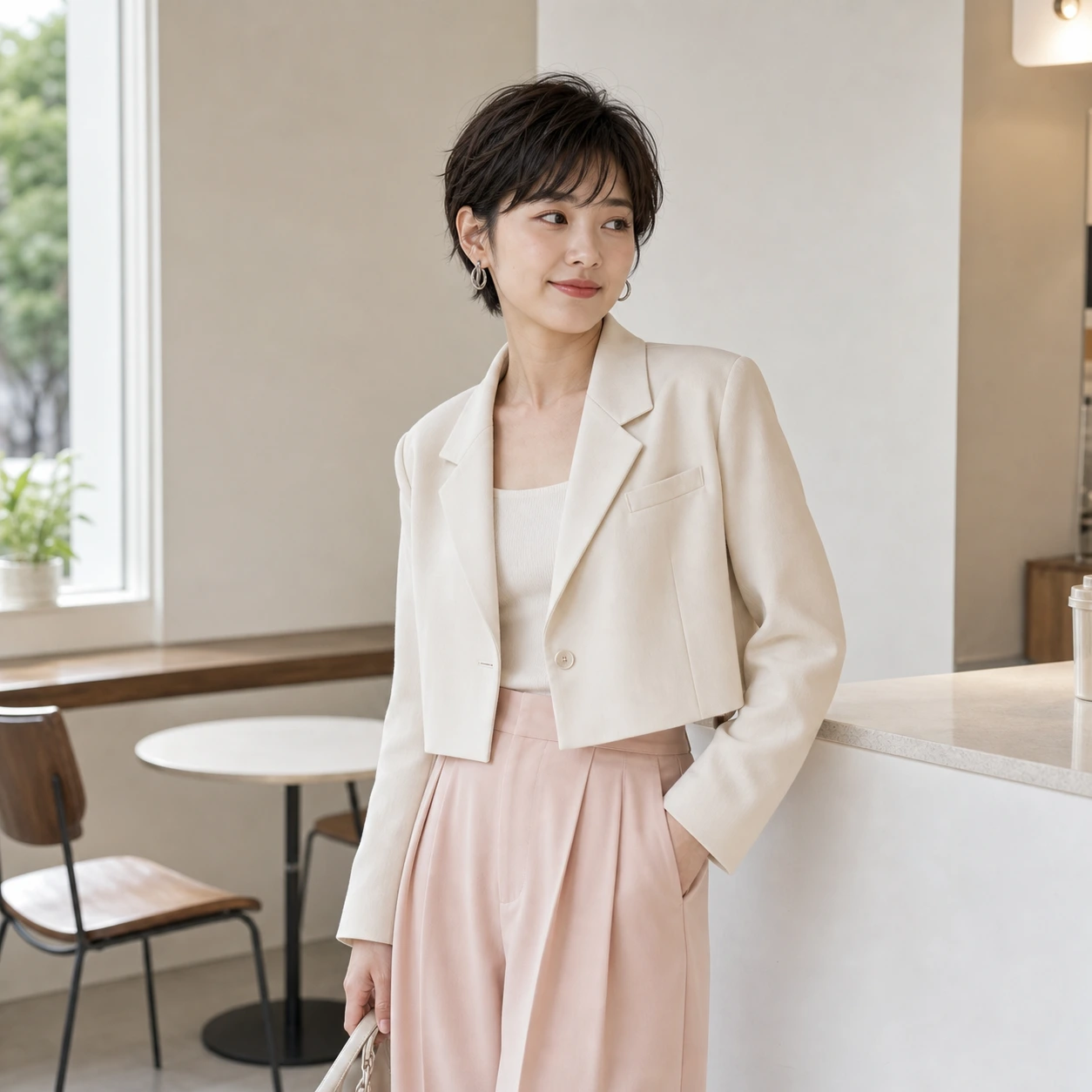
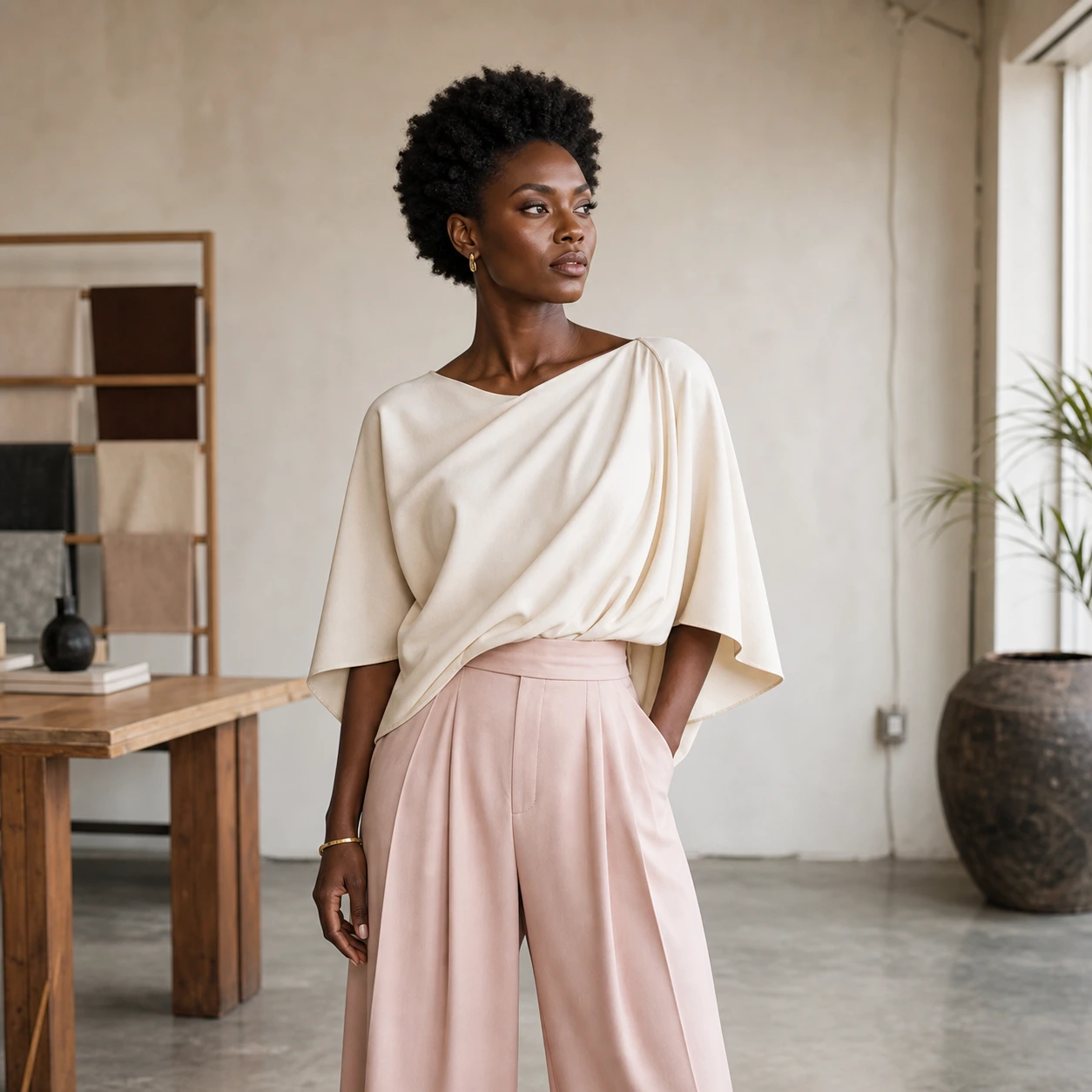
01轉換
Vogue 風主圖人物
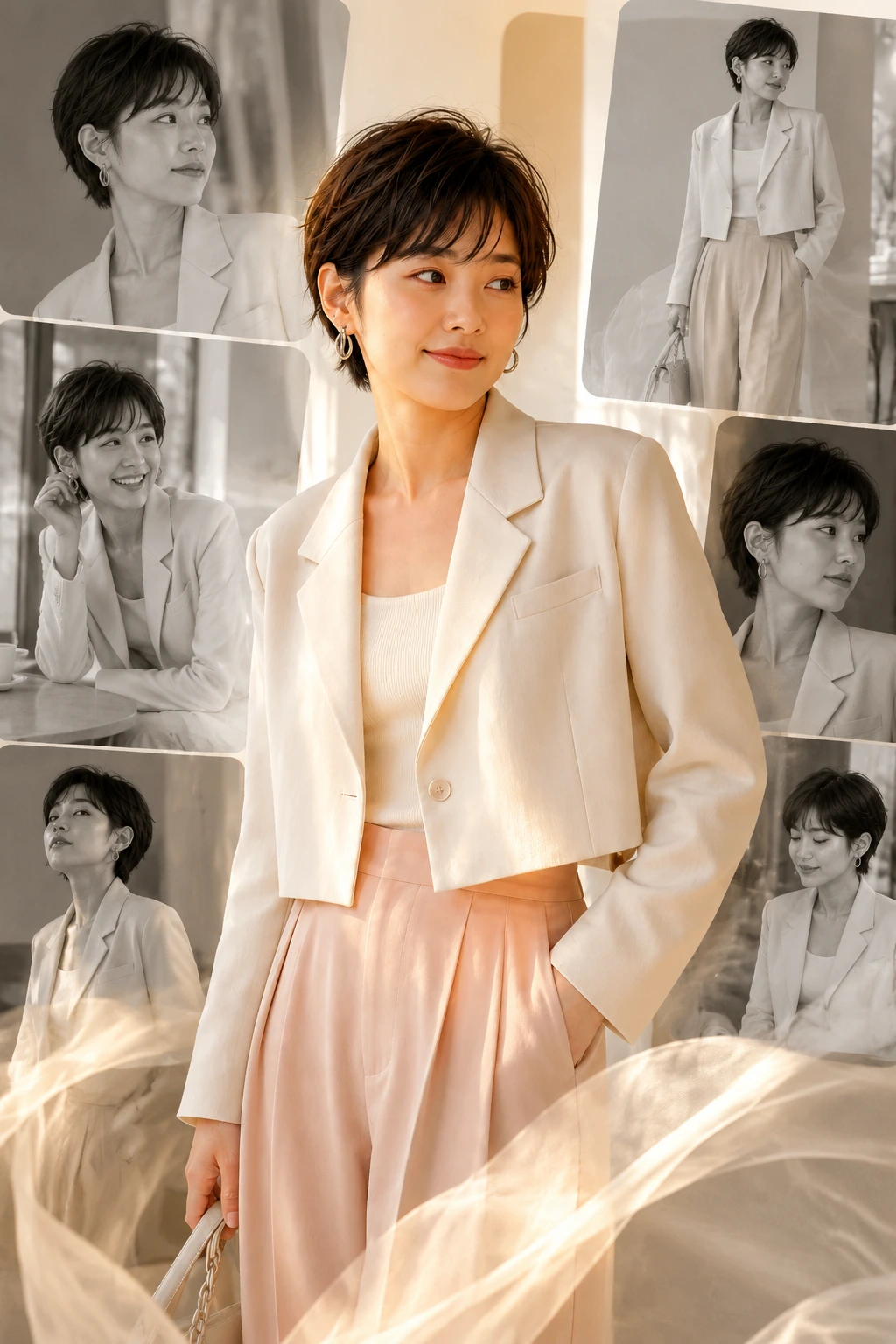
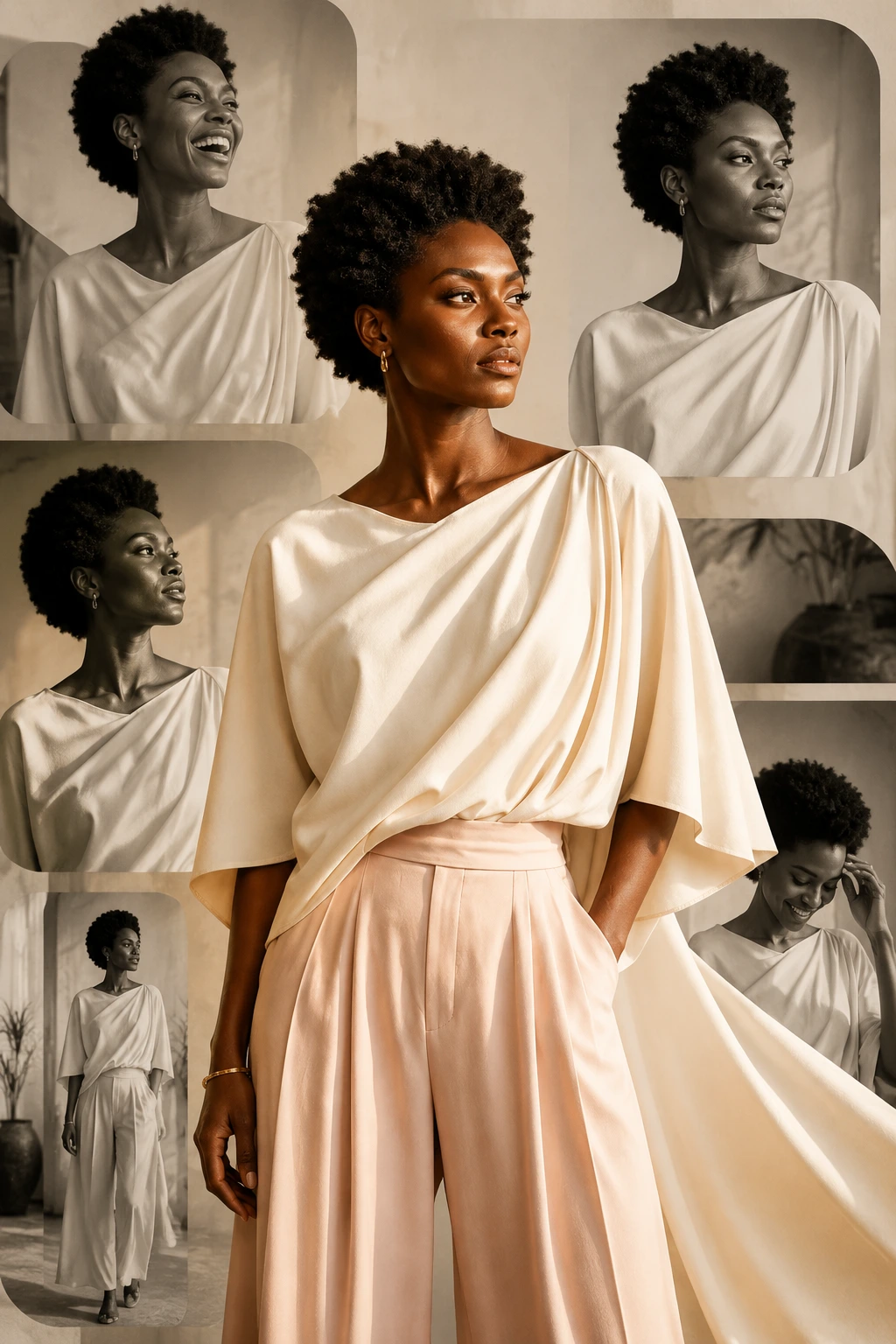
金色暖光主體配奢華設計師面料,撐起整張編輯大片的封面感
把一張照片變成一張 Vogue 風的編輯級雜誌封面。Image 2 會把人物處理成金色暖光主圖,四周由不對稱的黑白窗格小圖環繞,配合柔和漸層、光面紙質感和留白排版,整體是奢華春季大片的氛圍。
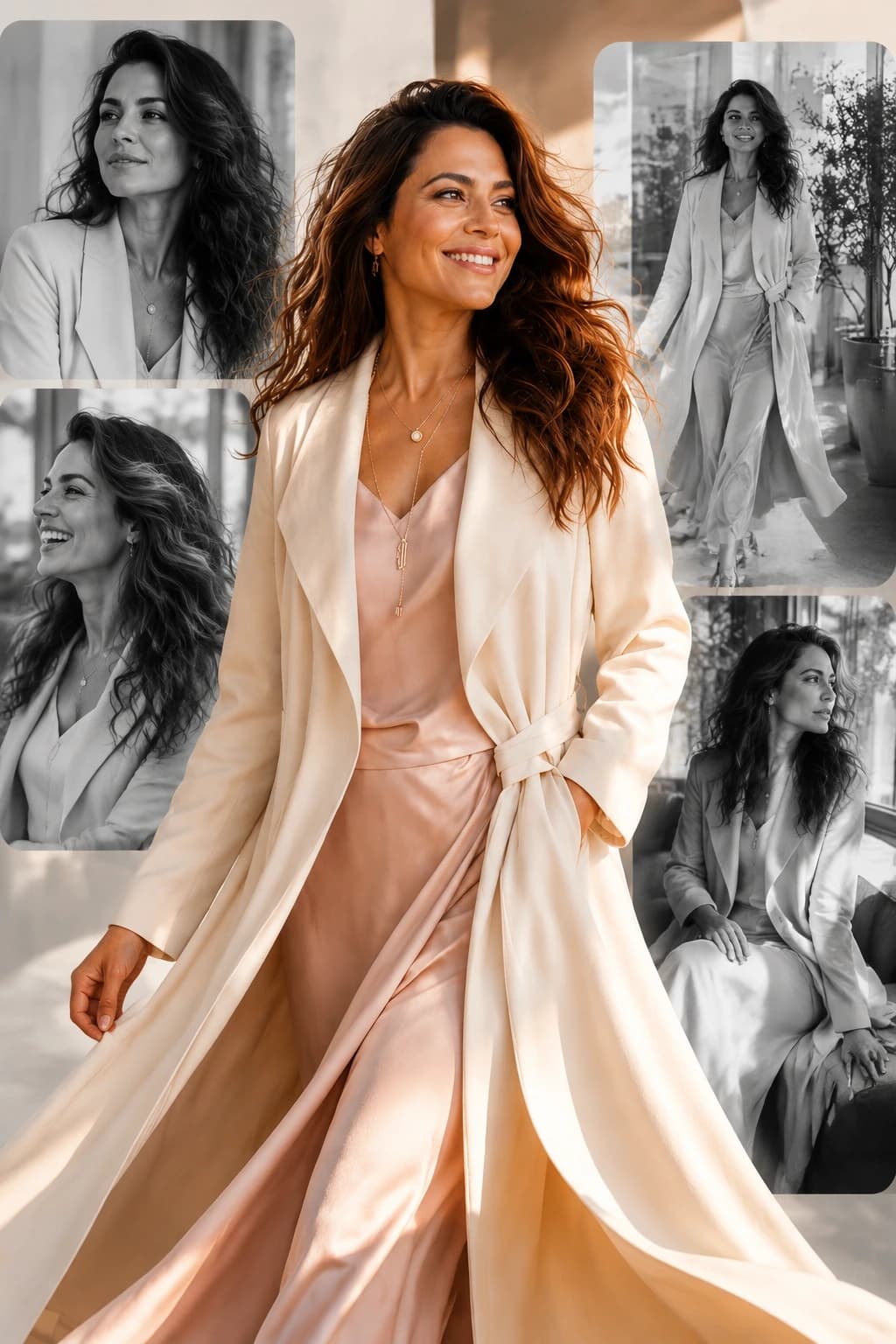
把一張照片變成一張 Vogue 風的編輯級雜誌封面。Image 2 會把人物處理成金色暖光主圖,四周由不對稱的黑白窗格小圖環繞,配合柔和漸層、光面紙質感和留白排版,整體是奢華春季大片的氛圍。
金色暖光主體配奢華設計師面料,撐起整張編輯大片的封面感
不對稱圓角窗格裡放黑白小圖:大笑、擺姿、走開、回眸
柔和漸層 + 光面紙質感 + 底部留白,放品牌花體 logo 和城市行剛剛好
預設是 Vogue 風春季封面,也可以切到東京街拍、婚紗大片或秋季奢華 lookbook。
Turn this photo into an elegant vertical fashion editorial collage cover. Preserve the original person's face, identity, hairstyle, and natural features. Place the subject as the warm-toned main foreground figure with cinematic golden-hour lighting, soft glowing skin, and a luxury cream-and-pink designer outfit with flowing fabric movement. Build the background from rounded rectangular windows layered asymmetrically, each containing monochrome editorial shots of the same person laughing, posing, looking away, and walking. Add a soft gradient, glossy paper texture, sophisticated print design, and reserve a clean bottom area for a couture wordmark. Vogue-style spring collection campaign, 4:5 aspect ratio.
Create a Tokyo street-style editorial collage around the person in the uploaded photo. Keep the original face, identity, hairstyle, and expression. Main foreground figure in vivid color: oversized cropped blazer, layered streetwear, soft neon ambient lighting at dusk. Surround the subject with asymmetric rounded windows of monochrome street shots — crosswalks, shop signs, train station candids, walking away, looking over the shoulder. Apply matte paper texture, subtle film grain, refined Japanese magazine layout, restrained typography space at the bottom. Modern Tokyo lookbook campaign feel, not a clean AI render. 4:5 vertical.
Build a bridal editorial collage cover around the person in the uploaded photo. Preserve the face, identity, hairstyle, and skin tone exactly. Main foreground figure in soft white silk dress with delicate lace and pearl detailing, holding a small bouquet, lit by golden-hour window light and gentle bloom. Surround the subject with asymmetric rounded windows showing monochrome candid moments — laughing, looking down, walking with veil movement, sitting near a sunlit window. Use ivory paper background, embossed texture, soft gradient, fine serif typography space at the bottom for a couture wordmark. High-end wedding magazine cover. 4:5 vertical.
Compose a luxury fall lookbook editorial collage around the person in the uploaded photo. Keep face, identity, hairstyle, and expression intact. Main foreground figure in warm-toned color: tailored camel coat over a fine knit, soft scarf, cinematic afternoon side-light, refined editorial pose. Surround the subject with asymmetric rounded windows of monochrome shots — walking on a leaf-covered street, hand in pocket, looking off-camera, leaning against a stone wall. Use cream paper background, subtle grain, sophisticated print design, and clean space at the bottom for a fashion house wordmark. Vogue-style fall campaign mood. 4:5 vertical.