프롬프트
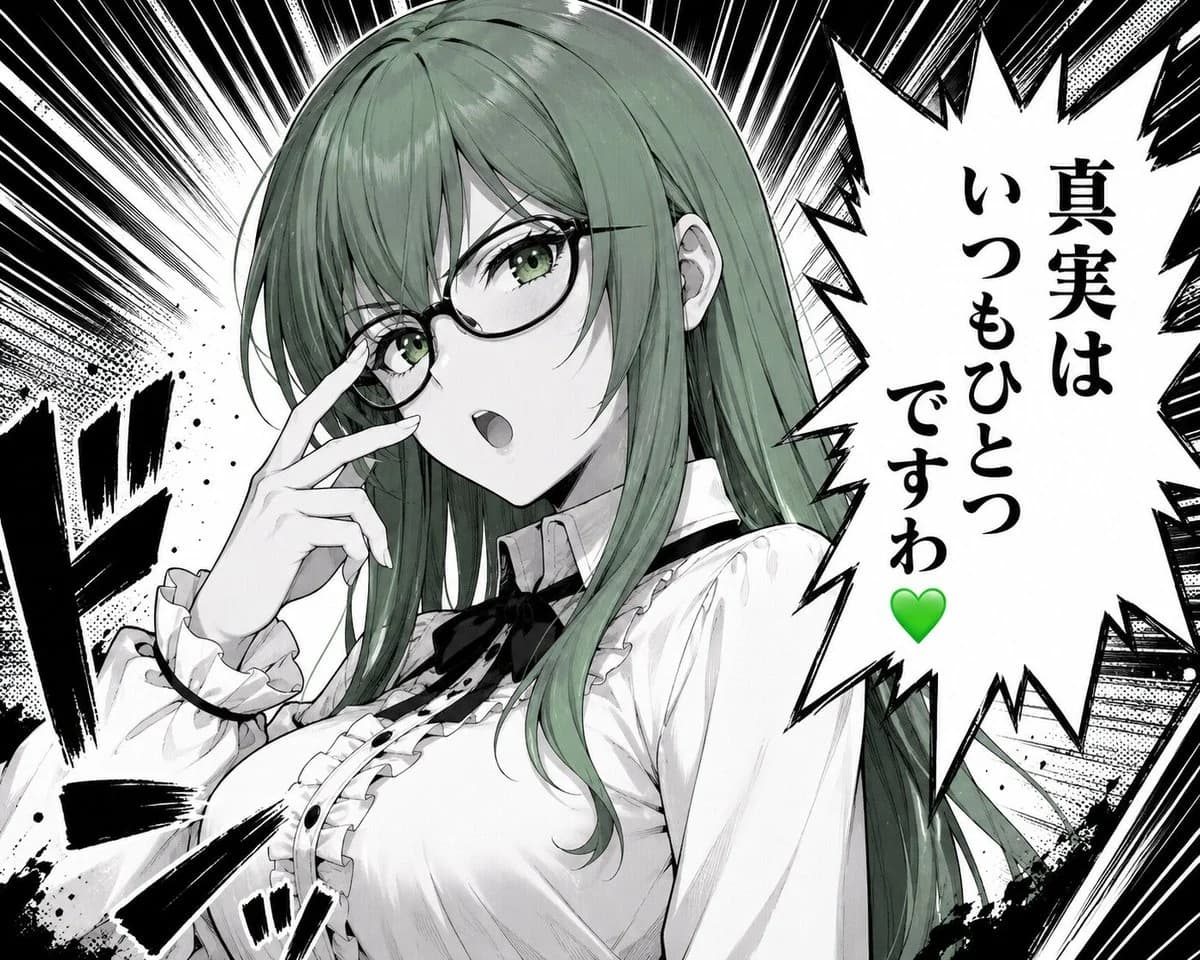
1367자Create a dramatic monochrome manga/anime close-up illustration of {argument name="character name" default="Misaki, the Green Lady"}, a beautiful young woman with long straight {argument name="hair color" default="muted sage green"} hair and green eyes, wearing thin black oval glasses. She is shown from the chest up in a confident three-quarter pose, touching the bridge of her glasses with two fingers as if adjusting them, mouth slightly open mid-speech, expression composed and sharp. Her outfit is a refined white Victorian-inspired blouse with ruffled cuffs, ruffled front placket, small black buttons, a black ribbon bow at the collar, and a high neck detail; include exactly 6 visible outfit/accessory elements: glasses, black collar ribbon, ruffled cuffs, ruffled chest trim, black front buttons, and white blouse. Use a high-contrast black-and-white manga page style with selective green color only in the hair, eyes, and a green heart. Background: explosive radial speed lines, halftone textures, ink splatter, heavy black impact strokes, and manga sound-effect marks on the left and lower foreground. On the right side, place one large jagged speech bubble with vertical Japanese text reading {argument name="speech bubble text" default="真実は\nいつもひとつ\nですわ\n💚"}; keep the green heart at the bottom of the text. Composition should be dynamic and intense, with the character occupying the left and center, the speech bubble occupying the right third, crisp line art, screentone shading, glossy hair highlights, and no extra characters, no watermark, no borders beyond the manga-style effects.이 프롬프트 소개
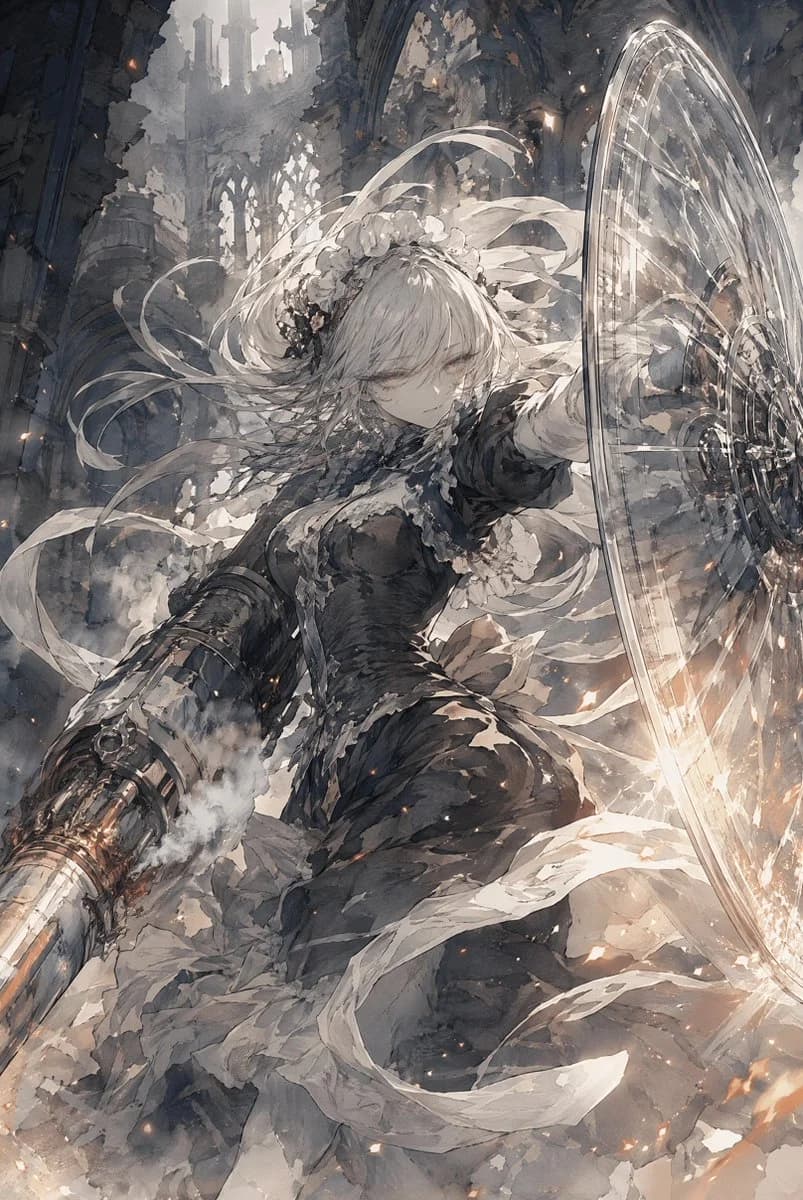
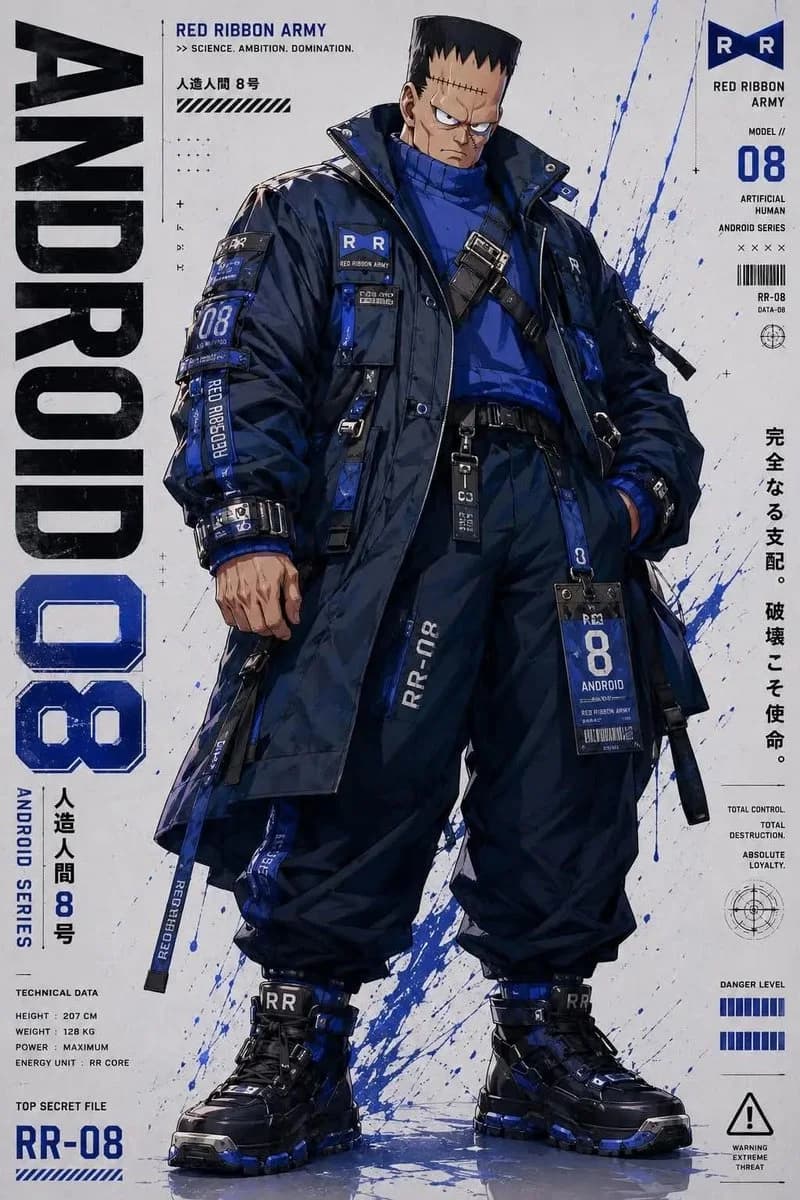
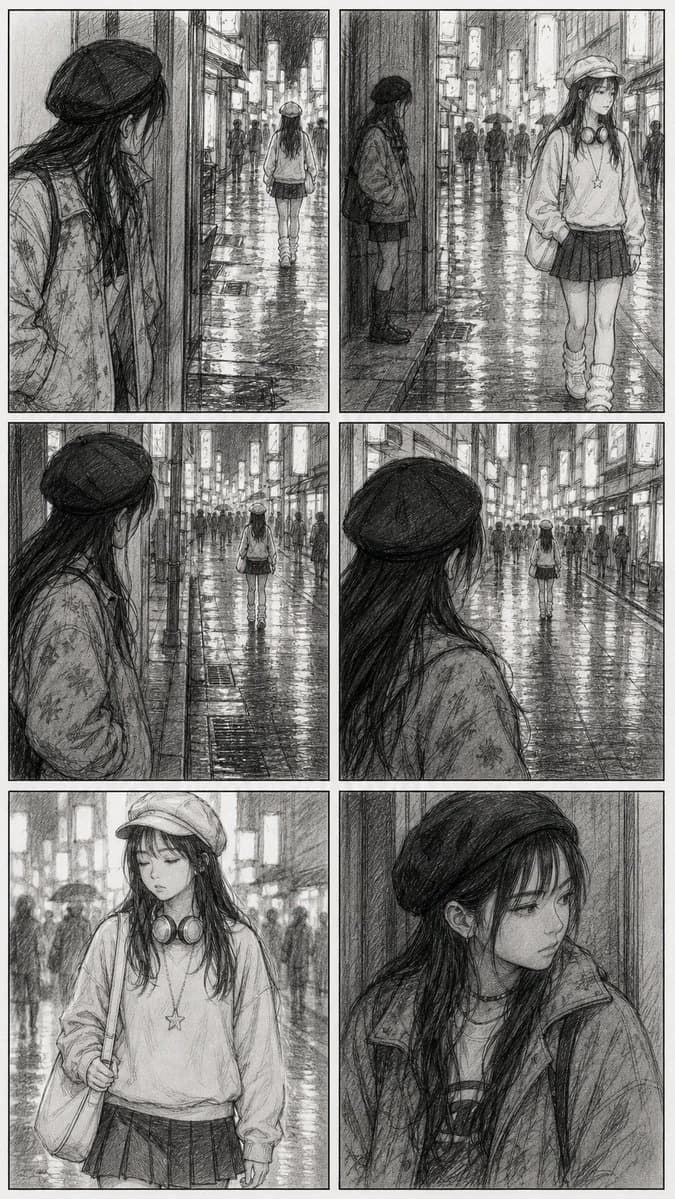
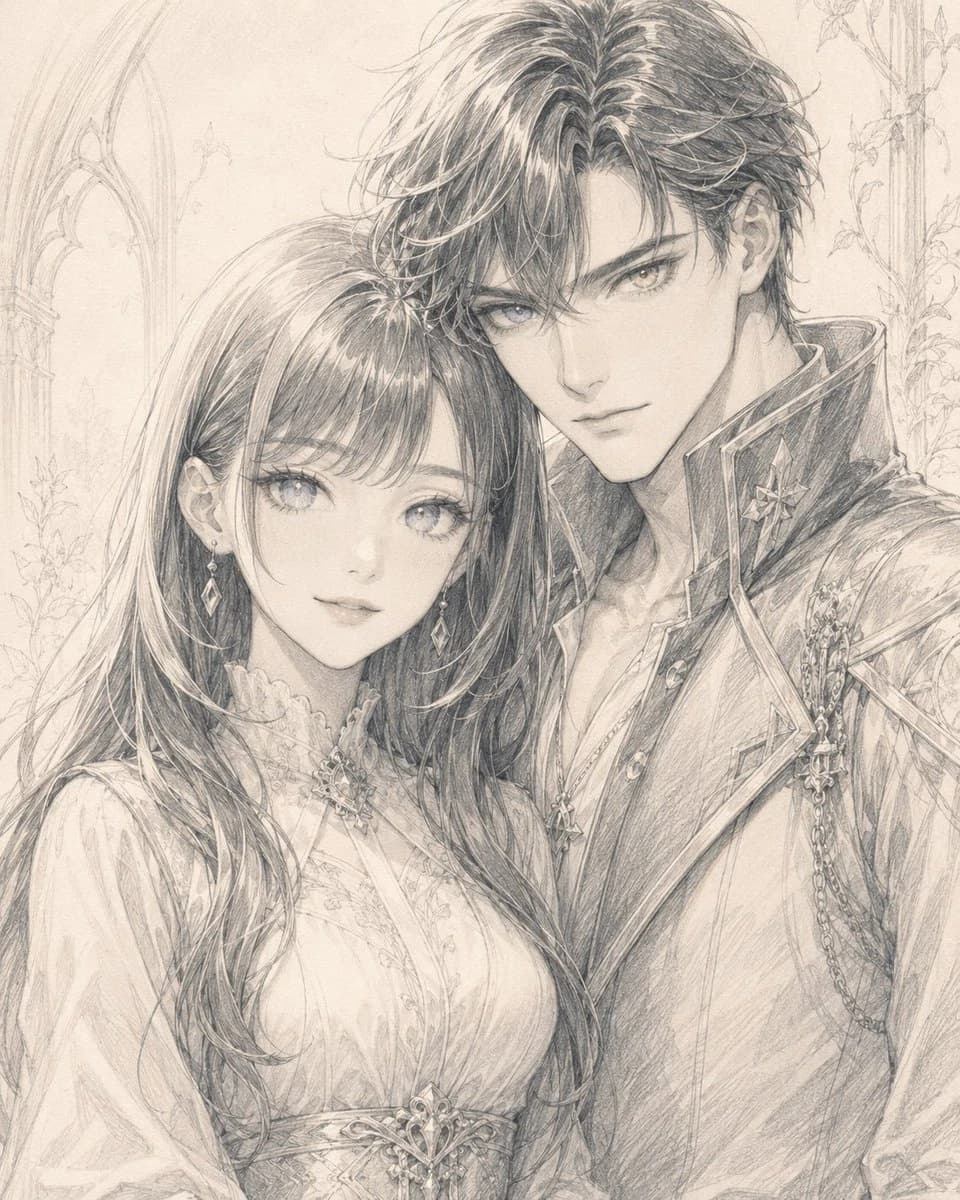
Image 2에서 GPT Image 2에 바로 사용할 수 있는 캐릭터 디자인 프롬프트 ‘초록 머리 만화 여성 말풍선’입니다. 아래 1367자를 복사해 Create 폼에 붙여 넣으면 위 미리보기와 비슷한 이미지를 만들 수 있습니다. 만화, 캐릭터, 캐릭터 디자인 태그를 조정하면 새로운 방향으로 확장할 수 있습니다.
먼저 그대로 사용해 본 뒤 피사체, 조명, 구도를 작업에 맞게 조정해 보세요. 원문을 그대로 쓰거나 수정해도 생성 비용은 같습니다.
사용 사례
캐릭터 디자인 작업의 좋은 출발점
‘초록 머리 만화 여성 말풍선’처럼 표현한 캐릭터 디자인 이미지를 만들고 싶다면 이 GPT Image 2 프롬프트로 시작해 보세요. 스타일과 구도는 이미 잡혀 있으므로 인물, 제품, 색상, 장면 요소만 작업에 맞게 바꾸면 됩니다.
먼저 손보기 좋은 부분
- 피사체 인물, 제품, 장소, 오브젝트를 내 내용으로 바꾸고 전체 구도는 유지합니다.
- 분위기 조명, 색감, 카메라 각도, 소재 디테일을 브랜드나 용도에 맞춥니다.
- 결과 형식 생성 전에 비율, 배경, 텍스트, 레이아웃 지시를 정리합니다.
비슷한 프롬프트 더 보기
스타일, 용도, 피사체가 가까운 GPT Image 2 프롬프트를 이어서 확인해 보세요.
사용 방법
- 1단계
프롬프트 복사
위의 복사 버튼을 눌러 전체 텍스트를 가져옵니다.
- 2단계
Image 2 Create 열기
Create 폼으로 이동해 붙여 넣습니다.
- 3단계
생성
Generate를 누르면 몇 초 안에 내 버전이 완성됩니다.
내 버전으로 만들기
한 번의 클릭으로 Create 폼에 불러오고 바로 조정하세요.