프롬프트
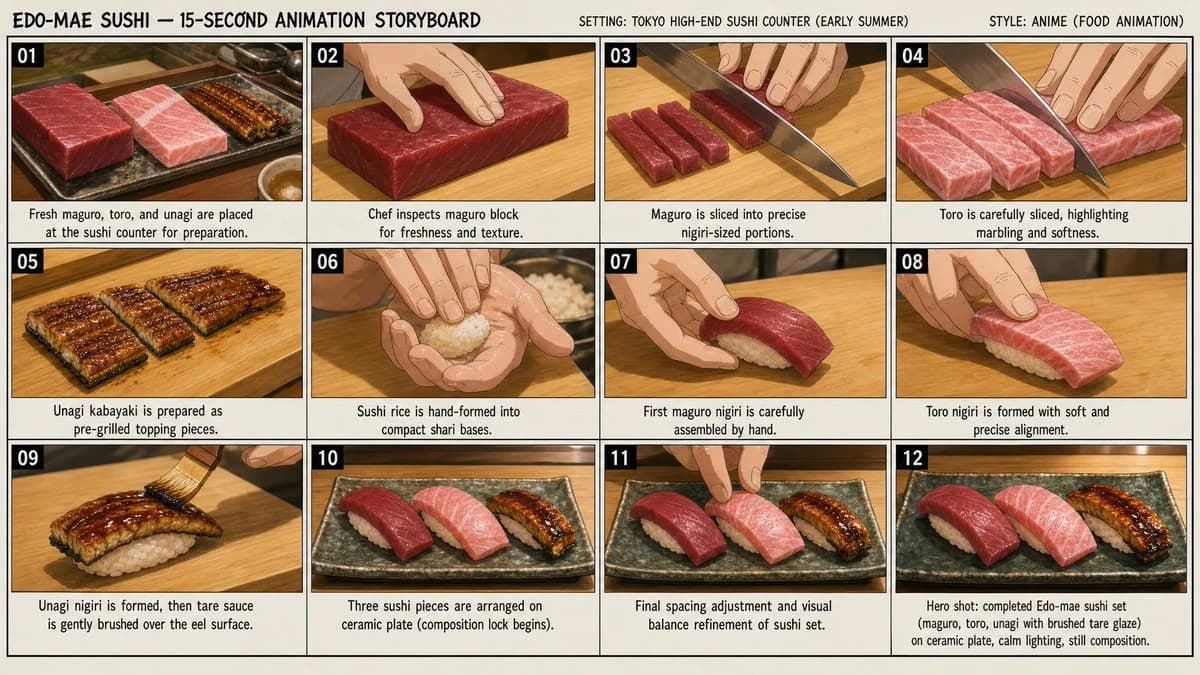
1681자Create a professional anime production storyboard sheet for a **15-second cooking animation featuring authentic Edo-style Sushi (江戸前寿司 / 握り寿司)**. The cooking process should accurately reflect professional Tokyo high-end sushi restaurant techniques while delivering elegant anime-style food presentation and a **calm early summer atmosphere in a refined Tokyo sushi counter setting (初夏・静謐な高級寿司店の空気感)**. The storyboard should depict the complete preparation process of **maguro (tuna), toro (fatty tuna), and unagi (eel)** sushi while maintaining strict visual continuity across all panels. --- # Workflow Adaptation Rule Before creating the storyboard: 1. Follow authentic Edo-mae sushi counter workflow 2. Separate fish preparation, rice shaping, and nigiri assembly stages 3. Emphasize craftsmanship and hand technique 4. Highlight maguro, toro, and unagi equally 5. Build toward final plated sushi as the hero composition 6. Maintain strict continuity of counter, lighting, and tools --- # Realism and Culinary Accuracy Rules Prioritize authentic sushi craftsmanship: * Precise slicing of maguro and toro * Hand-formed sushi rice (shari) * Clean, minimal unagi handling * Realistic weight, pressure, and texture of food Avoid all exaggerated or stylized effects. --- ## Ingredient Preparation Rules * Maguro: clean block slicing into uniform nigiri portions * Toro: delicate slicing emphasizing marbling texture * Unagi: already grilled kabayaki, cut into sushi topping size --- ## Unagi Correct Technique Rule (FINAL) For unagi nigiri: * Grilled eel (kabayaki) is placed on top of hand-formed sushi rice * After the nigiri is fully formed, the chef applies tare sauce **using a brush directly on the surface of the eel** * Brush movement is slow, precise, and minimal * No pre-dipping in sauce * No cutting during final assembly * Focus on glossy finish and craftsmanship, not drama --- ## Liquid Realism Rules * Sauce is applied as a thin controlled glaze via brush * No drip
이 프롬프트 소개
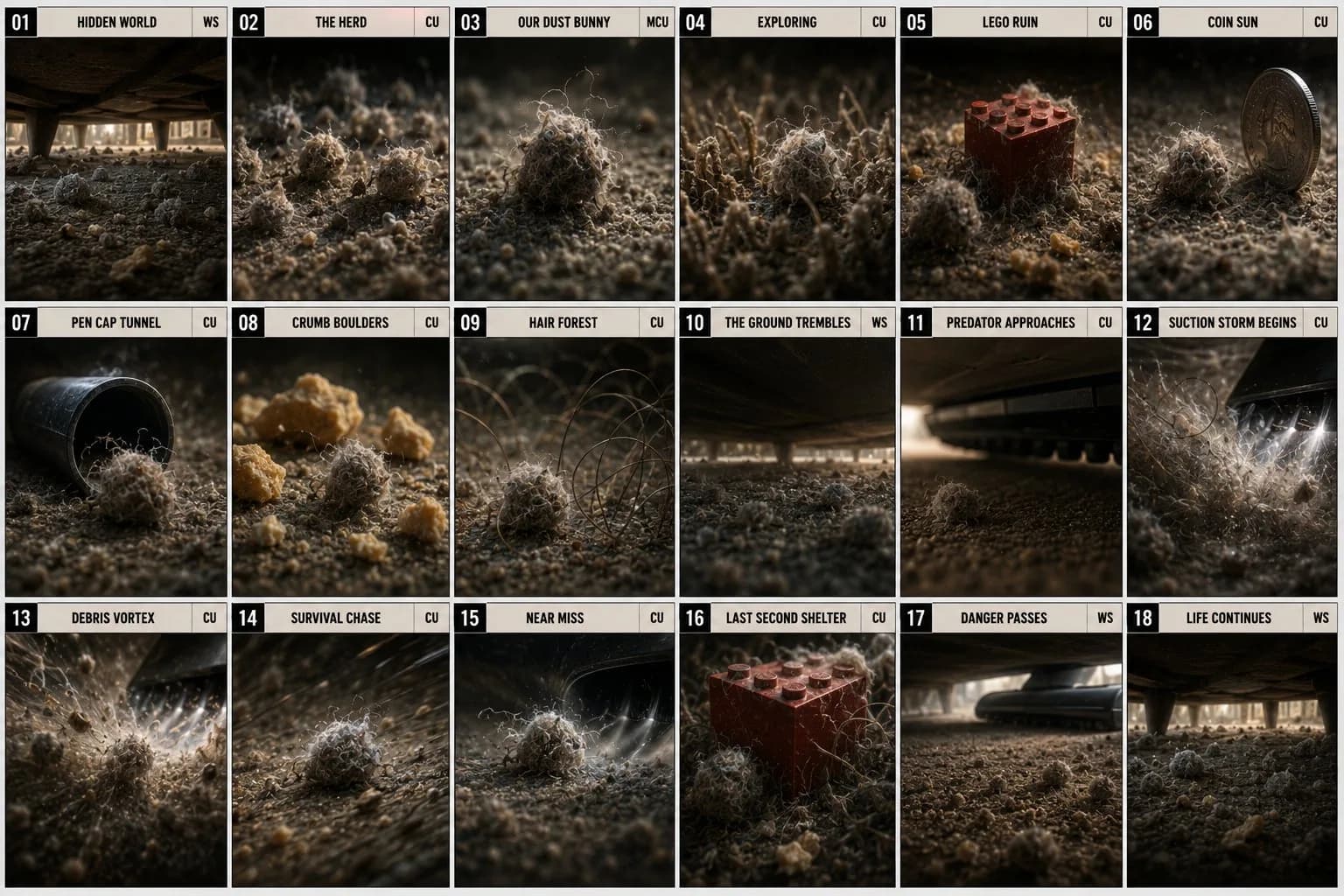
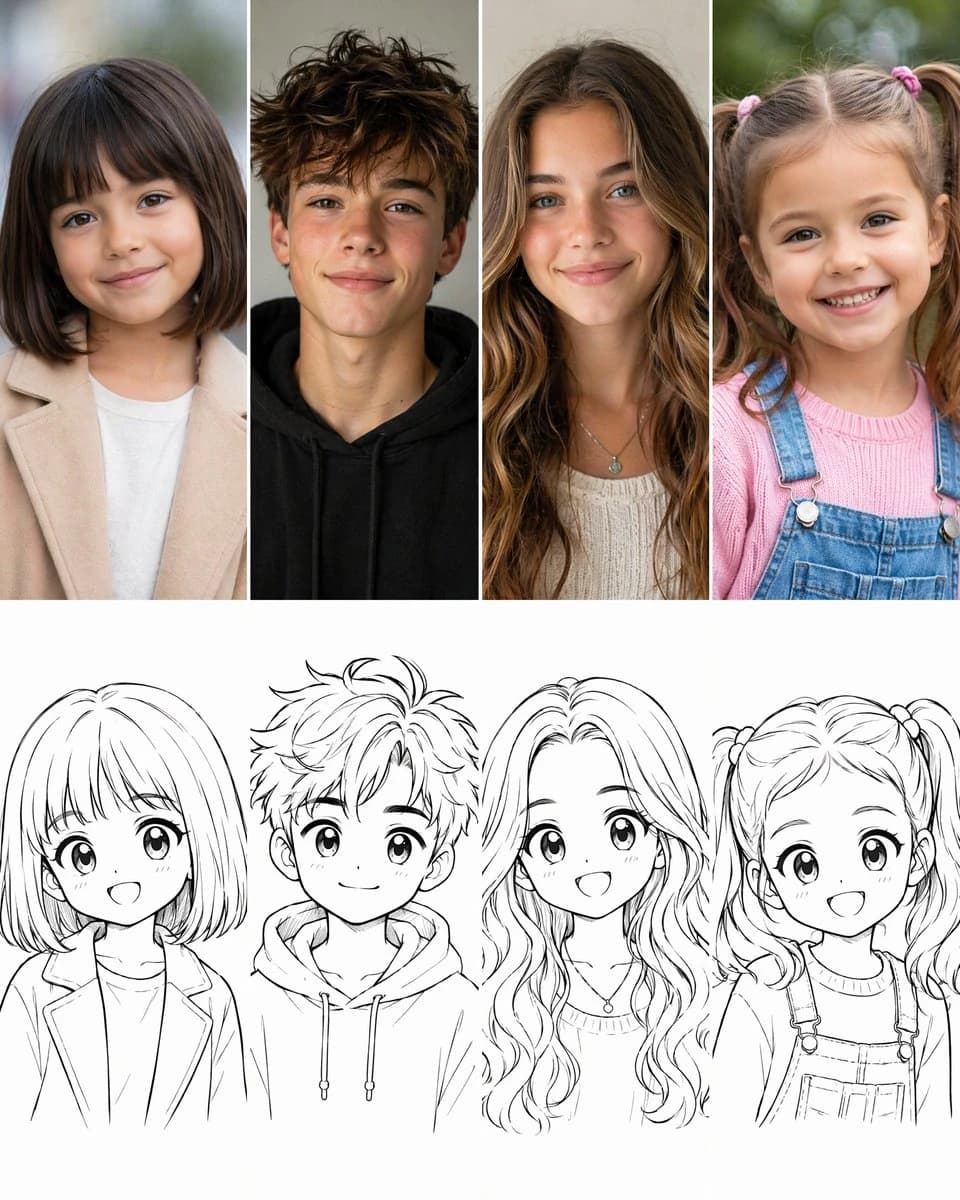
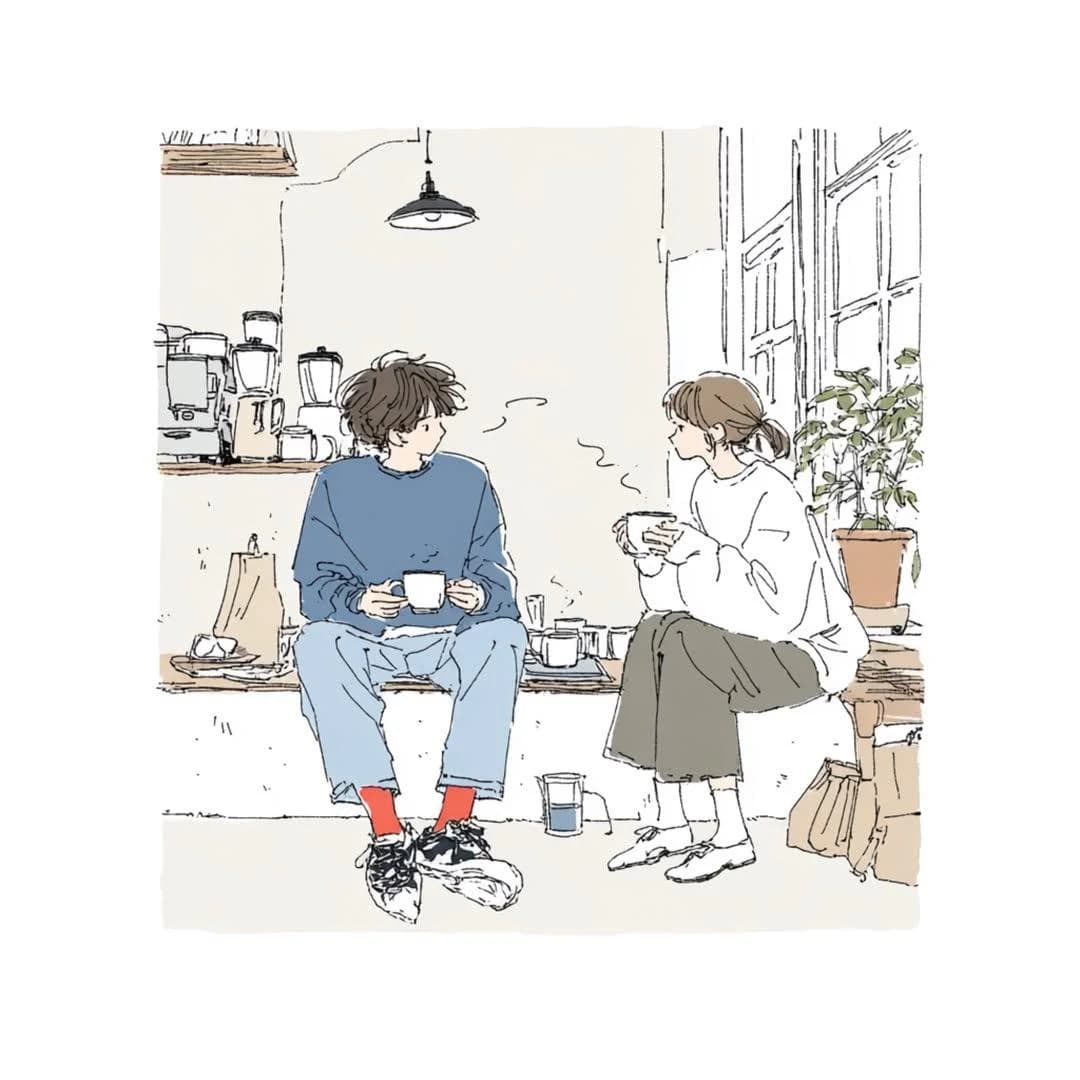
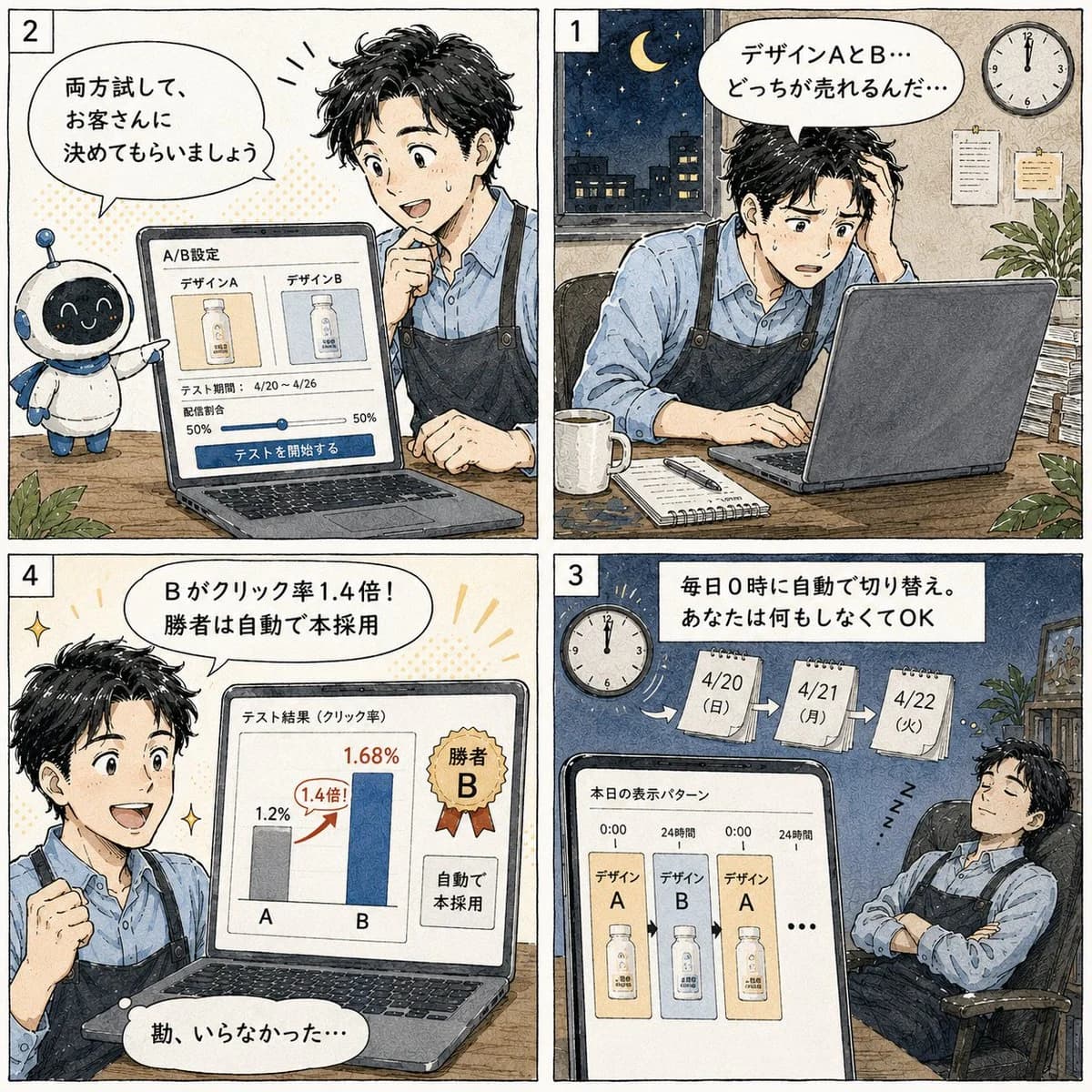
Image 2에서 GPT Image 2에 바로 사용할 수 있는 비교 프롬프트 ‘푸드 애니메이션 스토리보드 생성기’입니다. 아래 1681자를 복사해 Create 폼에 붙여 넣으면 위 미리보기와 비슷한 이미지를 만들 수 있습니다. 비교, 스토리보드, 음식 태그를 조정하면 새로운 방향으로 확장할 수 있습니다.
먼저 그대로 사용해 본 뒤 피사체, 조명, 구도를 작업에 맞게 조정해 보세요. 원문을 그대로 쓰거나 수정해도 생성 비용은 같습니다.
사용 사례
비교 작업의 좋은 출발점
‘푸드 애니메이션 스토리보드 생성기’처럼 표현한 비교 이미지를 만들고 싶다면 이 GPT Image 2 프롬프트로 시작해 보세요. 스타일과 구도는 이미 잡혀 있으므로 인물, 제품, 색상, 장면 요소만 작업에 맞게 바꾸면 됩니다.
먼저 손보기 좋은 부분
- 피사체 인물, 제품, 장소, 오브젝트를 내 내용으로 바꾸고 전체 구도는 유지합니다.
- 분위기 조명, 색감, 카메라 각도, 소재 디테일을 브랜드나 용도에 맞춥니다.
- 결과 형식 생성 전에 비율, 배경, 텍스트, 레이아웃 지시를 정리합니다.
비슷한 프롬프트 더 보기
스타일, 용도, 피사체가 가까운 GPT Image 2 프롬프트를 이어서 확인해 보세요.
사용 방법
- 1단계
프롬프트 복사
위의 복사 버튼을 눌러 전체 텍스트를 가져옵니다.
- 2단계
Image 2 Create 열기
Create 폼으로 이동해 붙여 넣습니다.
- 3단계
생성
Generate를 누르면 몇 초 안에 내 버전이 완성됩니다.
내 버전으로 만들기
한 번의 클릭으로 Create 폼에 불러오고 바로 조정하세요.