GPT Image 2 Results
GPT Image 2
Words you can read. Worlds you can trust.
Made with GPT Image 2.
Each image below leans on what GPT Image 2 does better than diffusion-only models: legible text, accurate references, long briefs that survive the render. Hover to read the prompt.
Where GPT Image 2 pulls ahead.
A different kind of image model — one that reads briefs the way you wrote them, sets type the way a designer would, and stays grounded in the real world.
Type that holds up at any size
Headlines, signage, packaging, even longer body copy — kerning, weight, and proportion render the way a designer would set them.
World knowledge, baked in
Real architecture, real geography, real product details. Briefs that depend on accuracy — diagrams, packaging, education — come out grounded, not generic.
Long briefs, kept intact
Multi-step prompts hold together. Spatial relationships, on-image callouts, layout constraints — they land where you placed them in the description.
Up to 16 reference images
Lock a face, a product, a brand mark, or a layout in place. Carry it across angles, lighting, and an entire series without retouching.
What teams actually ship with it.
Six workflows where text, knowledge, and references matter more than vibe.
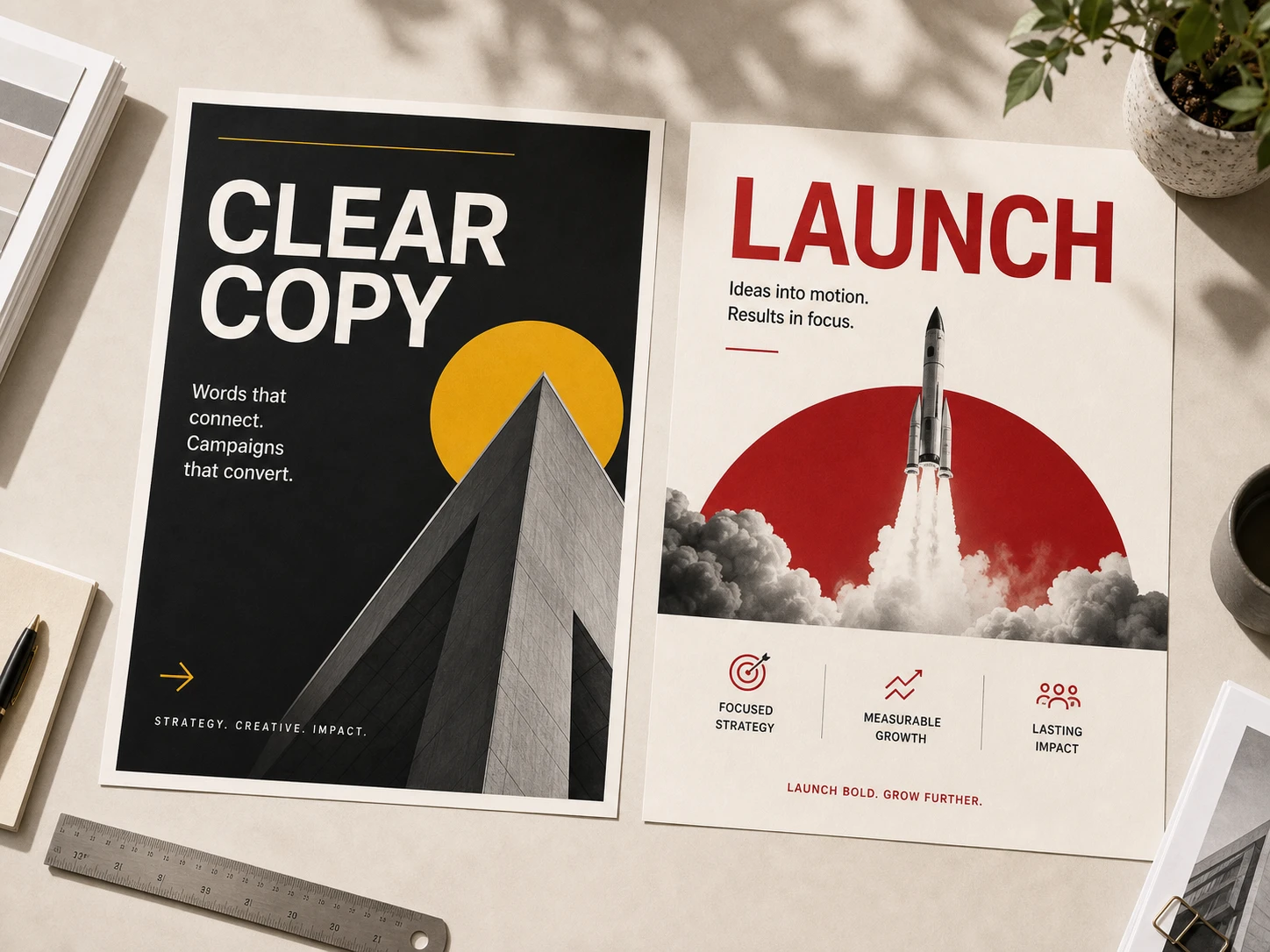
Posters and campaign keys
Hero copy, taglines, and call-outs render sharp — ready for print, social, or out-of-home, no separate typesetting pass.
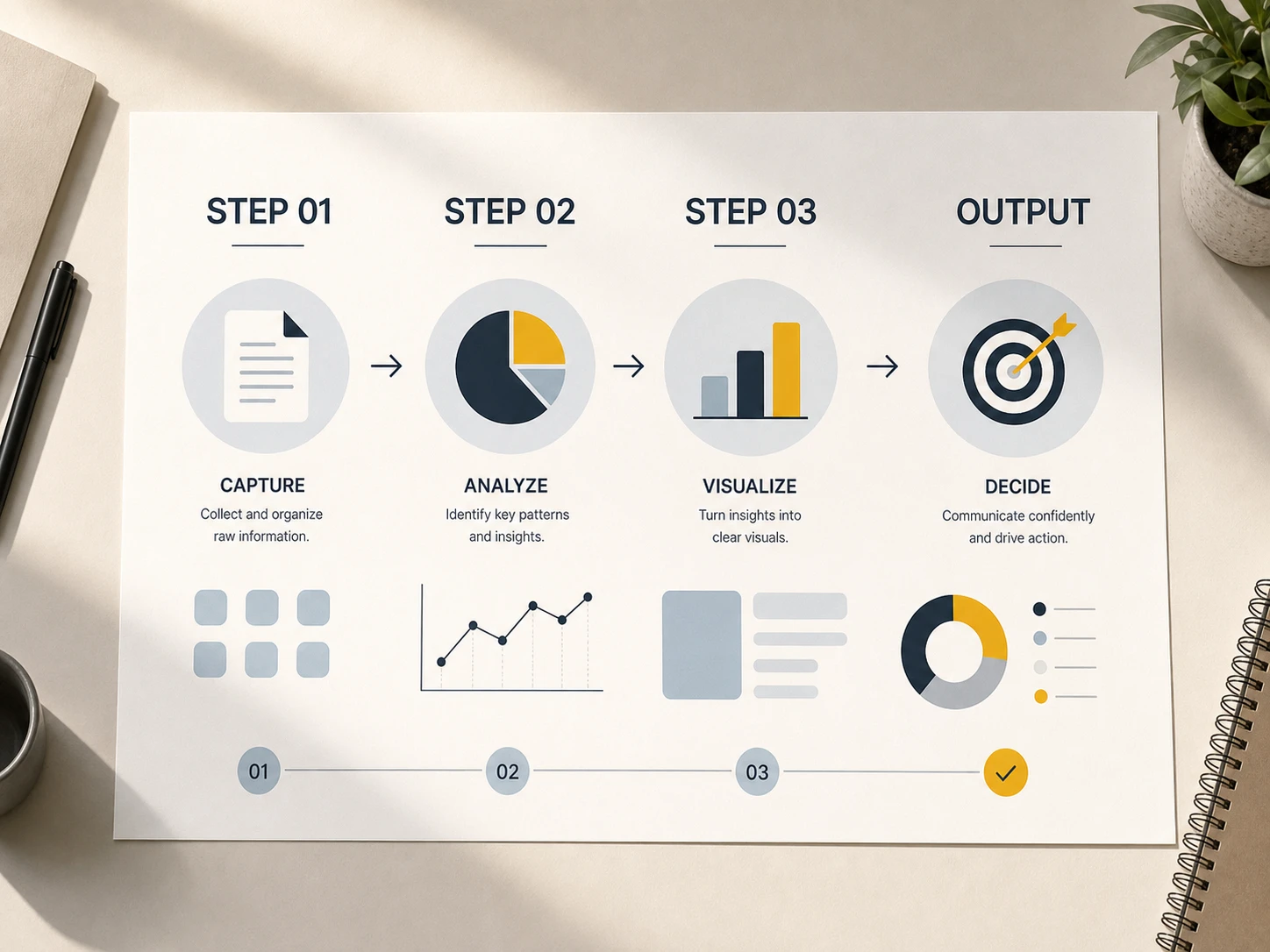
Infographics and data visuals
Turn a brief into a labeled diagram in one pass. Steps, callouts, and captions stay aligned with what you wrote.
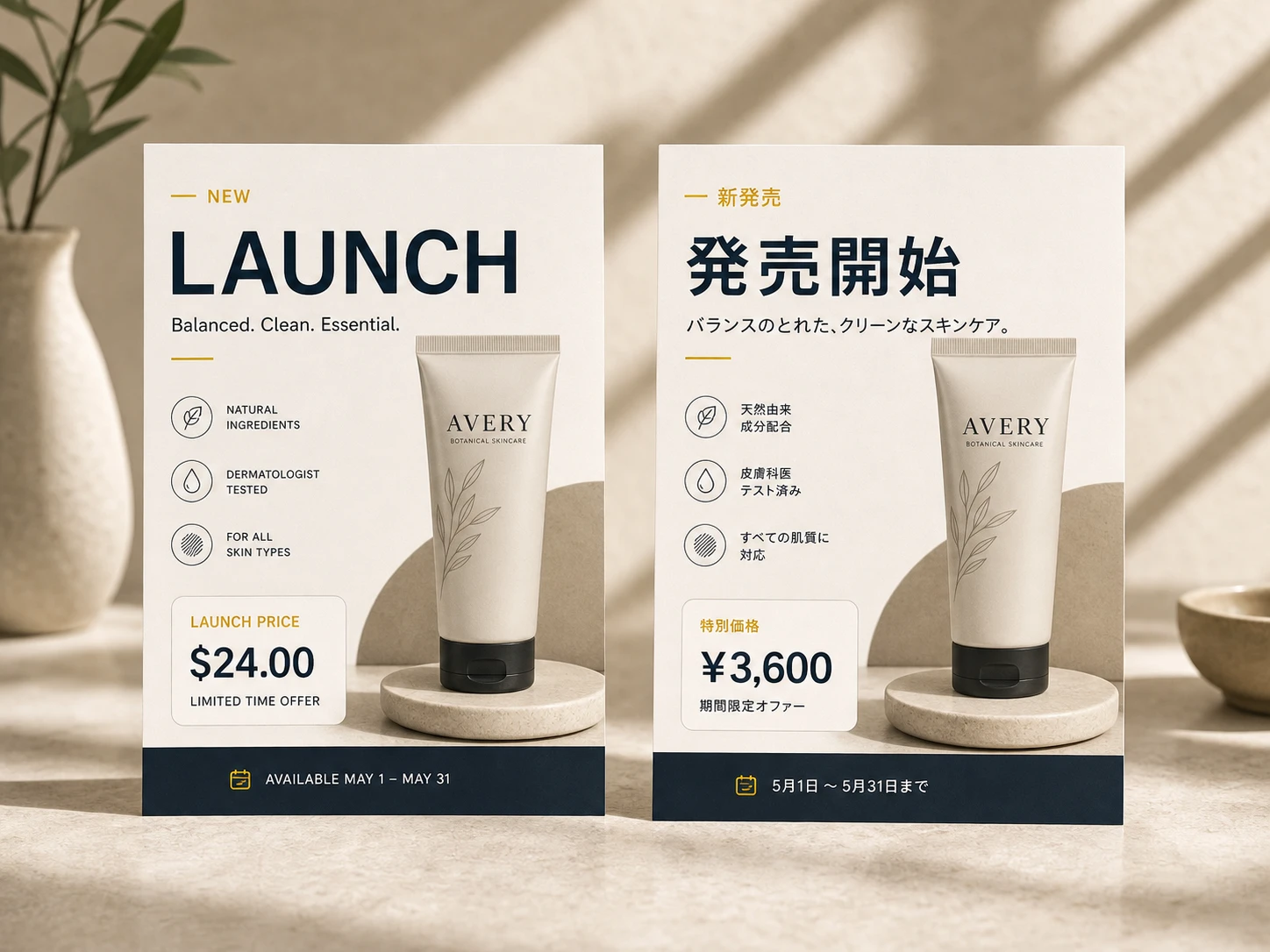
Multilingual launches
Generate one layout, swap the language inside the image — pricing, menus, signage, and packaging localized without a reshoot.
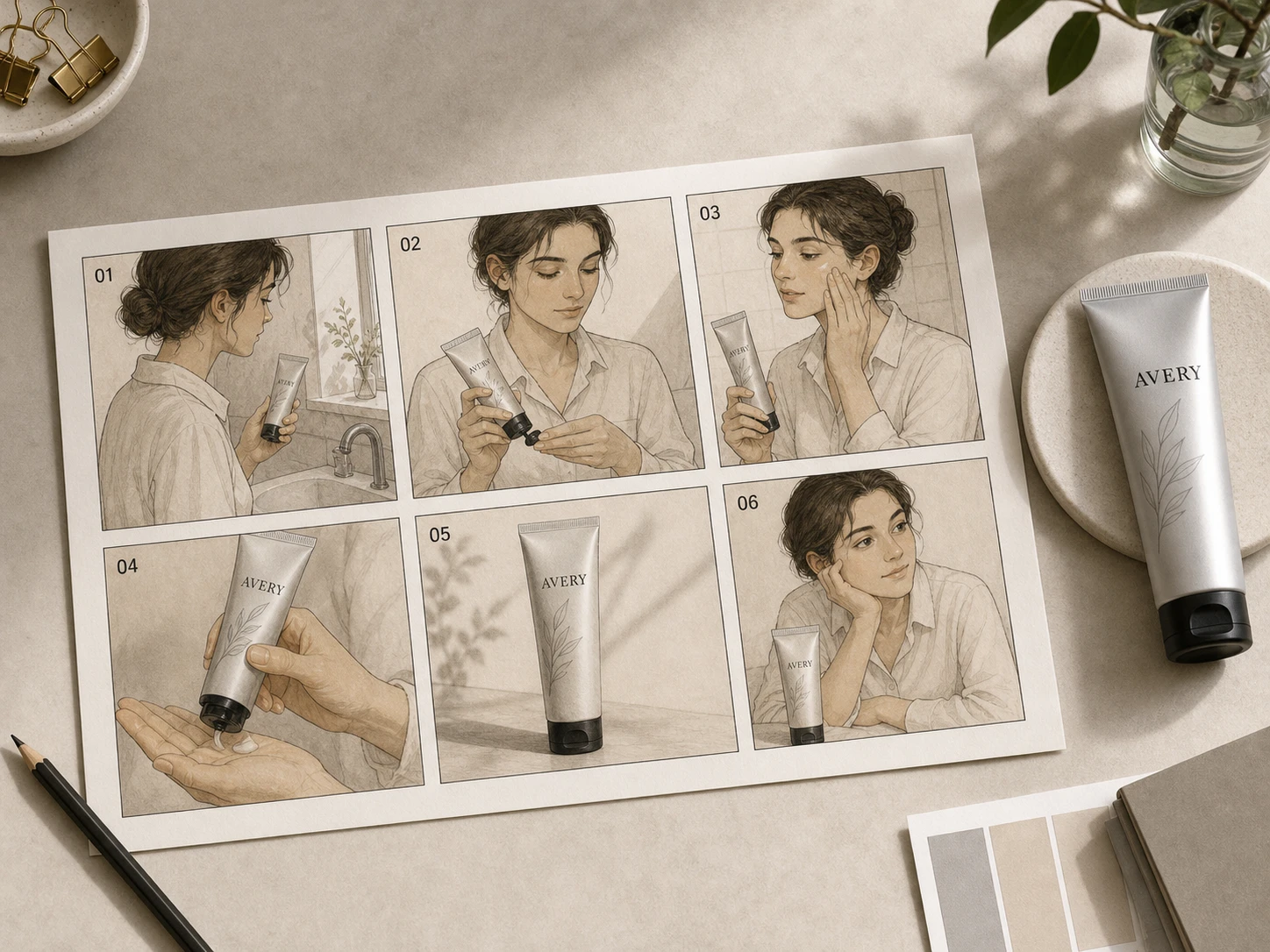
Storyboards and product shots
Same character, same outfit, same product — across panels, angles, and scenes. Build a sequence the way an art director would.
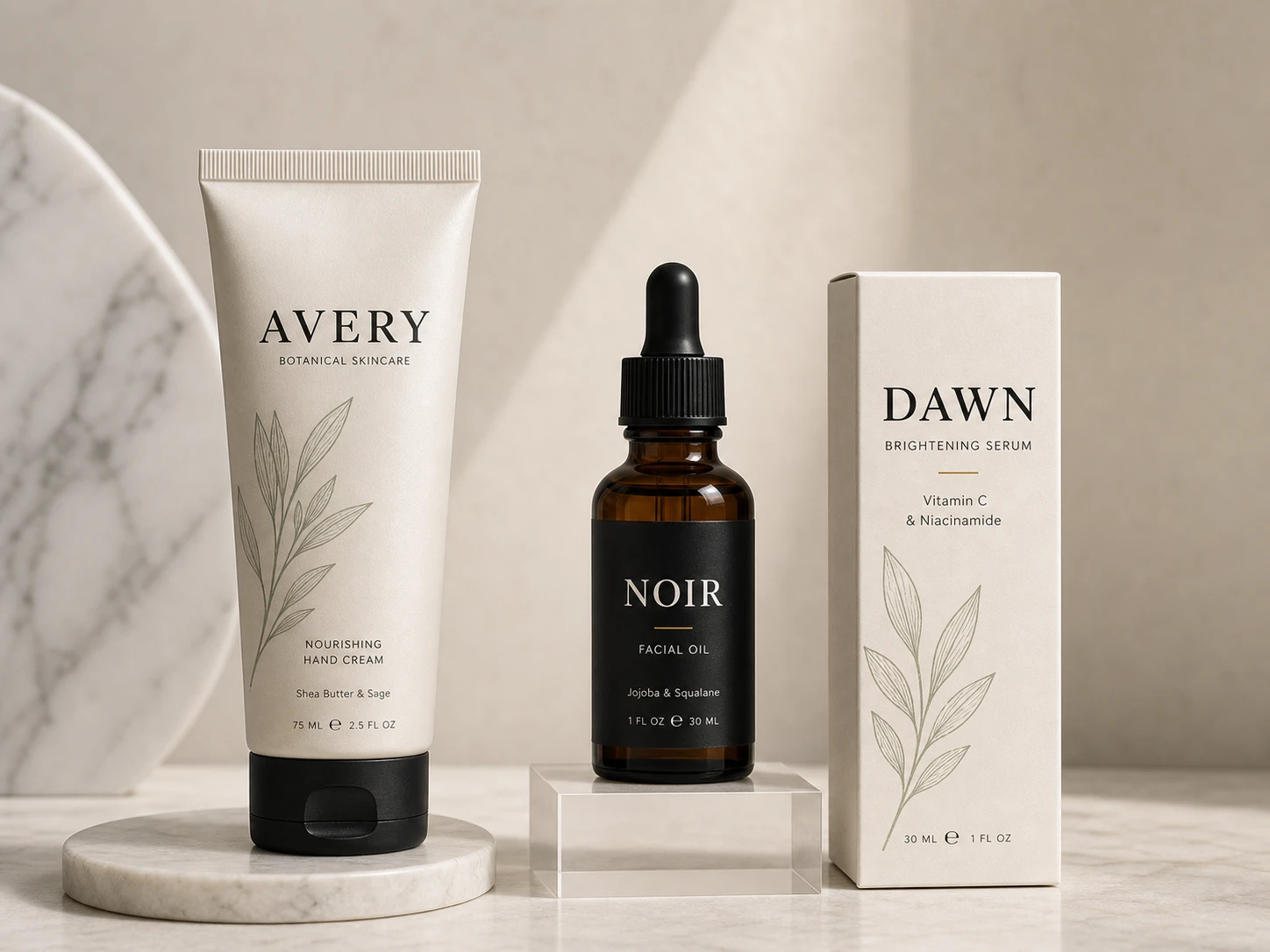
Product mockups with labels
Bottles, tubes, boxes, and cans with brand marks and real copy on the front — close enough to send to a printer.
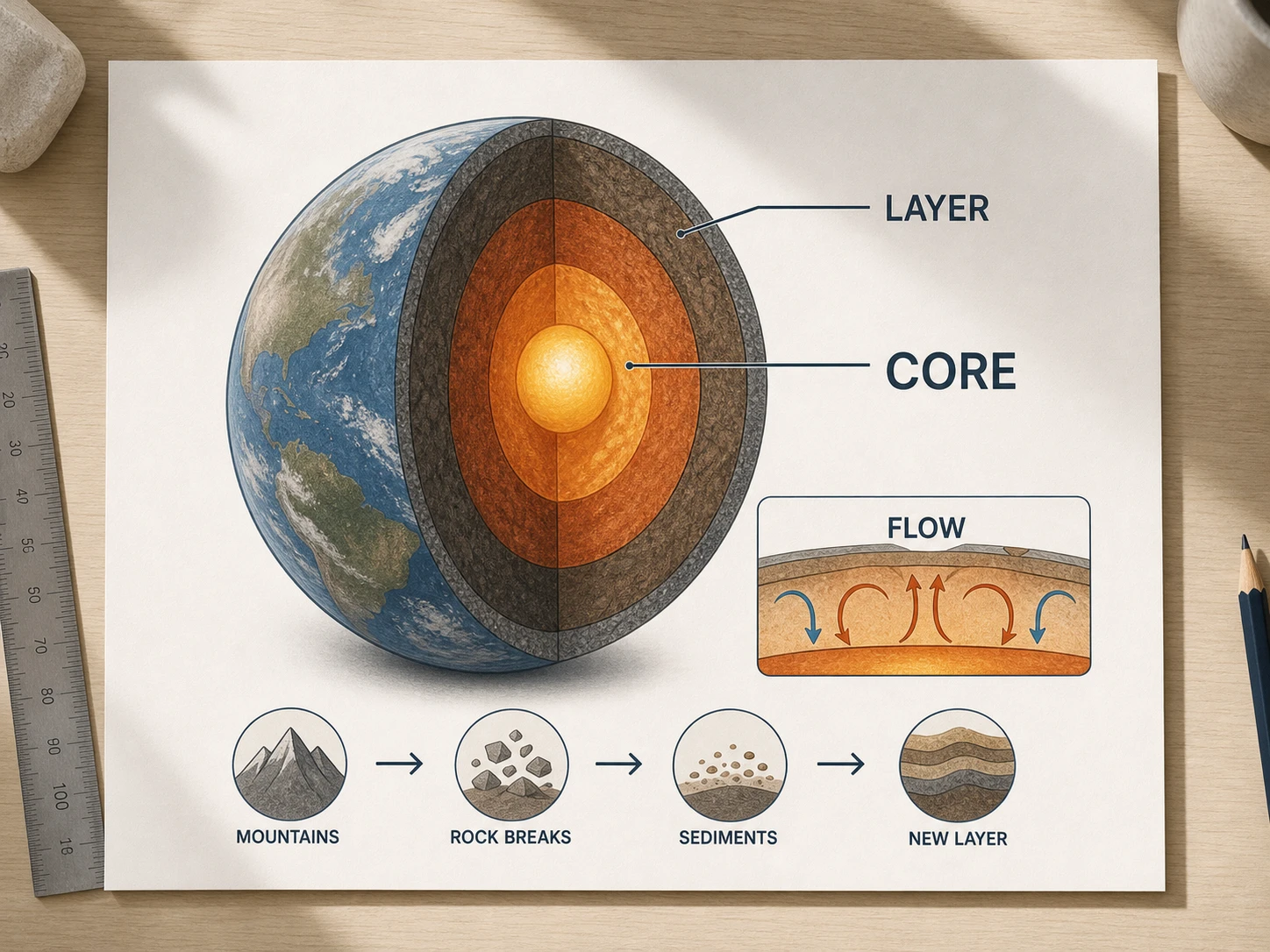
Diagrams and teaching aids
Cross-sections, anatomy plates, process flows — the kind of visual a textbook would commission, without the studio time.
Steal a starting point.
Six briefs that show off GPT Image 2's range. Copy one, change a phrase at a time.
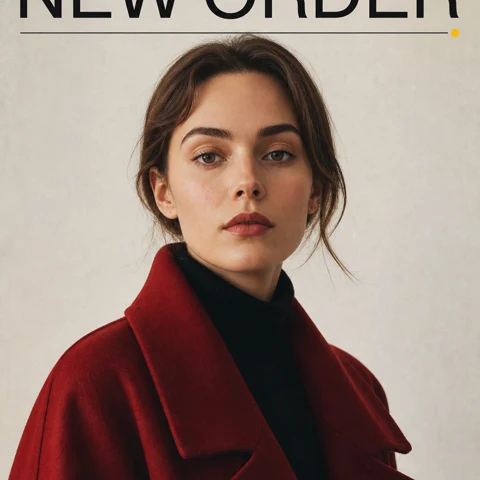
Magazine cover
Magazine cover layout, bold sans-serif masthead 'NEW ORDER' across the top, full-bleed portrait of a woman in a red coat, small issue line bottom-right, neutral studio backdrop, glossy paper feel
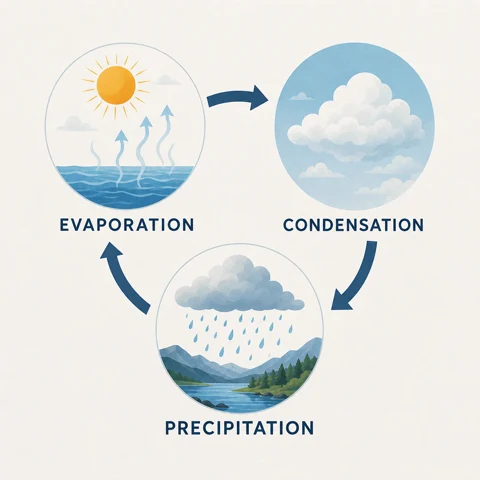
Three-step explainer
Three-step infographic explaining the water cycle — evaporation, condensation, precipitation — flat illustration with labeled arrows between each step, soft pastel palette, geometric sans-serif type, generous margins
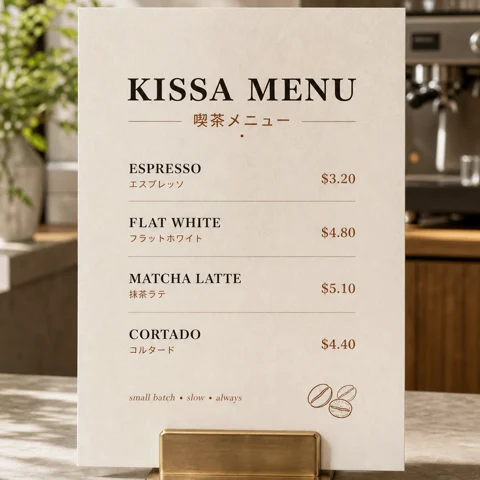
Café menu
Café menu board printed in English and Japanese, four espresso drinks with prices and one-line descriptions, warm white paper texture, hand-drawn coffee bean in the corner, condensed serif headline type
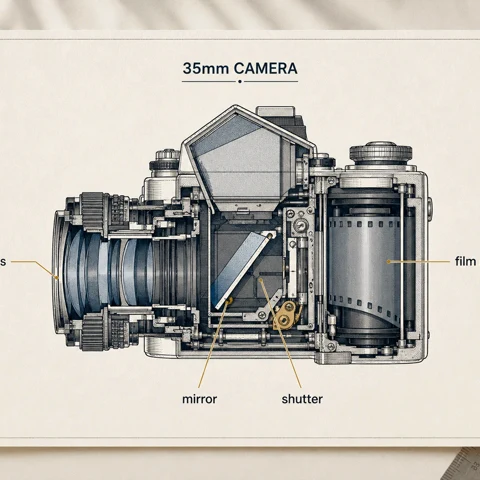
Annotated diagram
Annotated cross-section of a vintage 35mm film camera, hand-labeled callouts with thin leader lines pointing to lens, mirror, shutter, and film roll, blueprint style on cream paper, technical illustration mood
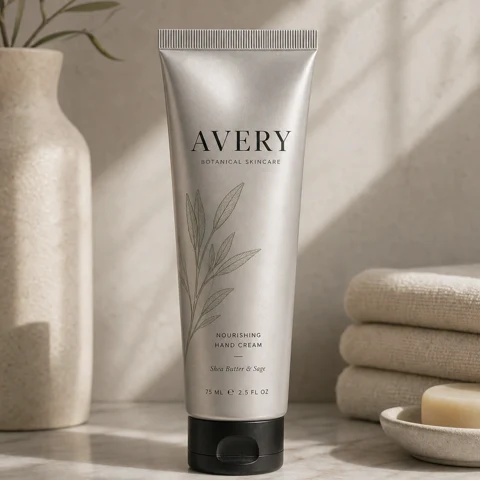
Skincare tube
Aluminum skincare tube standing on a marble shelf, embossed wordmark 'AVERY' in serif type across the front, small botanical line illustration above the name, soft daylight from camera-right, advertising still life
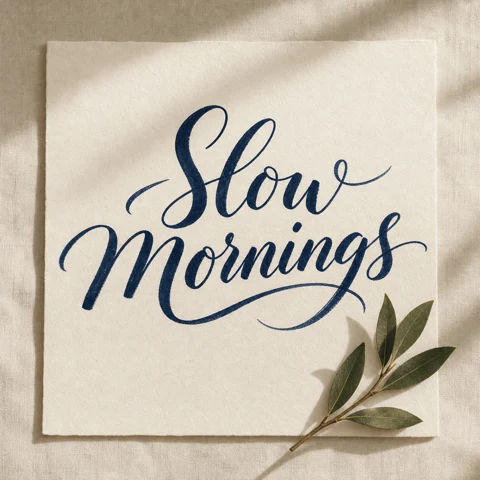
Calligraphic poster
Calligraphic poster reading 'Slow Mornings' in deep navy brush ink on warm white linen paper, natural variation in stroke weight, a single bay-leaf sprig in the lower-right corner, slight paper grain visible
How to use GPT Image 2.
Bring the references, write the brief, render — at production resolution.
Bring up to 16 references
Drop in faces, products, brand marks, or layout boards. GPT Image 2 reads them as anchors, not suggestions — what you upload, it carries through.
Write the brief, however long it needs
Plain language in any tongue. The model parses spatial cues, multi-step instructions, and on-image text — no special prompt syntax.
Render at 1K, 2K, or 4K
Pick an aspect ratio, pick a resolution. Get a finished image in seconds — print-ready, social-ready, ready to ship.
Common Questions & Answers
Find out all the essential details about GPT Image 2
Still have questions? Contact us at [email protected]
Type the brief.Render it sharp.
Crisp text, real references, long instructions held intact — that's the GPT Image 2 difference.