Prompt
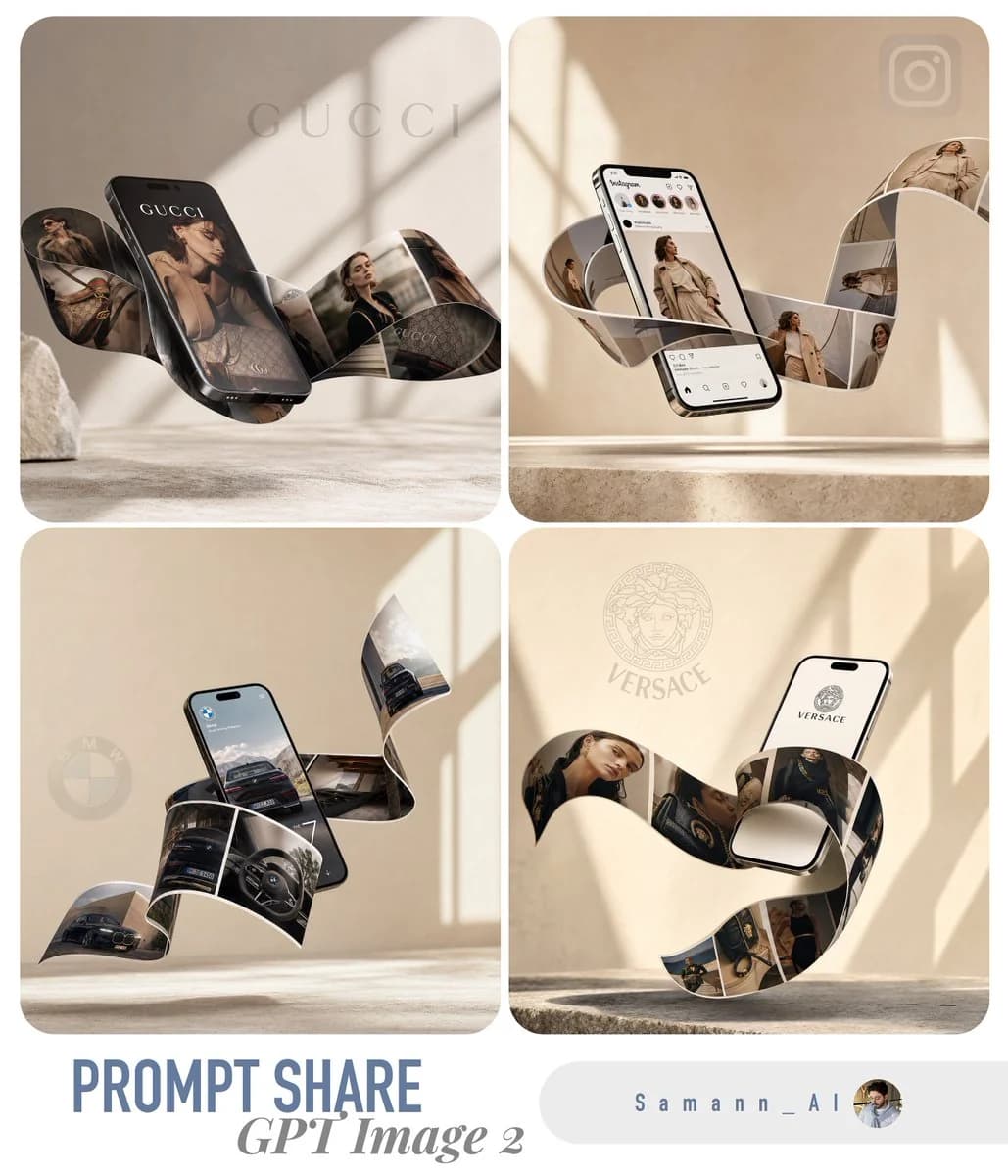
122 WörterEin äußerst realistisches, hochwertiges 3D-Produkt-Mockup für [HIER BRANCHE EINFÜGEN, z. B. moderne Modemarke]. Ein schlankes, modernes Smartphone schwebt elegant in einem dynamischen Winkel in der Luft. Aus dem Bildschirm tritt nahtlos ein durchgehendes, gewelltes, physisches Band aus gedruckten Fotos hervor, das elegant fließt und sich auf surreale, schwerelose Weise um das Gerät windet. Die Fotos auf dem fließenden Band zeigen beeindruckende, hochwertige Bilder von [HIER PRODUKT-/DIENSTLEISTUNGSBILDER EINFÜGEN]. Der Hintergrund ist eine minimalistische Umgebung in warmem Beige und sanftem Creme mit einem dezent strukturierten Steinboden. Weiches, diffuses natürliches Sonnenlicht wirft einen eleganten, diagonalen Fensterschatten auf die Rückwand und verleiht Tiefe. Cineastisches Licht, geringe Schärfentiefe, ultrafotorealistisch, 8K-Auflösung, sehr detailliert, trendige minimalistische Ästhetik, ideal für einen ansprechenden, viralen Social-Media-Beitrag, mit sauberem Negativraum oben für Typografie.
Über diesen Prompt
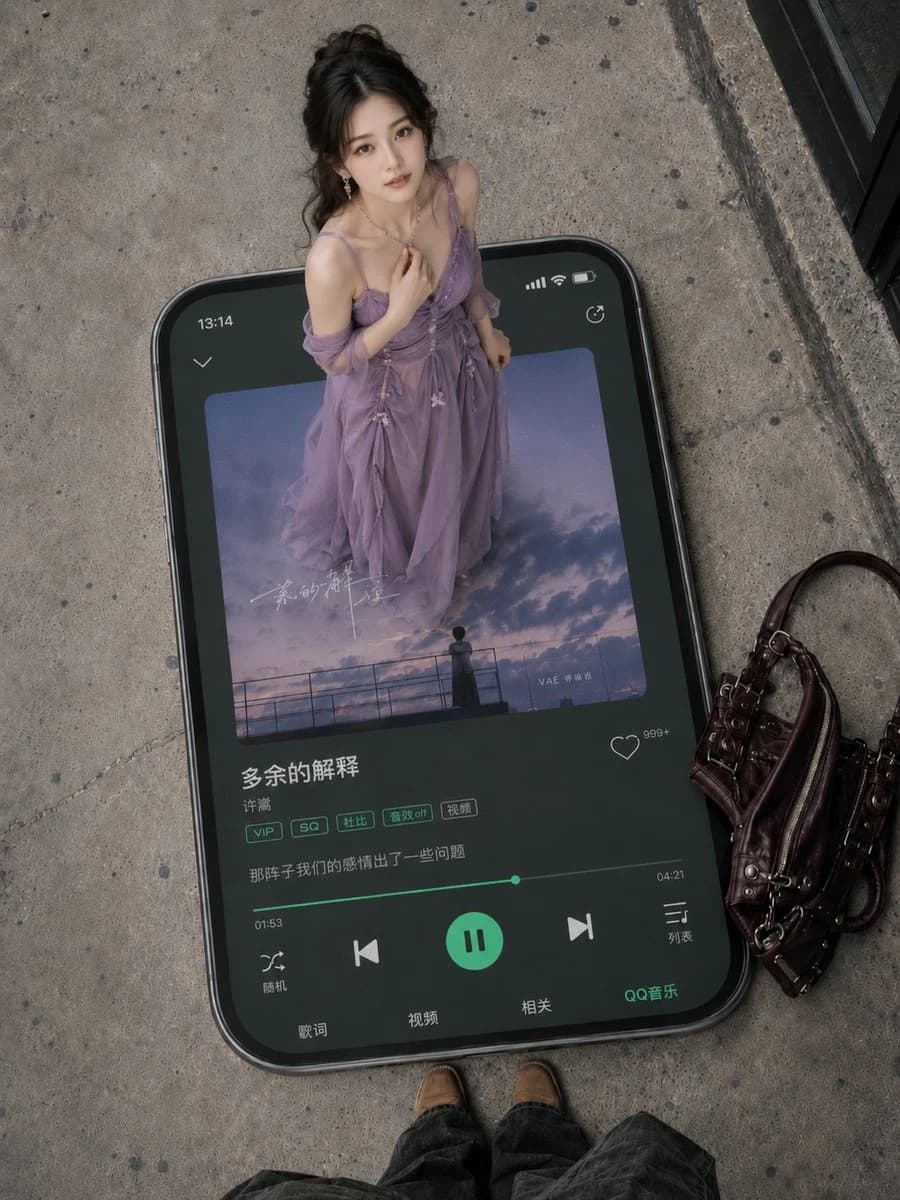
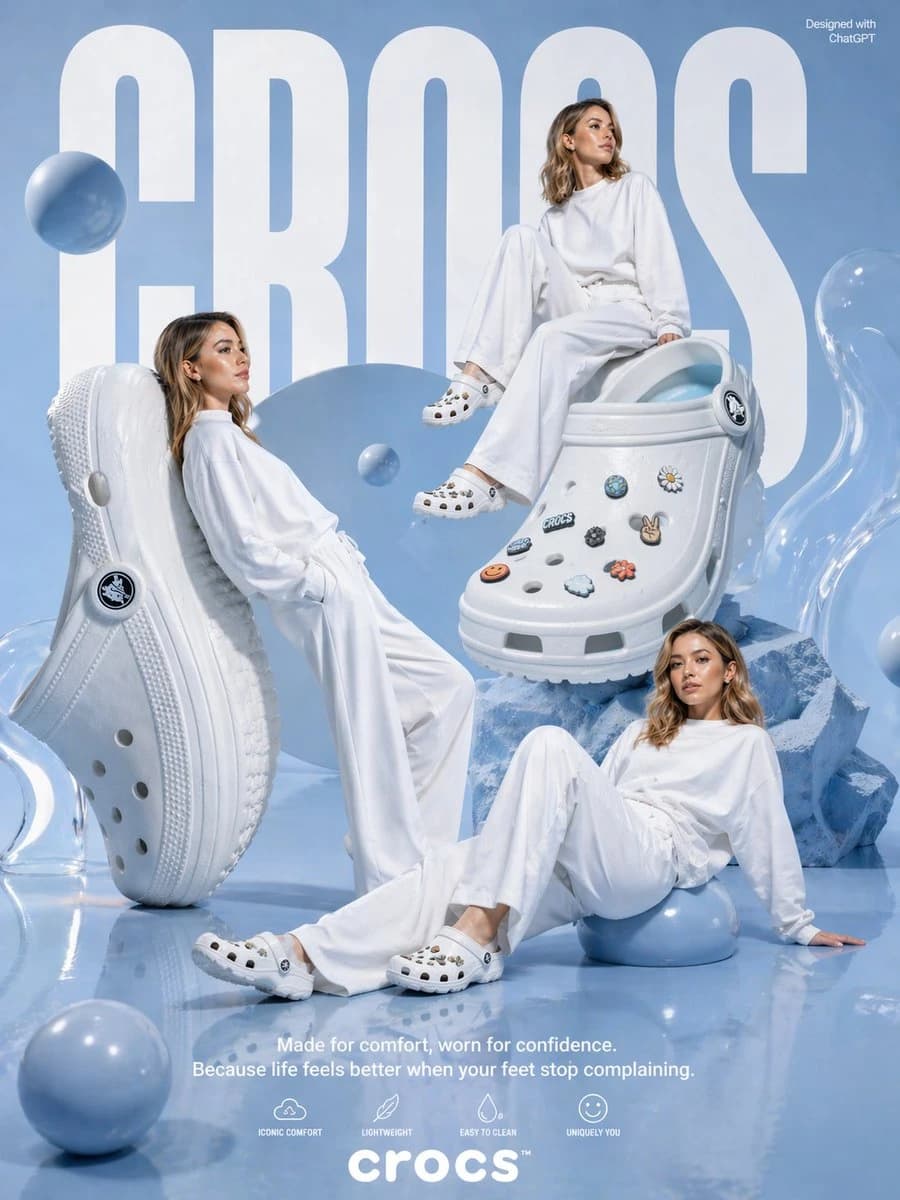
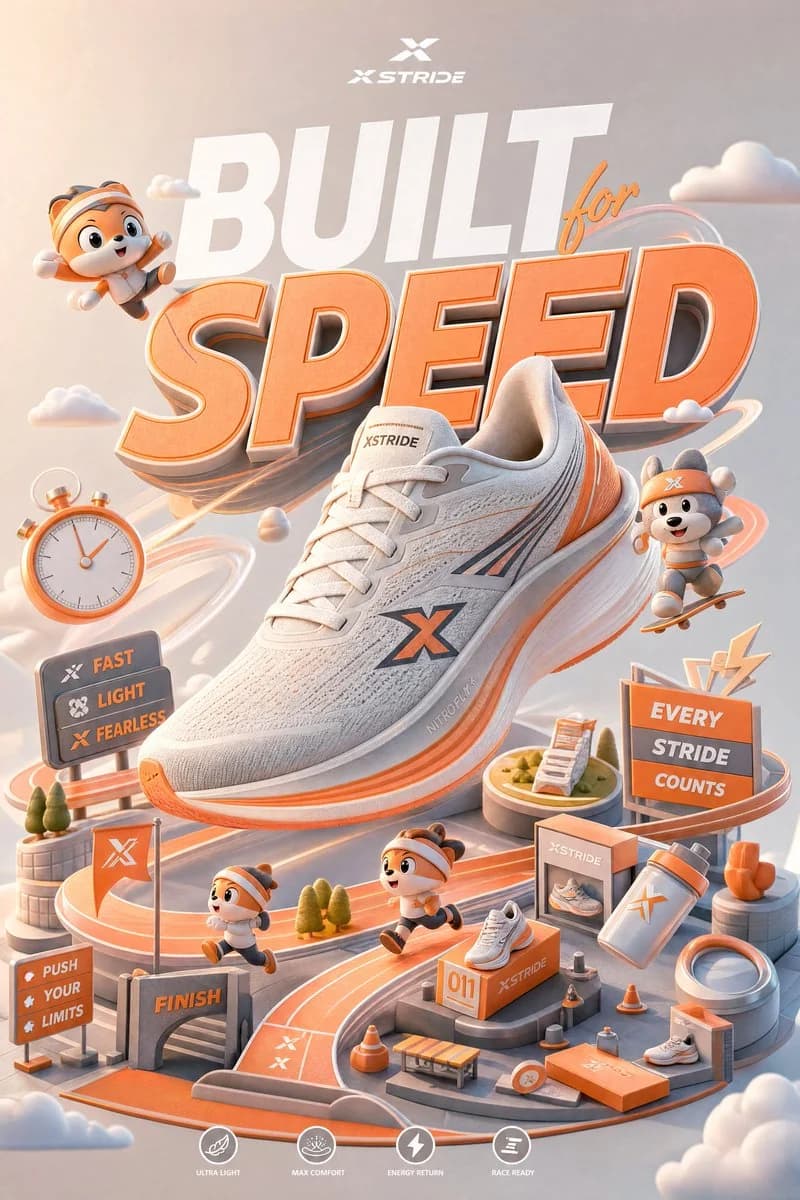
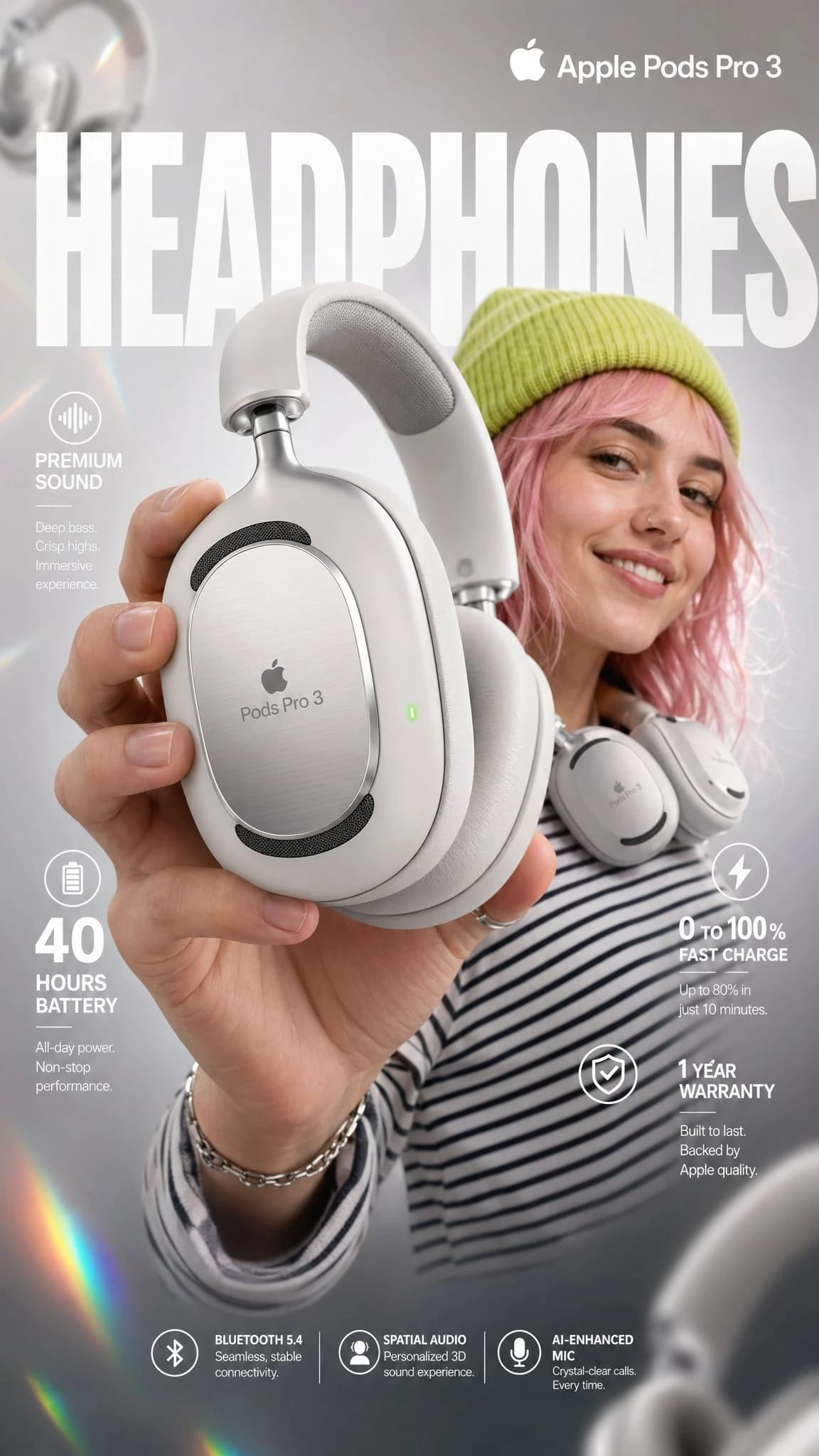
3D-Produktmockup Smartphone ist ein sofort nutzbarer E-Commerce-Prompt für GPT Image 2 in Image 2. Kopiere die 122 Wörter unten, füge sie in das Create-Formular ein und du erhältst ein Ergebnis nahe an der Vorschau. Passe die Tags Produktanzeige, E-Commerce, Social Media an, wenn du ihn in eine neue Richtung schieben möchtest.
Nutze ihn als Vorlage und passe Motiv, Licht oder Komposition an dein Projekt an. Die Credit-Kosten bleiben gleich, egal ob du ihn direkt verwendest oder bearbeitest.
Einsatzbereich
Guter Startpunkt für E-Commerce
Starte hier, wenn du ein E-Commerce-Bild ähnlich wie 3D-Produktmockup Smartphone erstellen möchtest. Look und Aufbau stehen bereits fest; ersetze nur Motiv, Produkt, Farben oder Szenendetails passend zu deinem Projekt.
Was sich schnell anpassen lässt
- Motiv Tausche Person, Produkt, Ort oder Objekt aus und behalte die Grundkomposition bei.
- Look Passe Licht, Farbwelt, Kamerawinkel oder Materialdetails an deine Marke an.
- Format Lege Seitenverhältnis, Hintergrund, Text und Layout-Hinweise vor dem Generieren fest.
Ähnliche Prompt-Richtungen
Entdecke weitere GPT Image 2 Prompts mit ähnlichem Stil, Einsatzbereich oder Motiv.
So nutzt du ihn
- Schritt 1
Prompt kopieren
Klicke oben auf Kopieren, um den vollständigen Text zu übernehmen.
- Schritt 2
Image 2 Create öffnen
Wechsle zum Create-Formular und füge ihn ein.
- Schritt 3
Generieren
Klicke auf Generate. Deine Version ist in Sekunden fertig.
Mach ihn zu deinem
Lade den Prompt mit einem Klick ins Create-Formular und passe ihn direkt an.