Prompt
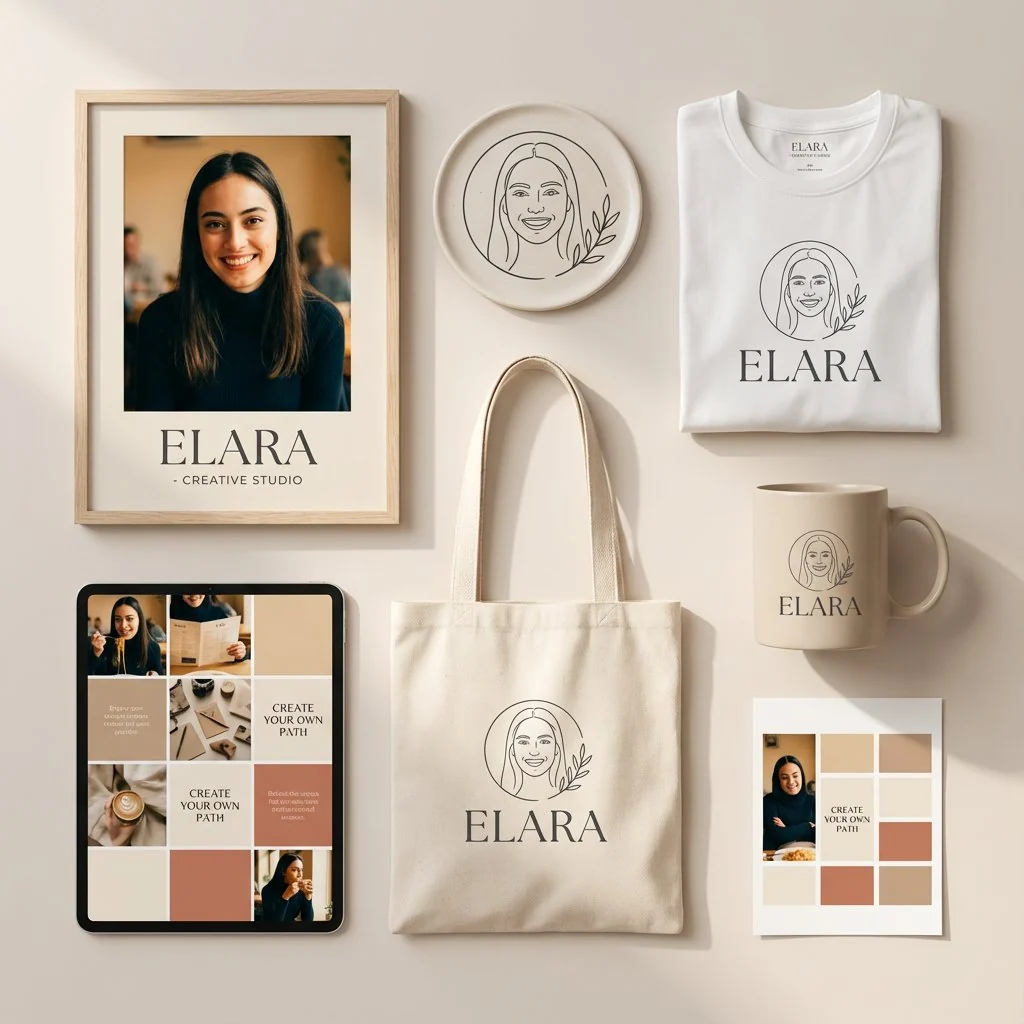
90 Wörterprompt: Minimal personal branding identity mockup for a female entrepreneur or creator, displayed on a soft neutral background. Includes a framed portrait with elegant typography, a circular logo with a hand-drawn line-art face illustration, and branded merchandise: white tee, tote bag, and ceramic mug with the same logo print. Grid-style social media layout showing portrait photography, behind-the-scenes content, quote tiles, and solid color brand blocks in warm beige, cream, and muted terracotta. Soft natural lighting, premium lifestyle photography, Scandinavian-inspired aesthetic, balanced editorial composition, consistent brand typography, high-end creative agency presentation.
Über diesen Prompt
Skandinavisches Branding-Mockup ist ein sofort nutzbarer Werbemittel-Prompt für GPT Image 2 in Image 2. Kopiere die 90 Wörter unten, füge sie in das Create-Formular ein und du erhältst ein Ergebnis nahe an der Vorschau. Passe die Tags Produktanzeige, Werbemittel, Social Media an, wenn du ihn in eine neue Richtung schieben möchtest.
Nutze ihn als Vorlage und passe Motiv, Licht oder Komposition an dein Projekt an. Die Credit-Kosten bleiben gleich, egal ob du ihn direkt verwendest oder bearbeitest.
Einsatzbereich
Guter Startpunkt für Werbemittel
Starte hier, wenn du ein Werbemittel-Bild ähnlich wie Skandinavisches Branding-Mockup erstellen möchtest. Look und Aufbau stehen bereits fest; ersetze nur Motiv, Produkt, Farben oder Szenendetails passend zu deinem Projekt.
Was sich schnell anpassen lässt
- Motiv Tausche Person, Produkt, Ort oder Objekt aus und behalte die Grundkomposition bei.
- Look Passe Licht, Farbwelt, Kamerawinkel oder Materialdetails an deine Marke an.
- Format Lege Seitenverhältnis, Hintergrund, Text und Layout-Hinweise vor dem Generieren fest.
Ähnliche Prompt-Richtungen
Entdecke weitere GPT Image 2 Prompts mit ähnlichem Stil, Einsatzbereich oder Motiv.
So nutzt du ihn
- Schritt 1
Prompt kopieren
Klicke oben auf Kopieren, um den vollständigen Text zu übernehmen.
- Schritt 2
Image 2 Create öffnen
Wechsle zum Create-Formular und füge ihn ein.
- Schritt 3
Generieren
Klicke auf Generate. Deine Version ist in Sekunden fertig.
Mach ihn zu deinem
Lade den Prompt mit einem Klick ins Create-Formular und passe ihn direkt an.