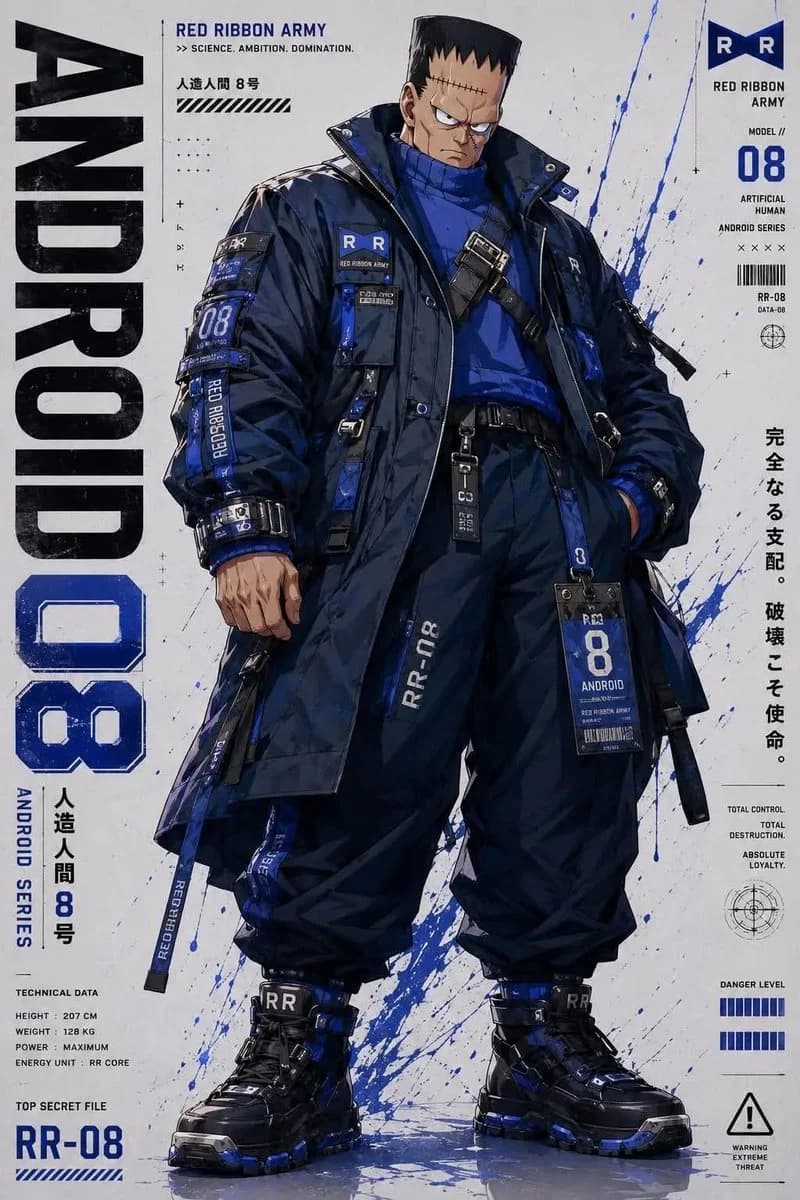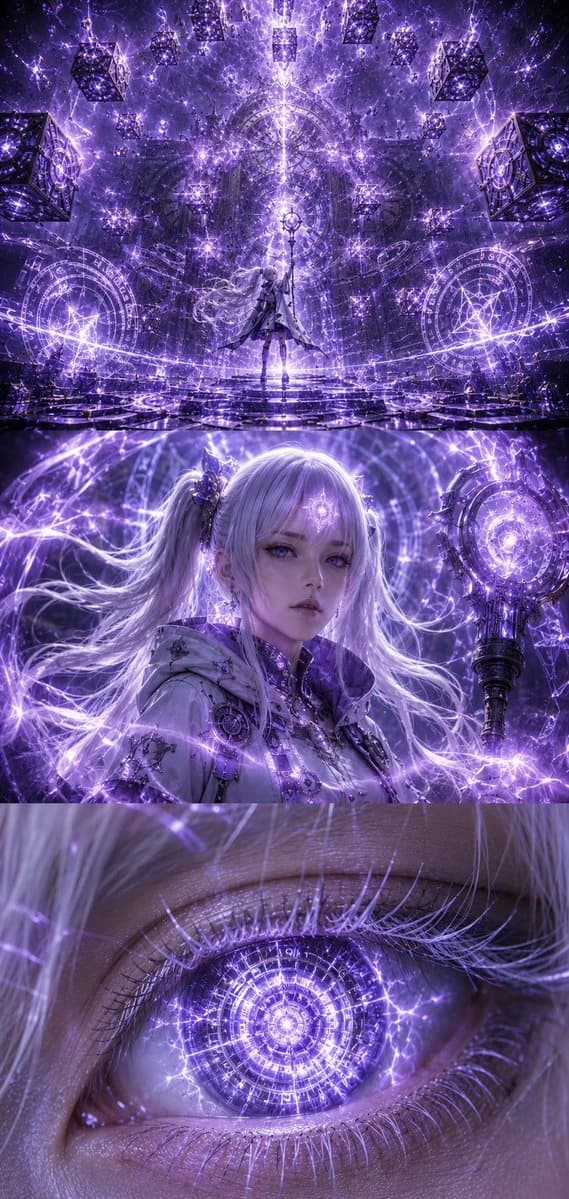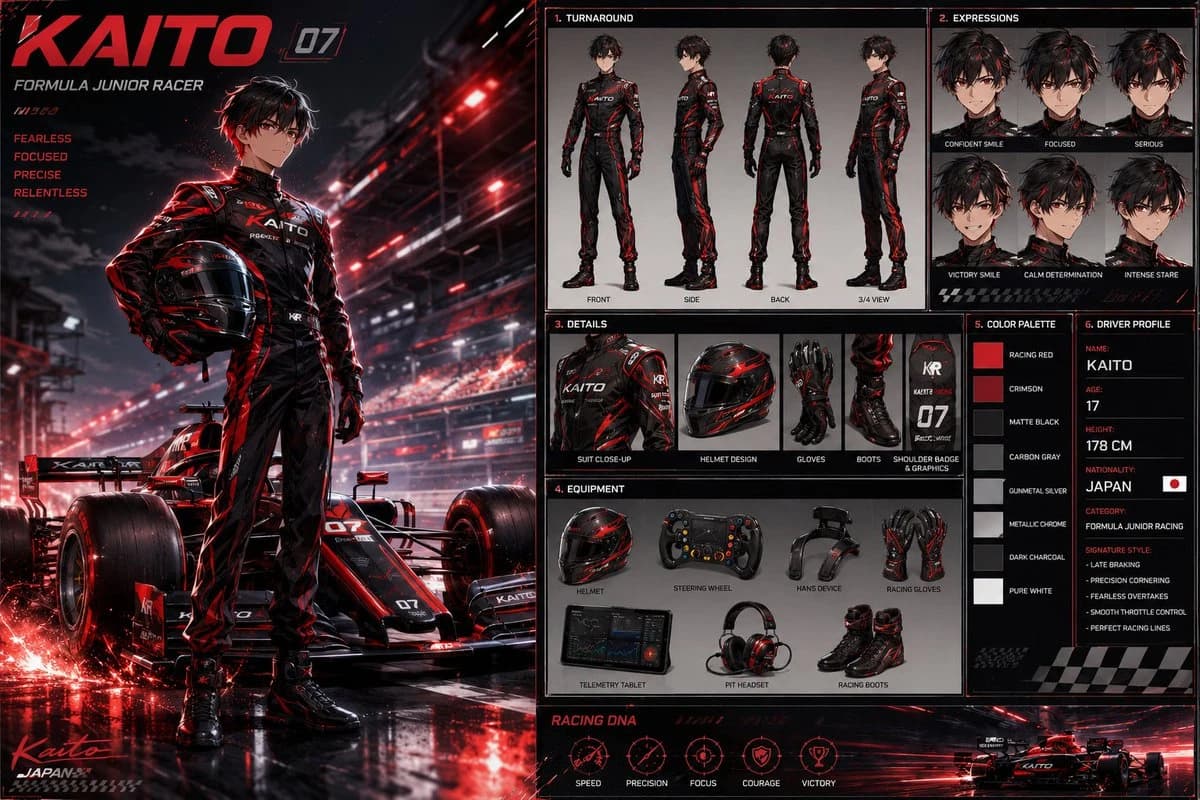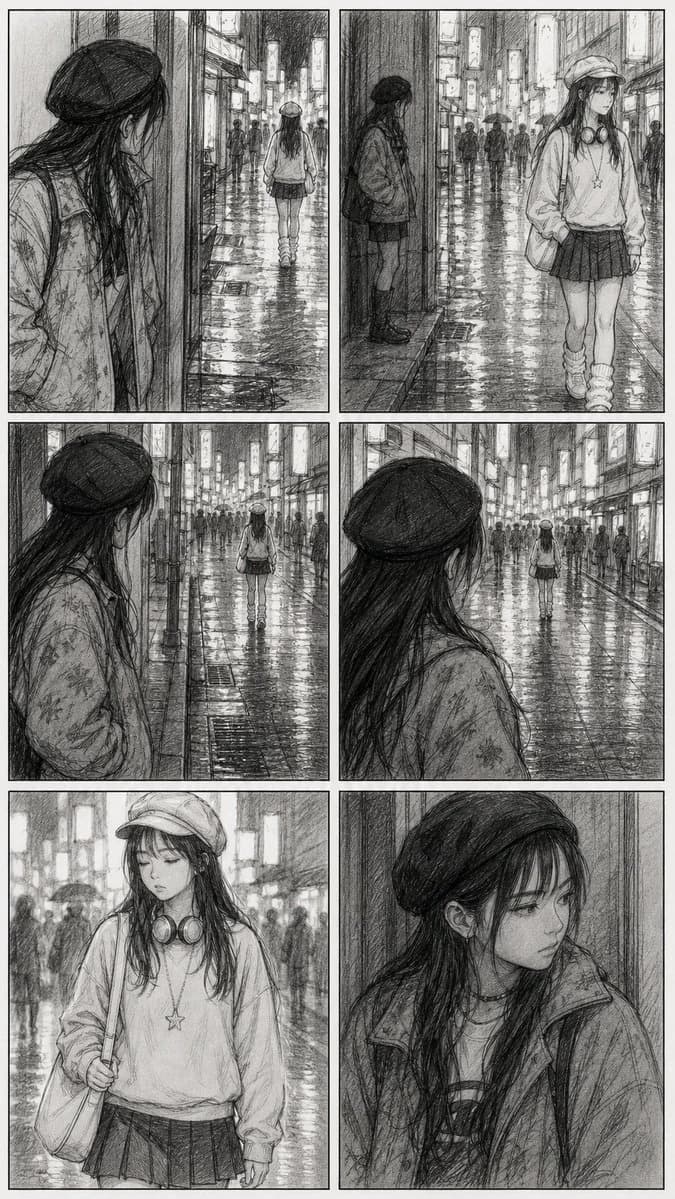
Prompt
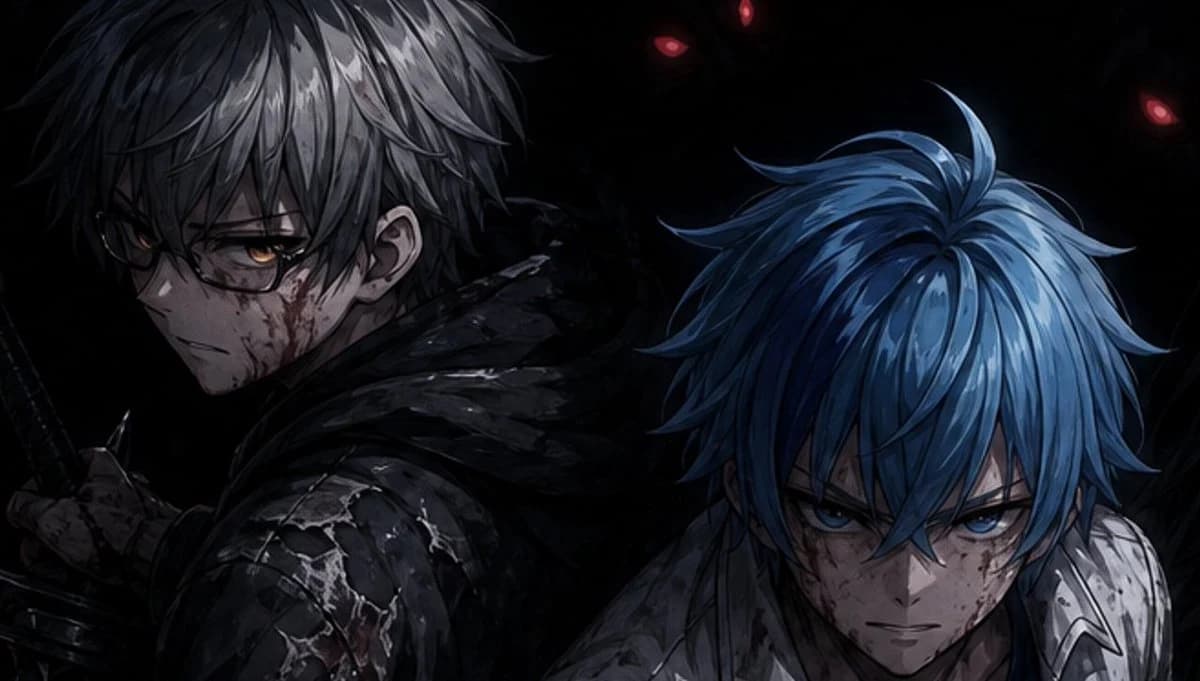
208 WörterErstelle eine düstere, cineastische Anime-Illustration in einem rauen, halbrealistischen Stil, Breitbild 16:9. Zeige genau 2 männliche Fantasy-Krieger von der Brust aufwärts, die Rücken an Rücken in einer fast schwarzen Leere stehen. Der linke Krieger hat {argument name="left character hair color" default="zerzaustes silbergraues Haar"}, blasse Haut, ein sichtbares Ohr mit einem kleinen Ohrring und trägt einen zerfetzten schwarzen Kapuzenumhang über einer rissigen dunklen Rüstung; seine linke Hand umfasst nahe der linken unteren Ecke den Griff eines Katanas oder Kurzschwerts. Der rechte Krieger hat {argument name="right character hair color" default="leuchtend blaues, gestuftes Haar"}, beugt sich leicht nach vorn und trägt eine zerkratzte weiß-silberne Rüstung mit dunklem Stoff am Hals. Verdecke das Gesicht jeder Figur mit einem großen, undurchsichtigen rechteckigen Zensurblock: insgesamt genau 2 Blöcke, ein dunkelanthrazitfarbenes Quadrat über dem Gesicht der linken Figur oben links der Mitte und ein dunkles, blaugraues senkrechtes Rechteck über dem Gesicht der rechten Figur unten rechts der Mitte. Verstecke im Hintergrund schattenhafte dämonische Silhouetten mit genau 3 sichtbaren rot glühenden Augen: zwei nahe der oberen Mitte und eines nahe oben rechts. Verwende dramatisches Low-Key-Licht, hohen Kontrast, scharf gemalte Haarsträhnen, nasse Glanzlichter auf der Rüstung, Kratzer, Schmutz und eine düstere blauschwarze Farbpalette. Kein Text, kein Wasserzeichen, keine zusätzlichen Figuren; halte die Komposition eng beschnitten und stimmungsvoll.Über diesen Prompt
Dunkles Anime-Kriegerposter ist ein sofort nutzbarer Charakterdesign-Prompt für GPT Image 2 in Image 2. Kopiere die 208 Wörter unten, füge sie in das Create-Formular ein und du erhältst ein Ergebnis nahe an der Vorschau. Passe die Tags Comic, Charakter, Charakterdesign an, wenn du ihn in eine neue Richtung schieben möchtest.
Nutze ihn als Vorlage und passe Motiv, Licht oder Komposition an dein Projekt an. Die Credit-Kosten bleiben gleich, egal ob du ihn direkt verwendest oder bearbeitest.
Einsatzbereich
Guter Startpunkt für Charakterdesign
Starte hier, wenn du ein Charakterdesign-Bild ähnlich wie Dunkles Anime-Kriegerposter erstellen möchtest. Look und Aufbau stehen bereits fest; ersetze nur Motiv, Produkt, Farben oder Szenendetails passend zu deinem Projekt.
Was sich schnell anpassen lässt
- Motiv Tausche Person, Produkt, Ort oder Objekt aus und behalte die Grundkomposition bei.
- Look Passe Licht, Farbwelt, Kamerawinkel oder Materialdetails an deine Marke an.
- Format Lege Seitenverhältnis, Hintergrund, Text und Layout-Hinweise vor dem Generieren fest.
Ähnliche Prompt-Richtungen
Entdecke weitere GPT Image 2 Prompts mit ähnlichem Stil, Einsatzbereich oder Motiv.
So nutzt du ihn
- Schritt 1
Prompt kopieren
Klicke oben auf Kopieren, um den vollständigen Text zu übernehmen.
- Schritt 2
Image 2 Create öffnen
Wechsle zum Create-Formular und füge ihn ein.
- Schritt 3
Generieren
Klicke auf Generate. Deine Version ist in Sekunden fertig.
Mach ihn zu deinem
Lade den Prompt mit einem Klick ins Create-Formular und passe ihn direkt an.