Prompt
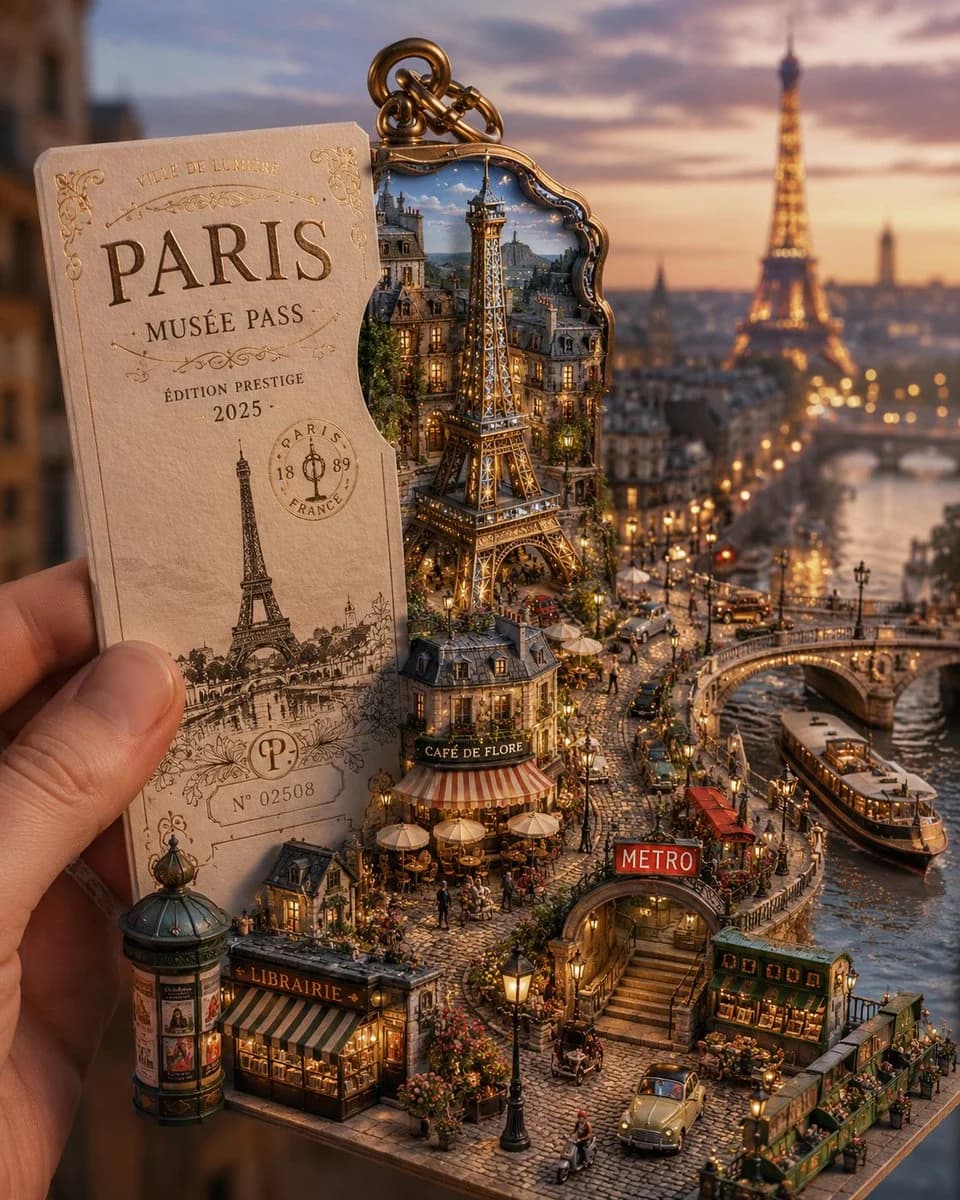
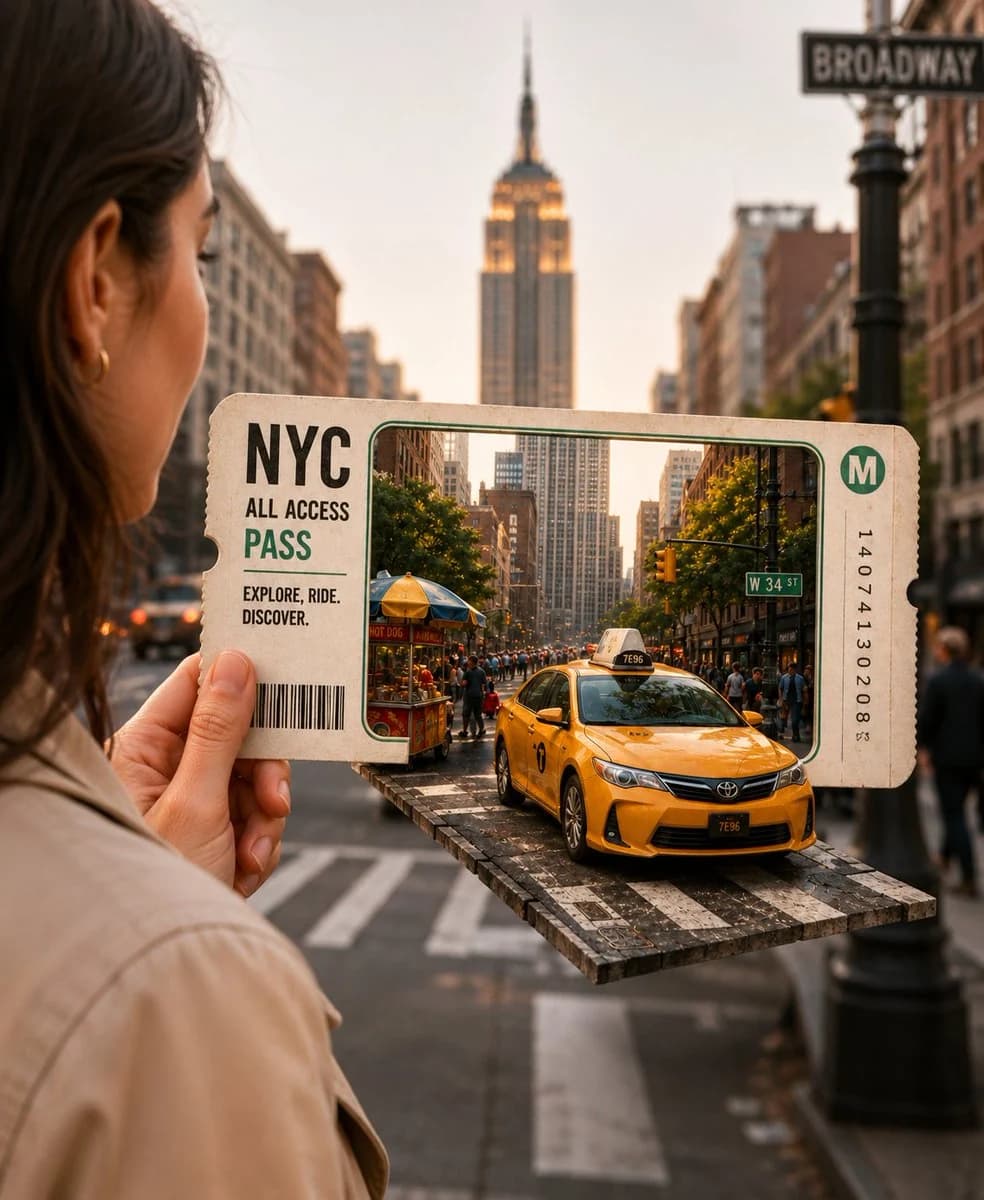
113 WörterFotorealistisches Konzept eines 3D-Reisetickets: Eine Hand hält in Nahaufnahme ein großes Vintage-Ticket „NYC All Access Pass“ vor einem sauberen, cremefarbenen Hintergrund. Das Ticket wirkt wie ein Portalfenster nach New York City und gibt im ausgeschnittenen Rahmen eine detaillierte Miniatur-Straßenszene aus Manhattan frei. Ein realistisches gelbes New Yorker Taxi fährt in 3D aus dem Ticket heraus auf eine schwebende Straßenplattform und erzeugt einen Pop-out-Effekt. Hinter dem Ticket ragt eindrucksvoll das Empire State Building empor, umgeben von handgezeichneten Skizzen der Freiheitsstatue, der Brooklyn Bridge, eines Broadway-Schilds und eines Kaffeebechers. Hochwertige Papierstruktur, cineastisches Licht, warme Töne der goldenen Stunde, ultradetailliertes Miniatur-Stadtdiorama, Schärfentiefe, Ästhetik einer Reisewerbung, kreatives Papercraft-Design, hyperrealistisch, sauberer Studiohintergrund, professionelle Produktfotografie, gestochen scharf, 8K, Hochformat.
Über diesen Prompt
3D-Reiseticket ist ein sofort nutzbarer Poster-Prompt für GPT Image 2 in Image 2. Kopiere die 113 Wörter unten, füge sie in das Create-Formular ein und du erhältst ein Ergebnis nahe an der Vorschau. Passe die Tags Produktanzeige, Poster, Produkt an, wenn du ihn in eine neue Richtung schieben möchtest.
Nutze ihn als Vorlage und passe Motiv, Licht oder Komposition an dein Projekt an. Die Credit-Kosten bleiben gleich, egal ob du ihn direkt verwendest oder bearbeitest.
Einsatzbereich
Guter Startpunkt für Poster
Starte hier, wenn du ein Poster-Bild ähnlich wie 3D-Reiseticket erstellen möchtest. Look und Aufbau stehen bereits fest; ersetze nur Motiv, Produkt, Farben oder Szenendetails passend zu deinem Projekt.
Was sich schnell anpassen lässt
- Motiv Tausche Person, Produkt, Ort oder Objekt aus und behalte die Grundkomposition bei.
- Look Passe Licht, Farbwelt, Kamerawinkel oder Materialdetails an deine Marke an.
- Format Lege Seitenverhältnis, Hintergrund, Text und Layout-Hinweise vor dem Generieren fest.
Ähnliche Prompt-Richtungen
Entdecke weitere GPT Image 2 Prompts mit ähnlichem Stil, Einsatzbereich oder Motiv.
So nutzt du ihn
- Schritt 1
Prompt kopieren
Klicke oben auf Kopieren, um den vollständigen Text zu übernehmen.
- Schritt 2
Image 2 Create öffnen
Wechsle zum Create-Formular und füge ihn ein.
- Schritt 3
Generieren
Klicke auf Generate. Deine Version ist in Sekunden fertig.
Mach ihn zu deinem
Lade den Prompt mit einem Klick ins Create-Formular und passe ihn direkt an.