프롬프트
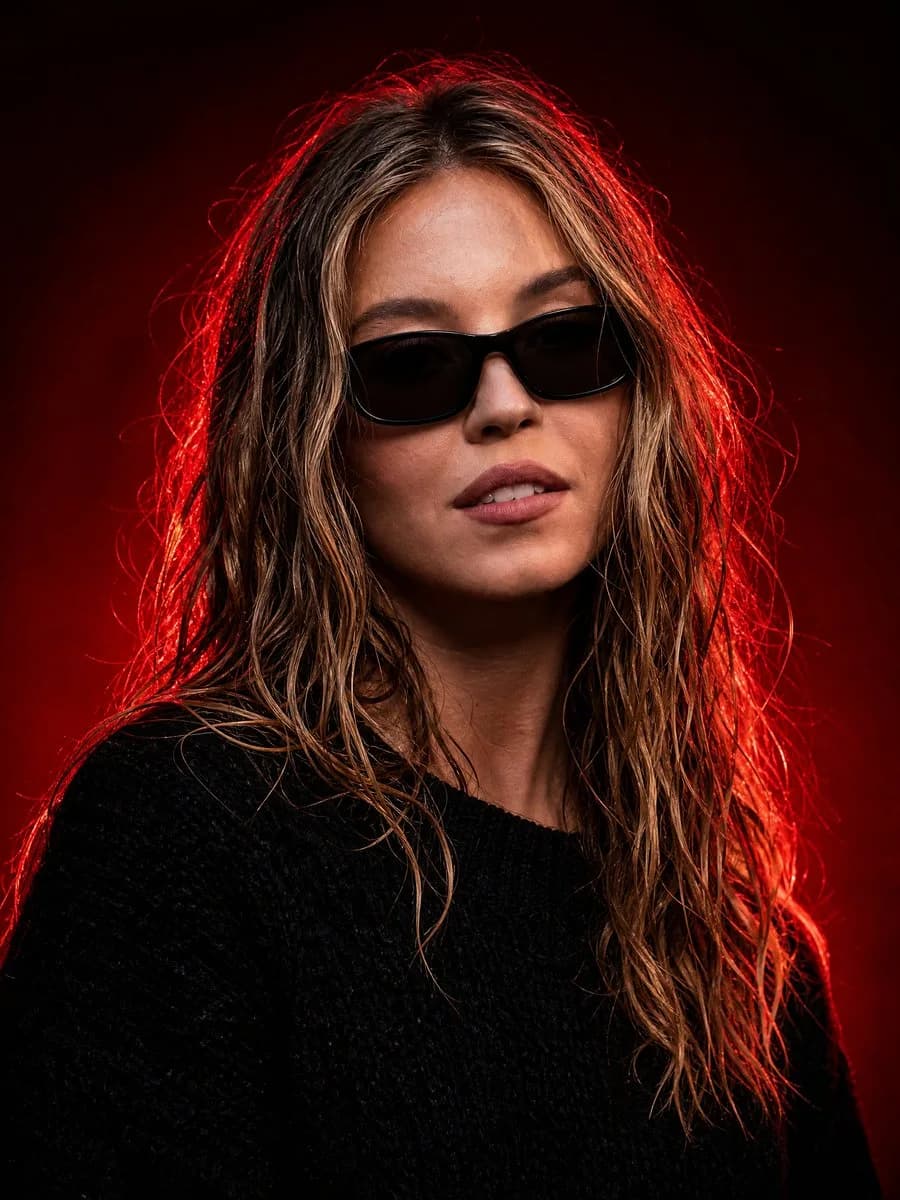
1010자Create an ultra-realistic cinematic studio portrait of {argument name="subject" default="a confident young woman"} in a dark luxury red-light aesthetic. Frame as a vertical close-up bust portrait, centered slightly left, with the subject facing the camera and the shoulders angled subtly. She has wet, tousled shoulder-length {argument name="hair color" default="dark blonde hair with lighter blonde highlights"}, natural skin texture, softly parted lips, and a calm powerful expression. Add sleek black rectangular sunglasses with dark lenses, and dress her in a textured oversized black knit sweater. Use a nearly black deep red studio background with a dramatic crimson rim light glowing from behind and around the hair, creating vivid red edges and flyaway hair highlights. Keep the face naturally lit from the front with soft cinematic contrast, detailed pores, realistic lips, and glossy hair strands. Mood: mysterious, elegant, powerful, high-fashion editorial, dark luxury. Camera style: 85mm portrait lens, shallow depth of field, sharp focus on face and sunglasses, rich shadows, high dynamic range, professional studio lighting, no text, no watermark, no extra objects.이 프롬프트 소개
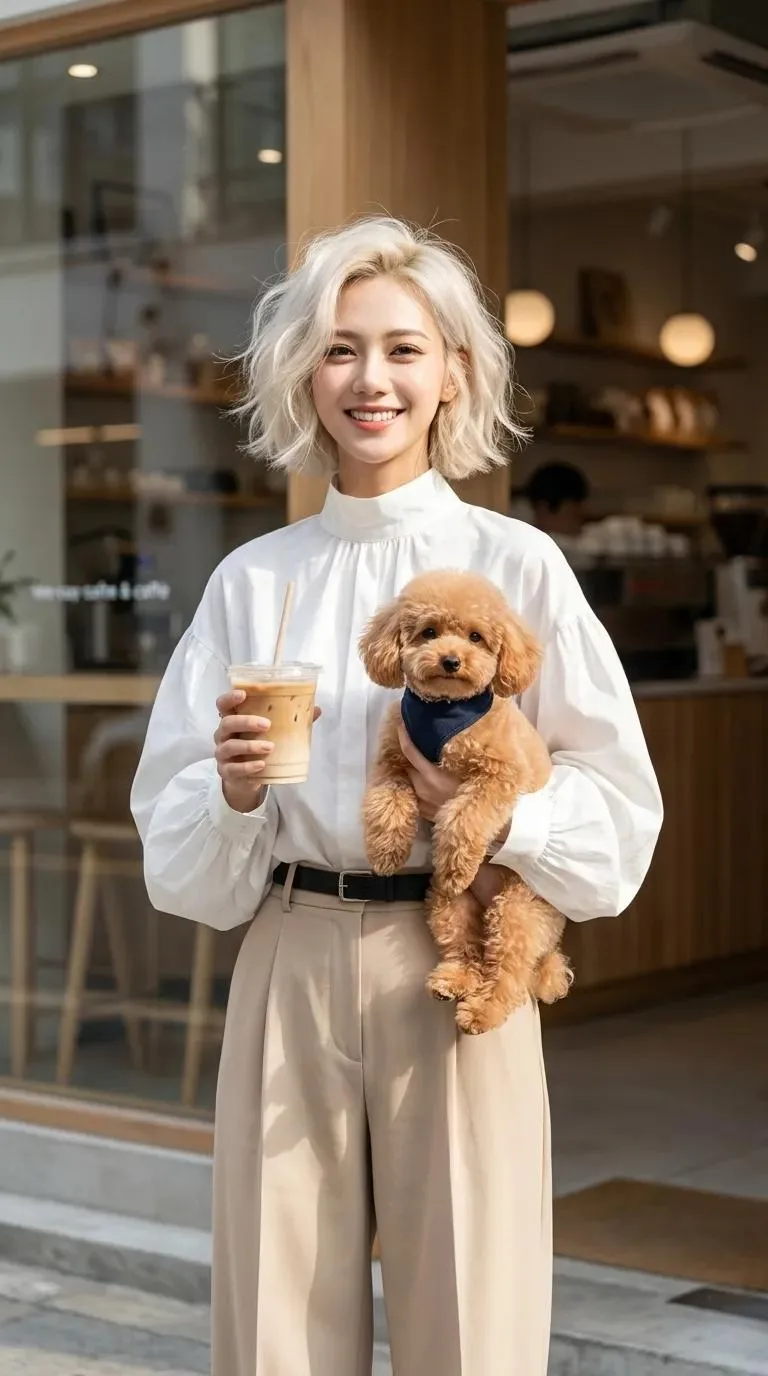
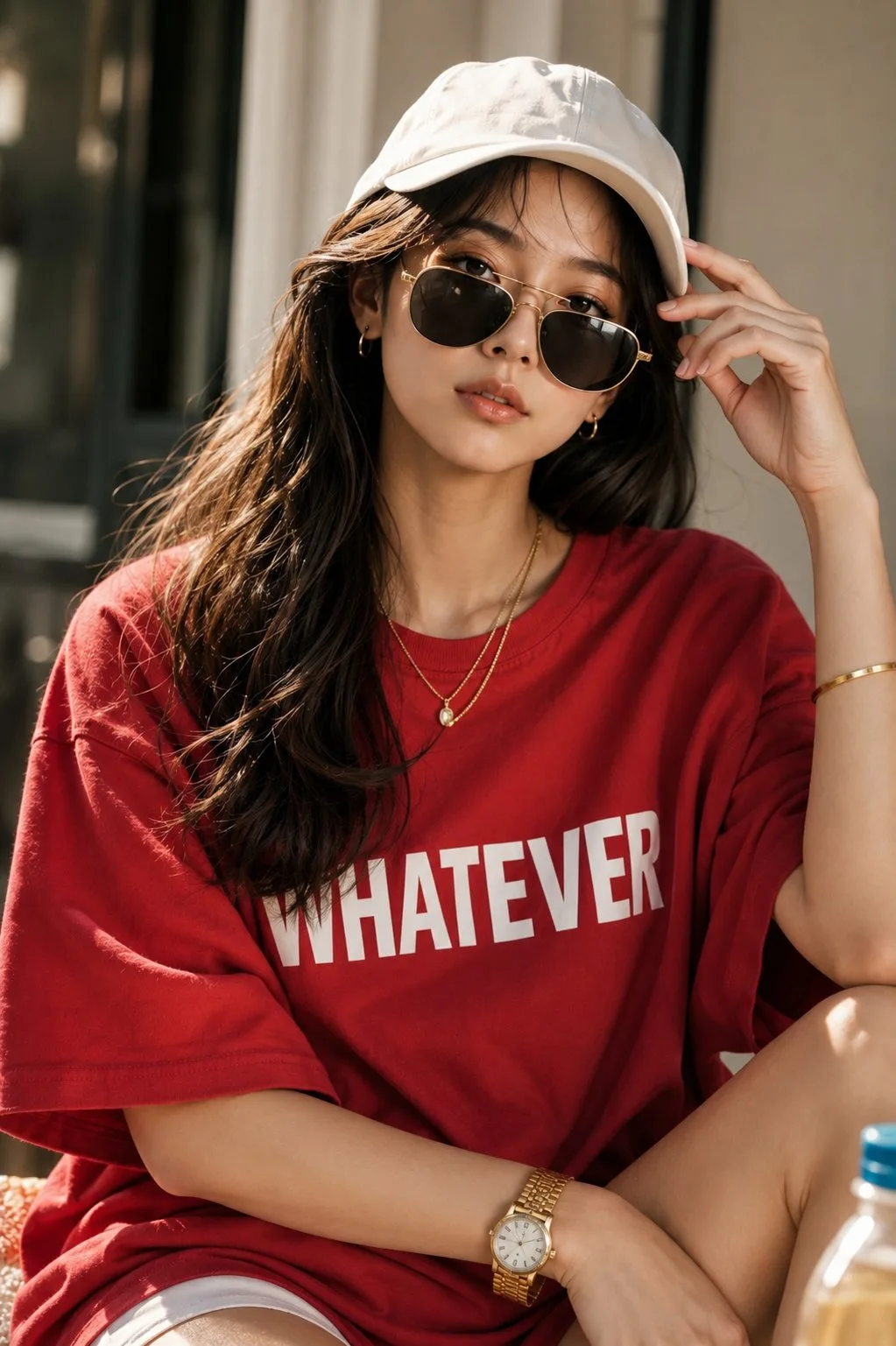
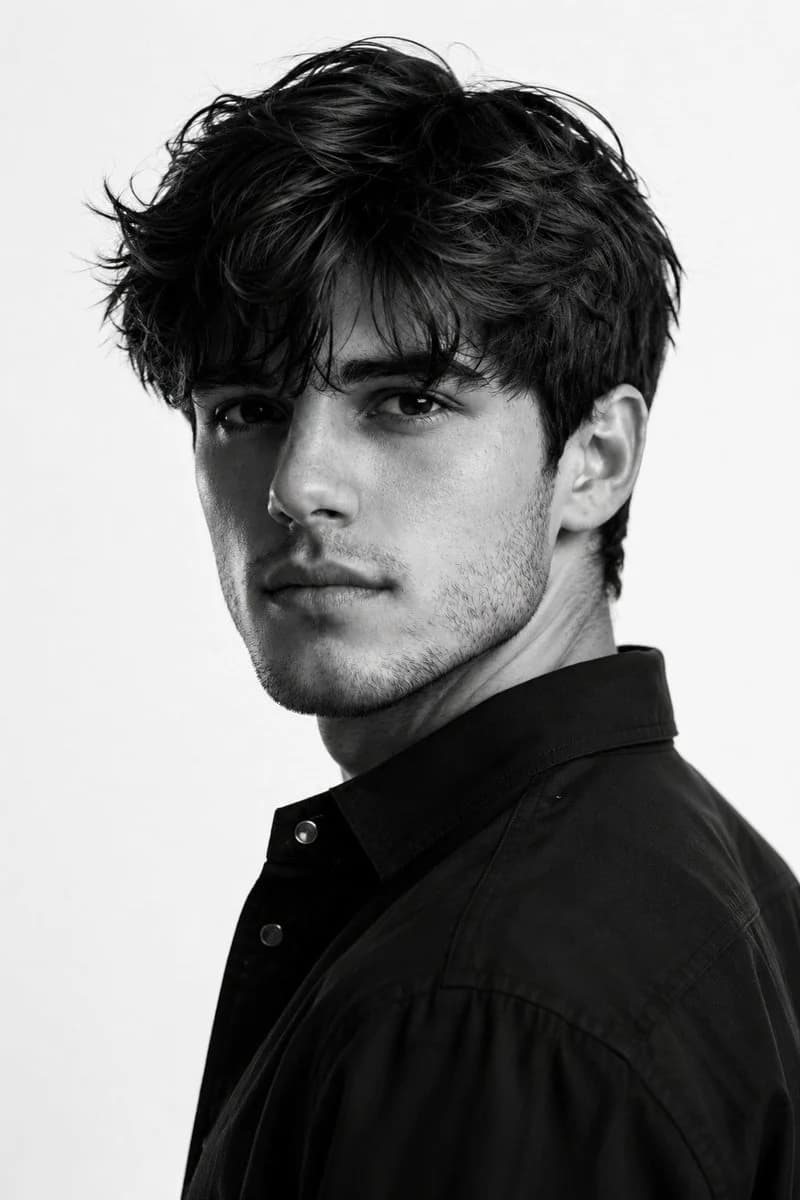
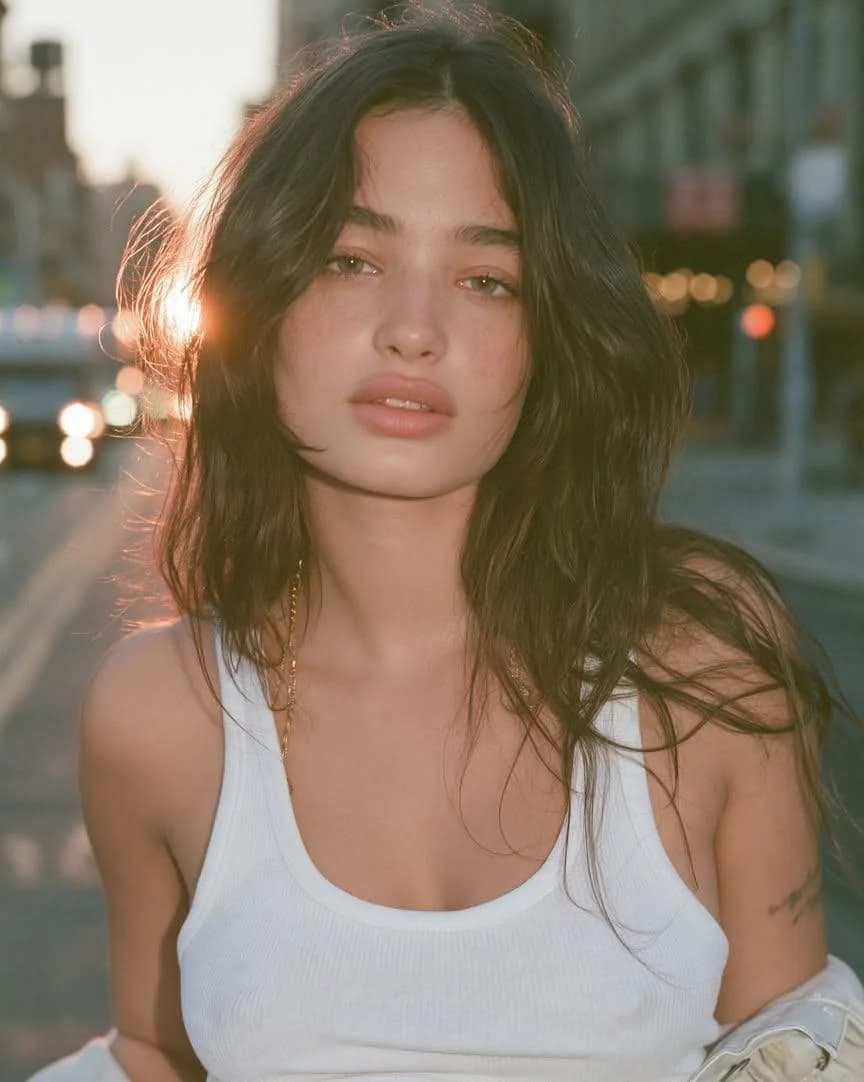
Image 2에서 GPT Image 2에 바로 사용할 수 있는 인물 프롬프트 ‘어두운 럭셔리 레드라이트 초상화’입니다. 아래 1010자를 복사해 Create 폼에 붙여 넣으면 위 미리보기와 비슷한 이미지를 만들 수 있습니다. 인물, 패션, 뷰티 태그를 조정하면 새로운 방향으로 확장할 수 있습니다.
먼저 그대로 사용해 본 뒤 피사체, 조명, 구도를 작업에 맞게 조정해 보세요. 원문을 그대로 쓰거나 수정해도 생성 비용은 같습니다.
사용 사례
인물 작업의 좋은 출발점
‘어두운 럭셔리 레드라이트 초상화’처럼 표현한 인물 이미지를 만들고 싶다면 이 GPT Image 2 프롬프트로 시작해 보세요. 스타일과 구도는 이미 잡혀 있으므로 인물, 제품, 색상, 장면 요소만 작업에 맞게 바꾸면 됩니다.
먼저 손보기 좋은 부분
- 피사체 인물, 제품, 장소, 오브젝트를 내 내용으로 바꾸고 전체 구도는 유지합니다.
- 분위기 조명, 색감, 카메라 각도, 소재 디테일을 브랜드나 용도에 맞춥니다.
- 결과 형식 생성 전에 비율, 배경, 텍스트, 레이아웃 지시를 정리합니다.
비슷한 프롬프트 더 보기
스타일, 용도, 피사체가 가까운 GPT Image 2 프롬프트를 이어서 확인해 보세요.
사용 방법
- 1단계
프롬프트 복사
위의 복사 버튼을 눌러 전체 텍스트를 가져옵니다.
- 2단계
Image 2 Create 열기
Create 폼으로 이동해 붙여 넣습니다.
- 3단계
생성
Generate를 누르면 몇 초 안에 내 버전이 완성됩니다.
내 버전으로 만들기
한 번의 클릭으로 Create 폼에 불러오고 바로 조정하세요.