Prompt
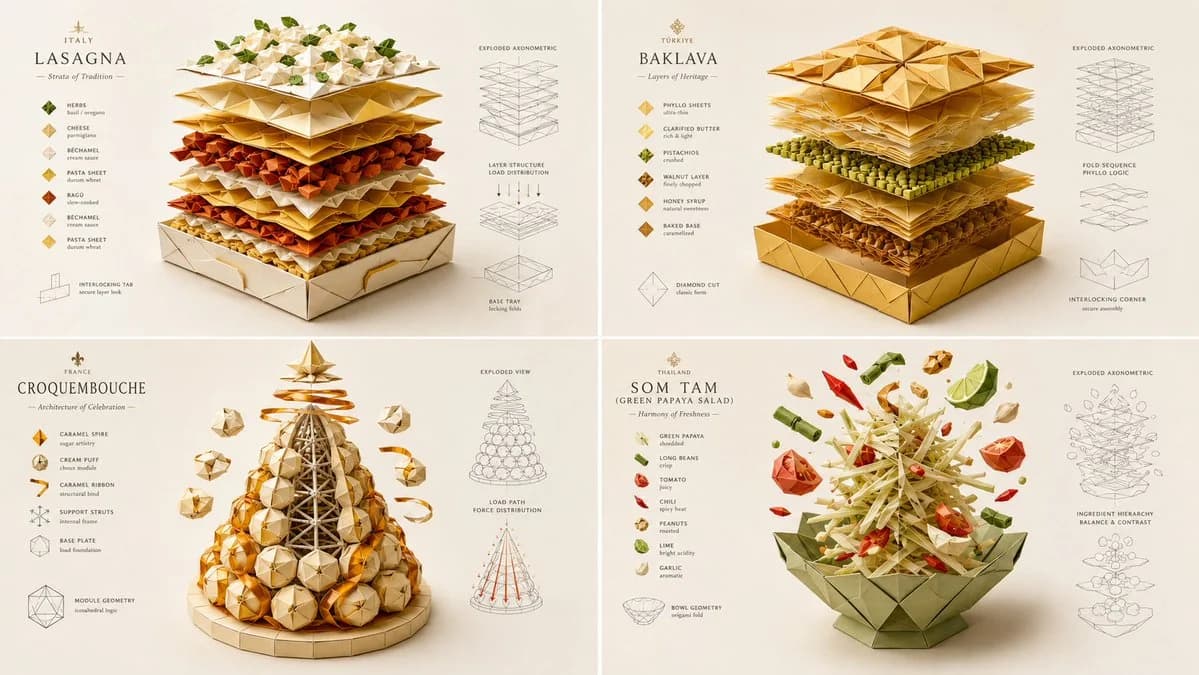
233 paroleINPUT: [layered dish] SYSTEM: Render the input as a master-folded origami and paper-craft architectural sculpture. Do not hardcode paper types unless inevitable. Infer the fold-geometry logic, structural load-bearing creases, layer-separation mechanics, color-blocking strategy, and the tactile grain direction of the materials. SEMANTIC SOLVE: ORIGAMI_FOOD_AUTOPSY = (INFER(fold_geometry FROM mountain_valley_ratio + structural_crease_load + interlocking_tabs + negative_space_utilization) ::5) + (INFER(material_logic FROM paper_grain_direction + GSM_weight + surface_coating + edge_burnishing + adhesive_visibility) ::4) + (INFER(color_blocking FROM ingredient_color_mapping + contrast_hierarchy + gradient_paper_layering + visual_weight_distribution) ::4) + (INFER(hidden_craft FROM fold_sequence_complexity + tolerance_margins + tool_marks + humidity_warping_prevention) ::3) - (messy torn paper + realistic food textures + digital 3D paper shaders + cluttered craft desk + childish simple folds) ::-4 COMPOSITION: One central food item completely reconstructed as an intricate, multi-layered paper-craft sculpture. The "ingredients" are represented by distinct, beautifully colored paper layers, cut and folded with razor-sharp precision. Show the "exploded" floating layers hovering above the base, revealing the internal fold structure and interlocking tabs. STYLE DNA: Intricate paper cutting art ::0.35 high-end origami photography ::0.25 flat-shaded C4D stylization ::0.20 crisp vector-like edges ::0.15 soft directional macro lighting ::0.05 OUTPUT: Soft off-white or pastel background, elegant minimalist typography, razor-sharp crisp edges, flawless flat-shaded colors with subtle paper grain textures, premium negative space. NEGATIVE: no holograms, no bioluminescent glows, no VR/AR elements, no realistic food photography, no messy torn paper edges, no visible digital 3D artifacts, no cluttered backgrounds, no watermark.
Informazioni su questo prompt
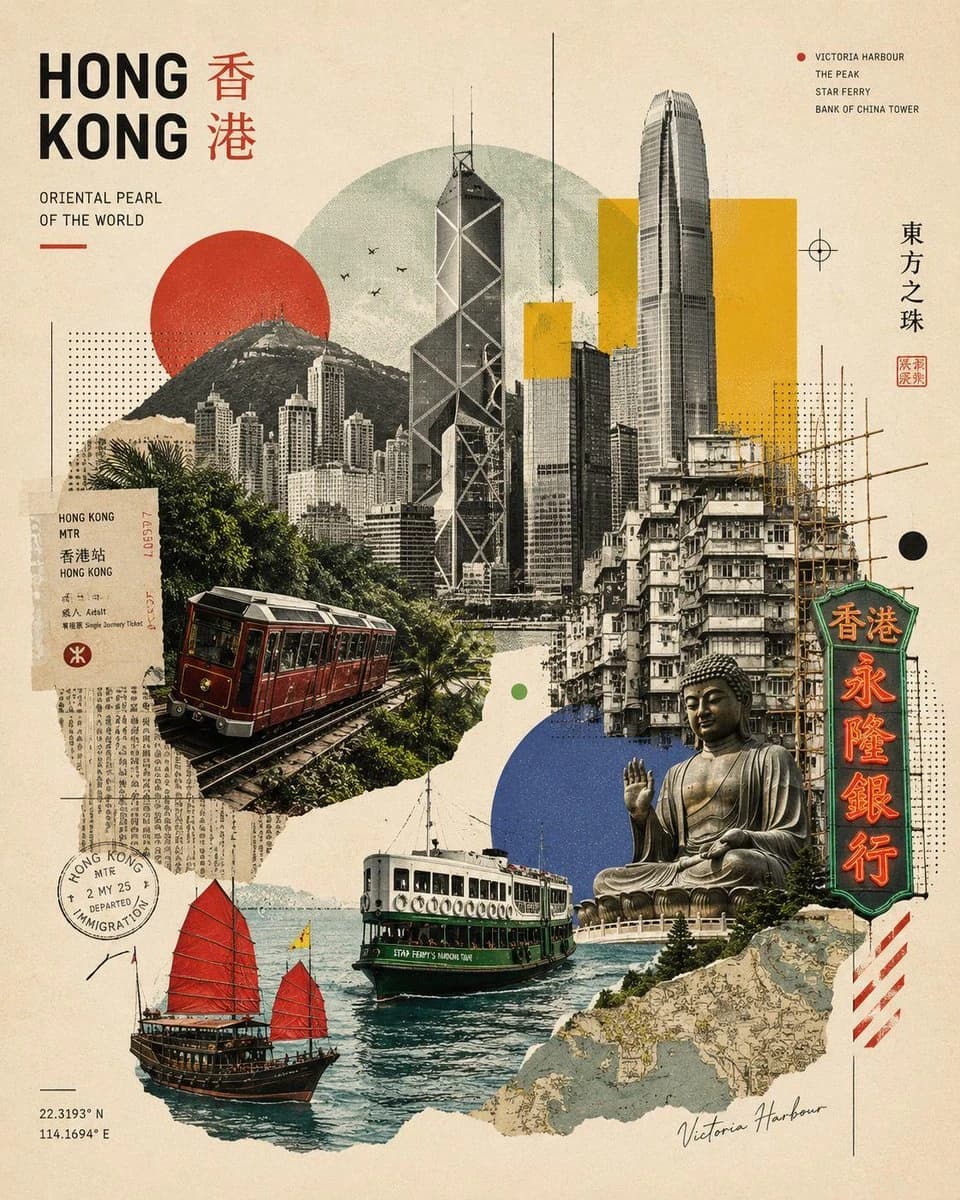
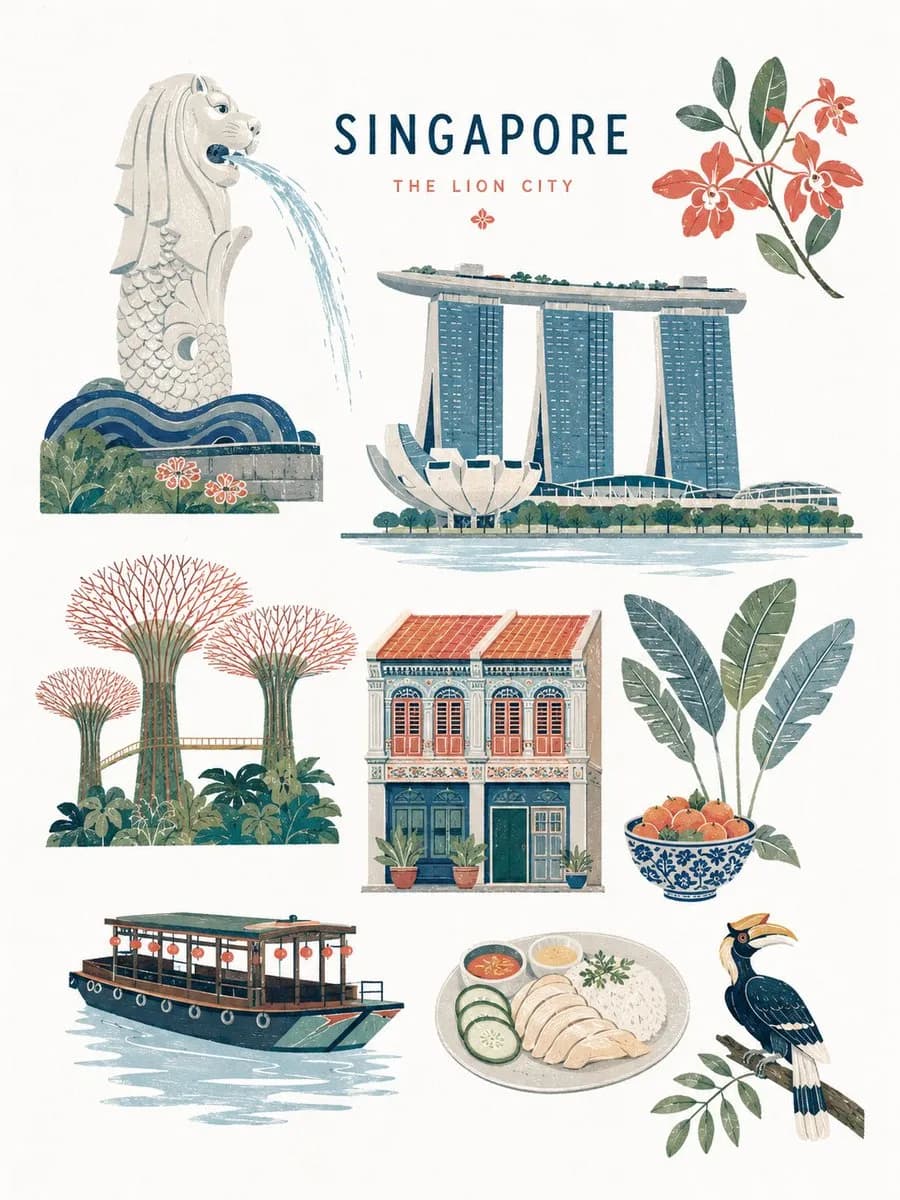
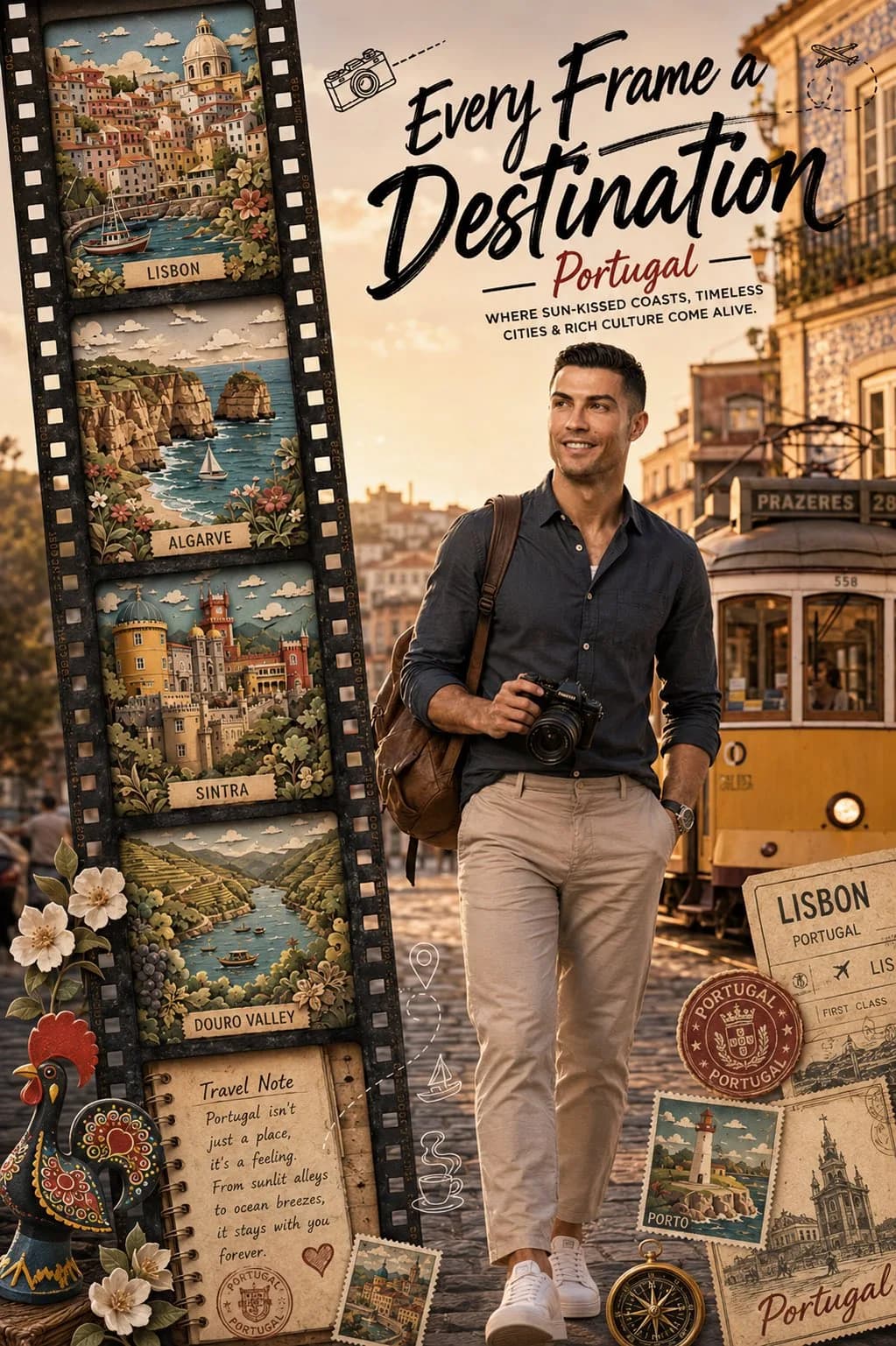
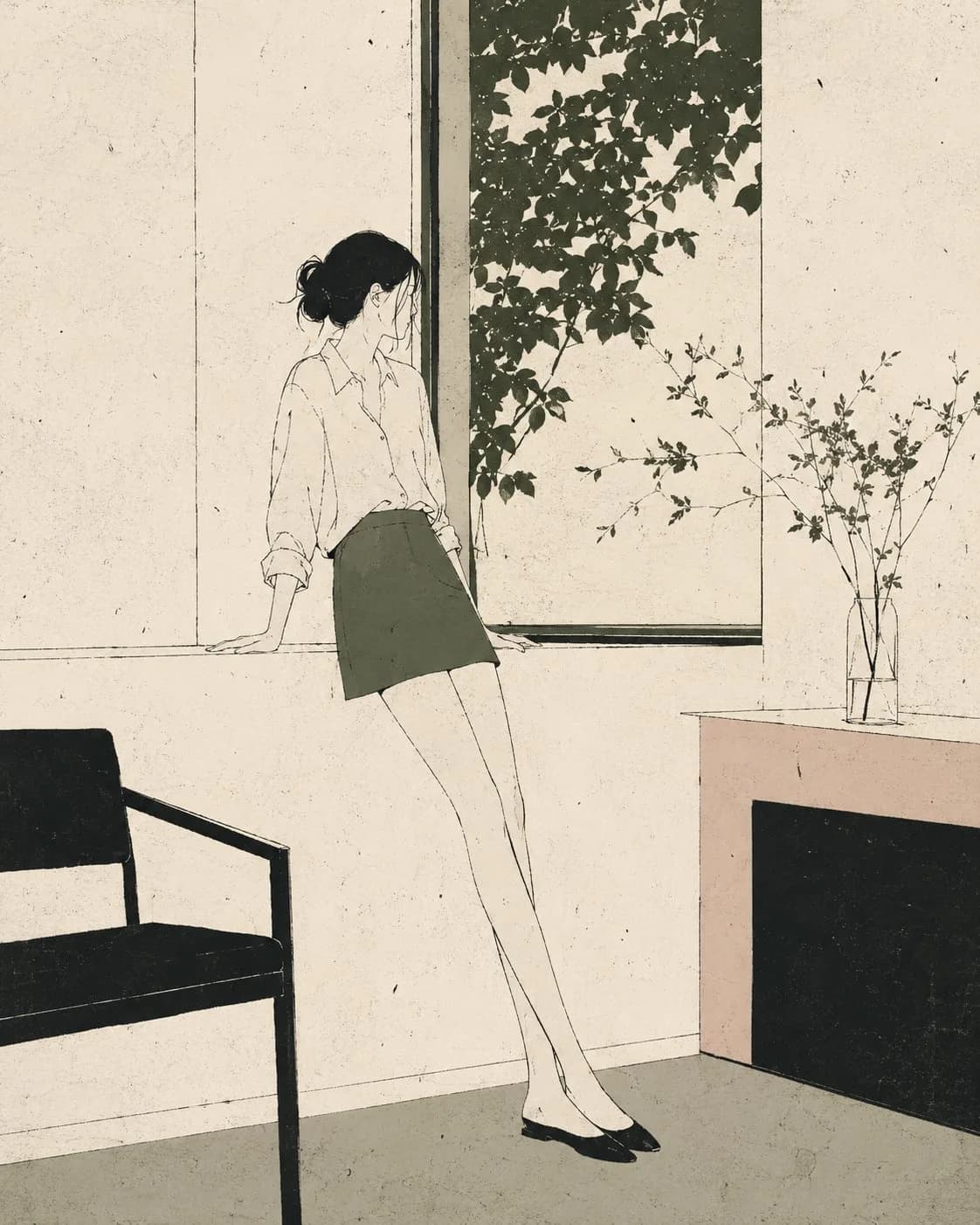
Poster food in origami è un prompt Poster pronto da usare con GPT Image 2 su Image 2. Copia le 233 parole qui sotto, incollale nel form Create e otterrai un risultato vicino all’anteprima. Modifica i tag Poster, Cibo, Architettura se vuoi portarlo in una direzione diversa.
Usalo come punto di partenza e continua a iterare: cambia soggetto, luce o composizione finché non funziona. Il costo in crediti resta lo stesso, sia usandolo così com’è sia remixandolo.
Caso d’uso
Un buon punto di partenza per Poster
Parti da qui se vuoi un’immagine Poster sulla scia di Poster food in origami. Il prompt imposta già stile e struttura; sostituisci soggetto, prodotto, colori o dettagli della scena in base al progetto.
Cosa vale la pena modificare
- Soggetto Sostituisci persona, prodotto, luogo o oggetto principale senza perdere la composizione.
- Stile Regola luce, palette, angolo di ripresa o materiali per allinearlo al brand.
- Formato Definisci formato, sfondo, testo o note di layout prima di generare.
Altre direzioni da esplorare
Trova altri prompt GPT Image 2 con stile, uso o soggetto simile.
Come usarlo
- Passo 1
Copia il prompt
Premi il pulsante Copia qui sopra per ottenere il testo completo.
- Passo 2
Apri Image 2 Create
Vai al form Create e incollalo.
- Passo 3
Genera
Premi Generate. La tua versione arriva in pochi secondi.
Rendilo tuo
Carica il prompt nel form Create con un clic e inizia a modificarlo.