Prompt
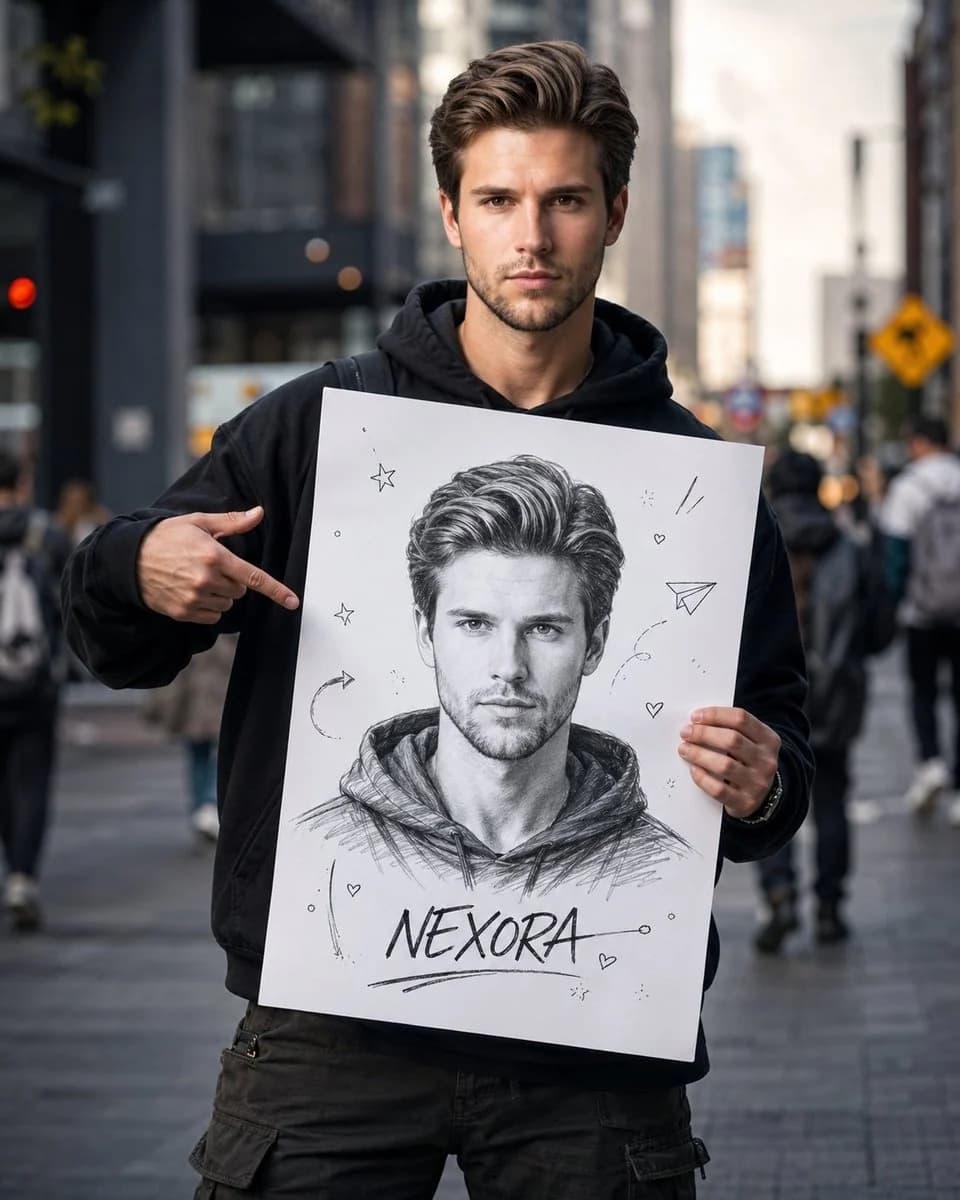
327 motsCréez un portrait de photographie de rue cinématographique ultra-réaliste de moi dans une rue animée d’une grande ville. Gardez mon visage exactement identique à celui de la photo de référence — même structure du visage, mêmes yeux, nez, lèvres, coiffure, teint, proportions et identité générale. Ne modifiez, n’embellissez et ne réinterprétez mon apparence d’aucune façon. Je me tiens avec assurance au centre du cadre, vêtu d’un sweat à capuche noir oversize, d’un pantalon cargo ample et de vêtements streetwear décontractés. Mon expression est espiègle, un peu malicieuse et naturelle, comme si je montrais fièrement mon côté créatif. Je tiens devant moi un grand panneau blanc en carton. Le panneau ne doit contenir qu’UNE SEULE illustration esquissée à la main me représentant. Pas de portraits multiples ni de variantes. L’esquisse doit être : Un dessin au crayon en noir et blanc Très détaillé D’une ressemblance faciale réaliste Avec un trait expressif Dans un style de carnet de croquis d’artiste Sur un fond blanc épuré Avec un ombrage subtil Avec des traits de crayon faits main visibles Dégageant une énergie de créateur sûr de lui En bas de l’esquisse, écrivez : [Nom] Autour de l’esquisse, ajoutez seulement quelques gribouillis minimalistes : De petites étoiles De petits cœurs Un avion en papier De légères flèches esquissées De discrètes marques créatives Gardez le panneau simple, épuré et percutant. L’ambiance doit être créative, inspirante, authentique, artistique et documentaire, comme si elle faisait partie d’une campagne d’un mouvement de créateurs. Style : portrait de rue ultra-réaliste, lumière naturelle, faible profondeur de champ, léger flou d’arrière-plan, photographie éditoriale premium, image de qualité magazine, narration cinématographique, esthétique Pinterest, campagne de marque de créateur, émotionnel et accessible, photographie professionnelle, chef-d’œuvre 8K. Le contraste entre le vrai moi et ma version esquissée à la main doit être le point focal visuel principal, créant un fort effet « l’artiste face à son œuvre ». L’esquisse unique sur le panneau doit rester le point focal évident. Format : 4:5
À propos de ce prompt
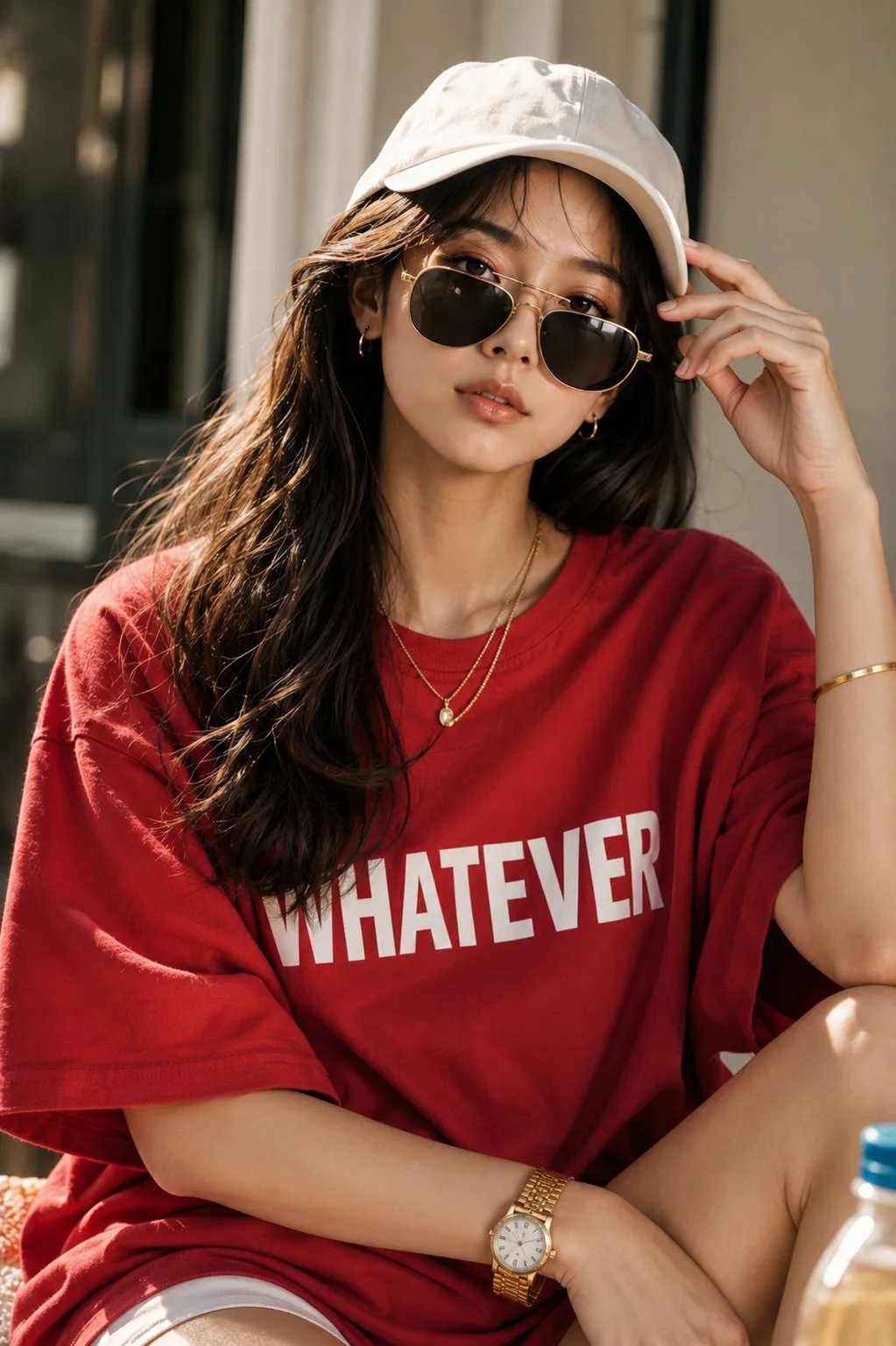
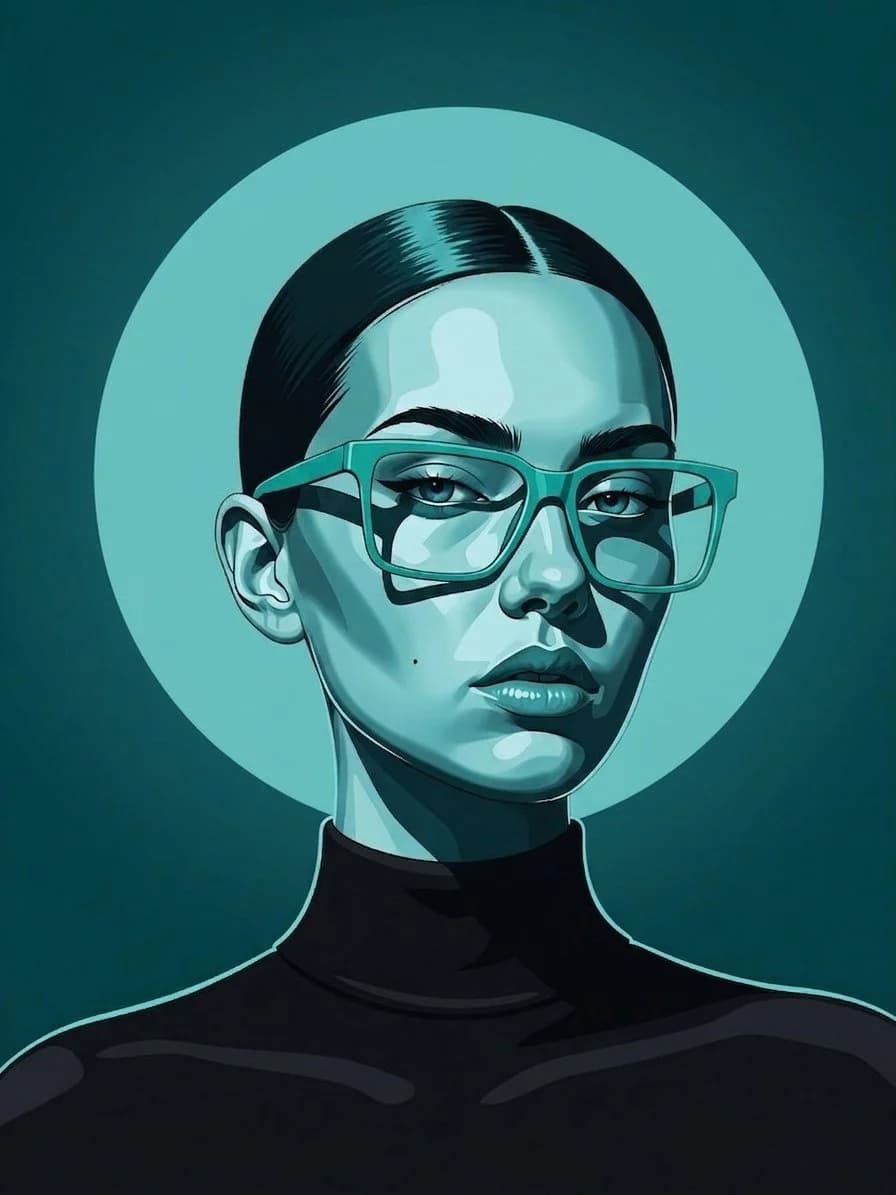
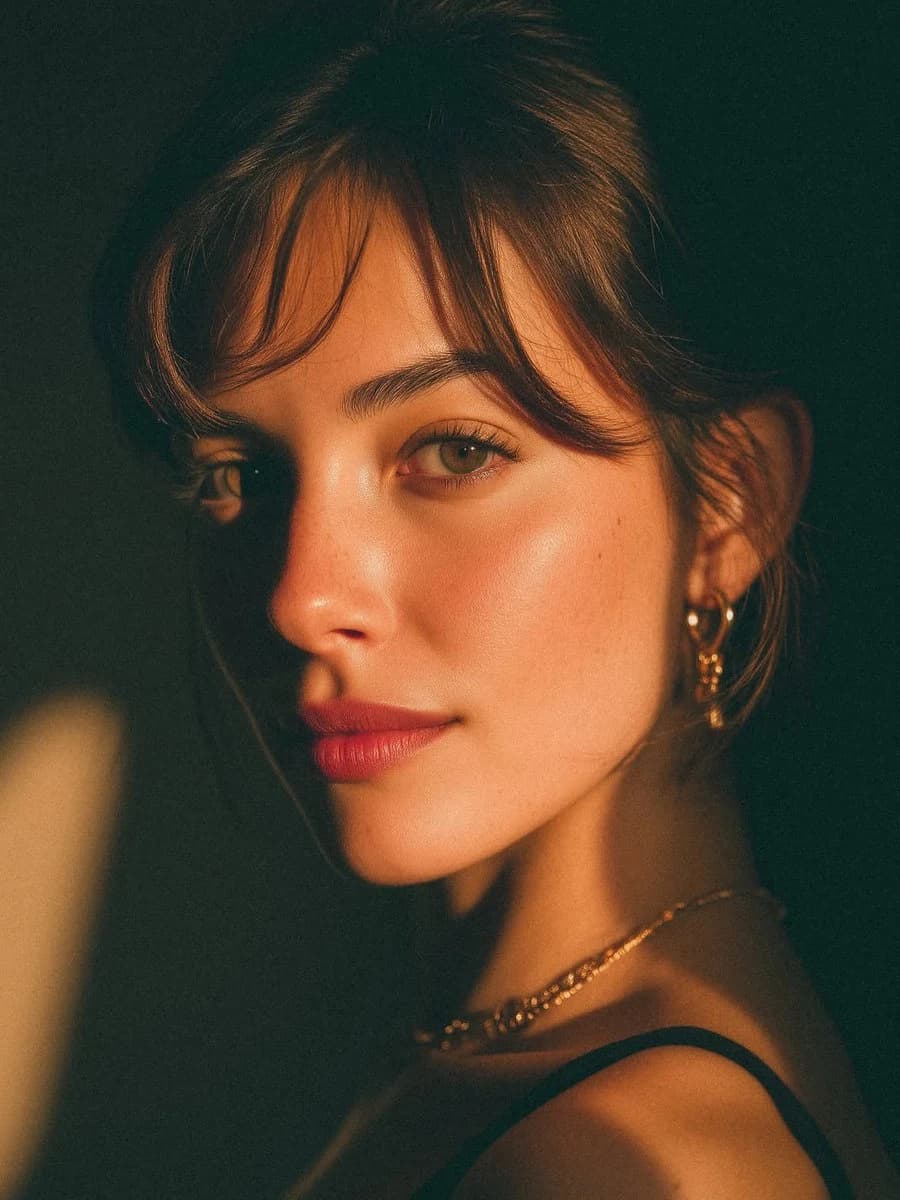
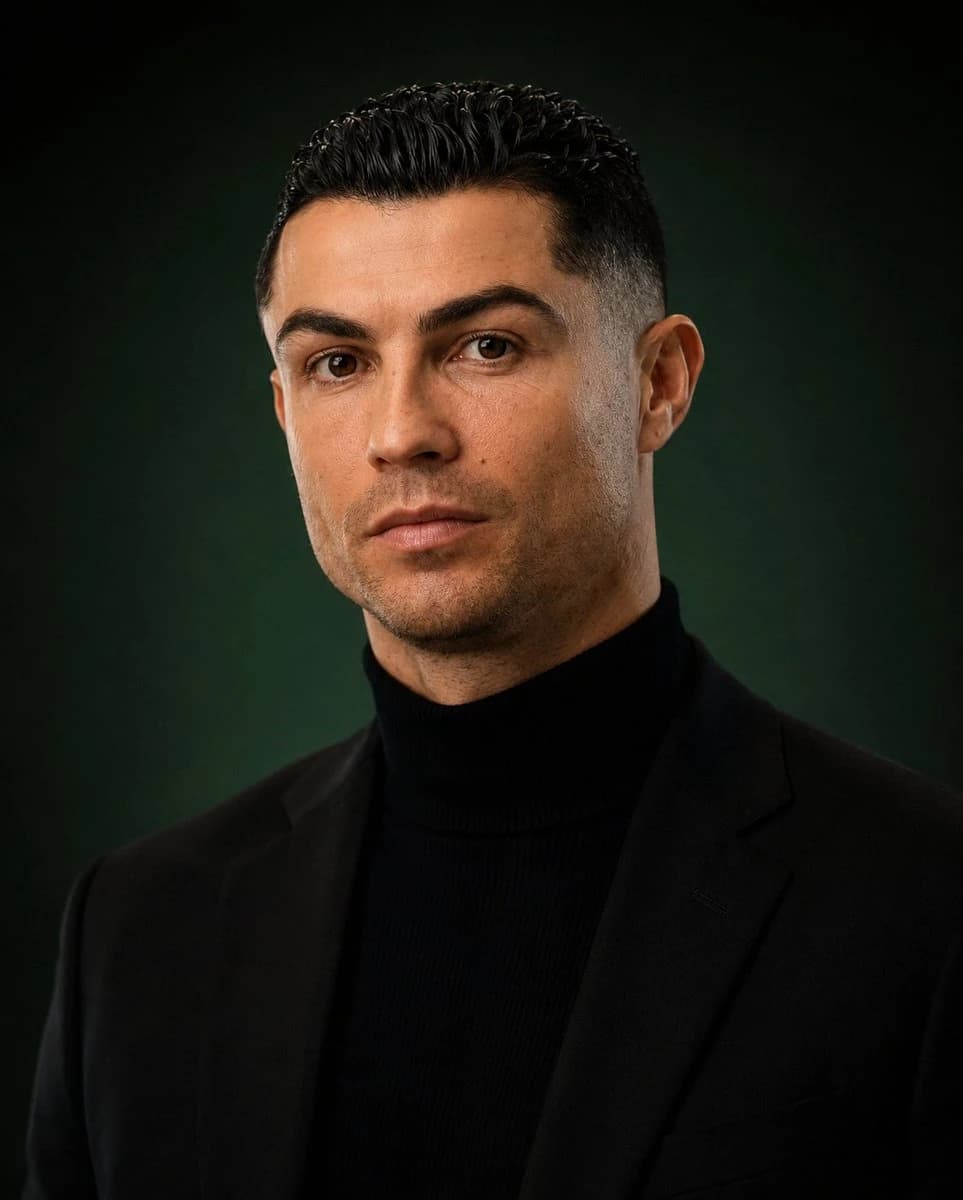
Portrait street photo cinématographique est un prompt portrait prêt à l’emploi pour GPT Image 2 sur Image 2. Copiez les 327 mots ci-dessous, collez-les dans le formulaire Create et vous obtiendrez un résultat proche de l’aperçu. Ajustez les tags Publicité produit, Portrait, Mode si vous voulez l’orienter autrement.
Servez-vous-en comme base, puis adaptez le sujet, la lumière ou la composition au résultat recherché. Le coût en crédits reste le même, que vous l’utilisiez tel quel ou que vous le personnalisiez.
Cas d’usage
Un bon point de départ pour Portrait
Partez de ce prompt si vous voulez une image portrait dans l’esprit de Portrait street photo cinématographique. Le style et la structure sont déjà posés ; remplacez simplement le sujet, le produit, les couleurs ou les détails de scène selon votre projet.
À ajuster en priorité
- Sujet Remplacez la personne, le produit, le lieu ou l’objet principal sans casser la composition.
- Style Ajustez la lumière, la palette, l’angle de caméra ou les matières pour l’adapter à votre marque.
- Format Précisez le ratio, le fond, le texte ou les consignes de mise en page avant de générer.
D’autres pistes de prompts
Trouvez d’autres prompts GPT Image 2 avec un style, un usage ou un sujet proche.
Comment l’utiliser
- Étape 1
Copier le prompt
Cliquez sur le bouton Copier ci-dessus pour récupérer le texte complet.
- Étape 2
Ouvrir Image 2 Create
Accédez au formulaire Create et collez-le.
- Étape 3
Générer
Cliquez sur Generate. Votre version arrive en quelques secondes.
Adaptez-le
Chargez le prompt dans le formulaire Create en un clic, puis commencez les ajustements.